Free Shipping on Equipment & Parts orders of $200 or more! * Click for Restrictions

Have a question? 800-440-6723 International: 803-252-0100

English Se habla español
Parts › PartFinder › Tennant 5680 (S/N 000000-029999) › Operator manual
Form 330450, Rev. 08 (09-2006)
Tennant · Walk-behind floor scrubber

Tennant 5680 (S/N 000000-029999) Operator Manual

330450 Rev. 08 (09-2006)76 pages5680 (Electric) 000000-029999, North America / International

FaST is discontinued. FaST cartridges and FaST parts are no longer available from Tennant.

Before first use: charge the batteries overnight before you run the machine the first time.
Free to read, no account neededEvery page has its own linkPart numbers link to the part
COVER

5680 (Electric) (000000-029999) Walk-Behind Scrubber Operator Manual

North America / International‌‌​⁠‍⁠⁠‍​​⁠​⁠⁠​‌‌​‌⁠​​​​​​​‌​​​‌​⁠​​‌​​‌​​​‌‌​‍‍​​⁠‍⁠‍⁠‌‍‌⁠‌

330450
Rev. 08 (09-2006)

Line drawing of the Tennant 5680 electric walk-behind scrubber seen from the rear left, showing the tank body with lid, the handle at the back, the vacuum hose, the wheels and the round scrub head at the front, on a gray background
Source: Tennant 5680 (S/N 000000-029999) Operator Manual 330450 Rev. 08 (09-2006), page 1, used with permission. SES ref PF-YDMZ-UTZO‌‌​⁠‍⁠⁠‍​​⁠​⁠⁠​‌‌​‌⁠​​​​​​​‌​​​‌​⁠​​‌​​‌​​​‌‌​‍‍​​⁠‍⁠‍⁠‌‍‌⁠‌
5680 (S/N 000000-029999) 330450 (Rev. 08 (09-2006))Page 1 of 76
INTRODUCTION

This manual is furnished with each new model. It provides necessary operation and maintenance instructions.‌‌​⁠‍⁠⁠‍​​⁠​⁠⁠​‌‌​‌⁠​​​​​​​‍​​​‌​⁠​​‍​​‌​⁠‍⁠​​​⁠‌⁠​‌​​⁠⁠​‌​‍

Read this manual completely and understand the machine before operating or servicing it.

This machine will provide excellent service. However, the best results will be obtained at minimum costs if:

  • The machine is operated with reasonable care.
  • The machine is maintained regularly - per the machine maintenance instructions provided.
  • The machine is maintained with manufacturer supplied or equivalent parts.
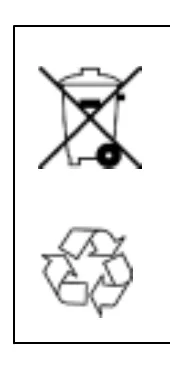
Two environmental symbols: a crossed-out wheeled waste bin, and a recycling symbol made of three chasing arrows
PROTECT THE ENVIRONMENT Please dispose of packaging materials, old machine components such as batteries, hazardous fluids such as antifreeze and oil, in an environmentally safe way according to local waste disposal regulations.
Always remember to recycle.

MACHINE DATA

Please fill out at time of installation for future reference.

  • Model No. -
  • Serial No. -
  • Machine Options -
  • Sales Rep. -
  • Sales Rep. phone no. -
  • Customer Number -
  • Installation Date -

Tennant Company
PO Box 1452
Minneapolis, MN 55440
Phone: (800) 553-8033 or (763) 513-2850
www.tennantco.com

FaST-PAK is a US registered and unregistered trademark of Tennant Company.

Specifications and parts are subject to change without notice.

Copyright © 2000, 2002, 2004, 2005, 2006 TENNANT Company, Printed in U.S.A.

Source: Tennant 5680 (S/N 000000-029999) Operator Manual 330450 Rev. 08 (09-2006), page 2, used with permission. SES ref PF-BB4X-GD5V‌‌​⁠‍⁠⁠‍​​⁠​⁠⁠​‌‌​‌⁠​​​​​​​‍​​​‌​⁠​​‍​​‌​⁠‍⁠​​​⁠‌⁠​‌​​⁠⁠​‌​‍
5680 (S/N 000000-029999) 330450 (Rev. 08 (09-2006))Page 2 of 76
CONTENTS

CONTENTS

In short This page lists the manual's main parts with their page numbers: Safety Precautions, Operation, Maintenance, Specifications and the Index. Use it to find the page for a topic such as scrubbing, batteries, squeegee or brush service.‌‌​⁠‍⁠⁠‍​​⁠​⁠⁠​‌‌​‌⁠​​​​​​​⁠​​​‌​⁠​​‍⁠⁠​⁠​‌‍‌‌‌⁠‌⁠‌⁠‌‌‍⁠​‍⁠‍
TopicPage
SAFETY PRECAUTIONS2
OPERATION4
OPERATOR RESPONSIBILITY4
MACHINE COMPONENTS5
CONTROL PANEL SYMBOLS6
CONTROLS AND INSTRUMENTS7
STEERING HANDLES8
ON-OFF KEY SWITCH9
SCRUB SWITCH10
SCRUB HEAD STRAP (DISC HEAD)10
SQUEEGEE LEVER10
HOURMETER11
BATTERY DISCHARGE INDICATOR11
FaST SWITCH (OPTION)11
SOLUTION FLOW LEVER12
CIRCUIT BREAKERS12
SOLUTION TANK HOSE13
RECOVERY TANK DRAIN HOSE13
SUPPORT ARM13
STOP ARM14
SQUEEGEE DOWN PRESSURE CAMS14
HOW THE MACHINE WORKS15
FaST SCRUBBING SYSTEM (OPTION)16
PRE-OPERATION CHECKLIST17
INSTALLING FaST PAK AGENT (OPTION)18
STARTING THE MACHINE20
FILLING THE TANKS20
NORMAL SCRUBBING22
DOUBLE SCRUBBING26
STOP SCRUBBING27
DRAINING AND CLEANING THE TANKS28
OPERATION ON INCLINES32
STOP THE MACHINE32
POST-OPERATION CHECKLIST33
MACHINE TROUBLESHOOTING34
MAINTENANCE36
MAINTENANCE CHART36
LUBRICATION38
REAR CASTERS38
TRANSAXLE38
BATTERIES38
CHARGING THE BATTERIES40
ELECTRIC MOTORS41
SCRUB HEAD42
DISK BRUSH SCRUB HEAD SKIRT42
CYLINDRICAL BRUSH SCRUB HEAD SKIRTS42
ADJUSTING THE SCRUB HEAD SKIRTS42
REPLACING THE SCRUB HEAD SKIRTS42
REMOVING OR REPLACING THE SCRUB HEAD43
LEVELING THE SCRUB HEAD46
SCRUB BRUSHES AND PADS47
DISK BRUSHES47
REPLACING THE DISK BRUSHES OR PADS47
TopicPage
CYLINDRICAL BRUSHES51
REPLACING THE CYLINDRICAL BRUSHES51
CHECKING AND ADJUSTING CYLINDRICAL BRUSH PATTERN52
SOLUTION SYSTEM54
RECOVERY TANK54
SOLUTION TANK55
FaST SYSTEM (OPTION)56
FaST SYSTEM FILTER SCREEN56
FaST SUPPLY HOSE CONNECTOR56
FaST SYSTEM AIR PUMP FILTER56
SQUEEGEE57
REMOVING THE SQUEEGEE ASSEMBLY57
INSTALLING THE SQUEEGEE ASSEMBLY58
LEVELING THE SQUEEGEE58
ADJUSTING SQUEEGEE BLADE DEFLECTION59
SQUEEGEE BLADES60
REPLACING OR ROTATING THE REAR SQUEEGEE BLADE60
REPLACING OR ROTATING THE FRONT SQUEEGEE BLADE61
BELTS AND CHAINS63
BRUSH DRIVE BELT63
STATIC DRAG CHAIN63
TIRES63
PUSHING AND TRANSPORTING THE MACHINE64
PUSHING THE MACHINE64
TRANSPORTING THE MACHINE64
MACHINE JACKING67
STORAGE INFORMATION67
FREEZE PROTECTION67
SPECIFICATIONS68
GENERAL MACHINE DIMENSIONS/CAPACITIES68
FaST SYSTEM (OPTION)69
GENERAL MACHINE PERFORMANCE69
POWER TYPE70
TIRES70
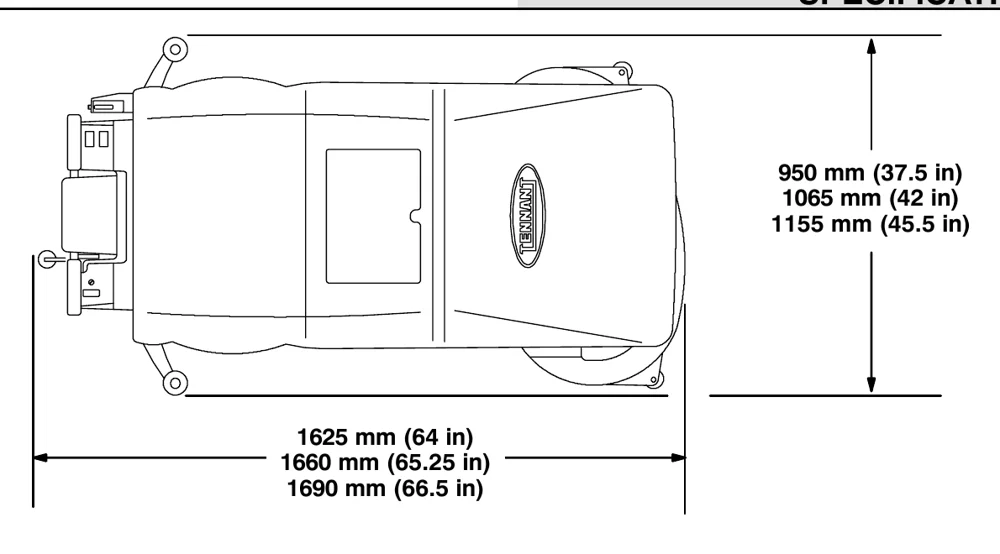
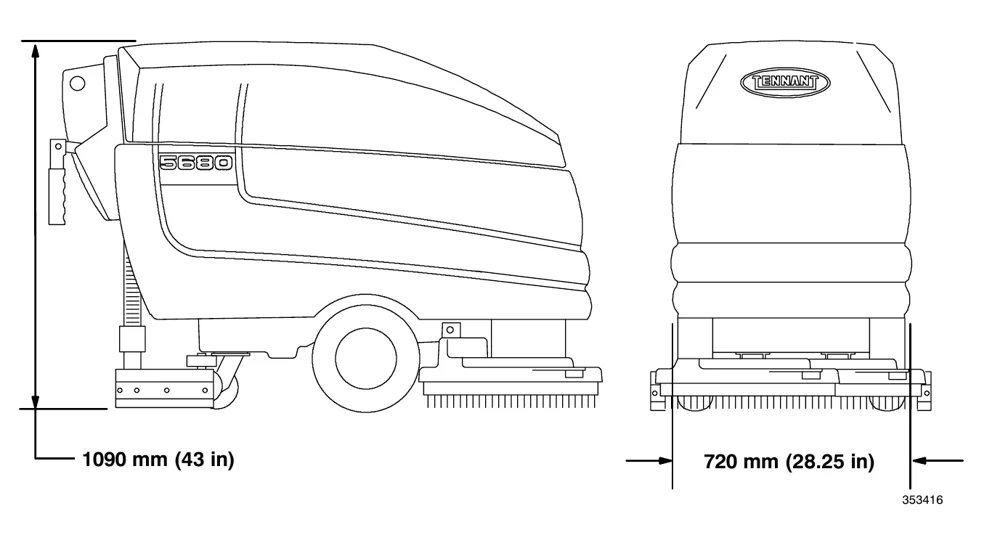
MACHINE DIMENSIONS71
INDEX72
Source: Tennant 5680 (S/N 000000-029999) Operator Manual 330450 Rev. 08 (09-2006), page 3, used with permission. SES ref PF-LTNA-CNYK‌‌​⁠‍⁠⁠‍​​⁠​⁠⁠​‌‌​‌⁠​​​​​​​⁠​​​‌​⁠​​‍⁠⁠​⁠​‌‍‌‌‌⁠‌⁠‌⁠‌‌‍⁠​‍⁠‍
5680 (S/N 000000-029999) 330450 (Rev. 08 (09-2006))Page 3 of 76
SAFETY PRECAUTIONS

SAFETY PRECAUTIONS

In short This section explains the WARNING and FOR SAFETY symbols used in the manual and lists the safety rules for operating, servicing and transporting the machine. Operators must be trained, must read the manual, and must not use the machine if it is not in proper operating condition.‌‌​⁠‍⁠⁠‍​​⁠​⁠⁠​‌‌​‌⁠​​​​​​‌​​​​‌​⁠​​​​​​‌‌‌‌‍​‌‌​⁠‍​​‌‌⁠‍‌⁠⁠

The following symbols are used throughout this manual as indicated in their description:‌‌​⁠‍⁠⁠‍​​⁠​⁠⁠​‌‌​‌⁠​​​​​​‌​​​​‌​⁠​​​​​​‌‌‌‌‍​‌‌​⁠‍​​‌‌⁠‍‌⁠⁠

WARNING: To warn of hazards or unsafe practices that could result in severe personal injury or death.
FOR SAFETY: To identify actions that must be followed for safe operation of equipment.

This machine is designed solely for scrubbing dirt and dust in an indoor environment. Tennant does not recommend using this machine in any other environment.

The following information signals potentially dangerous conditions to the operator or equipment. Read this manual carefully. Know when these conditions can exist. Locate all safety devices on the machine. Then, take necessary steps to train machine operating personnel. Report machine damage or faulty operation immediately. Do not use the machine if it is not in proper operating condition.

WARNING: Batteries emit hydrogen gas. Explosion or fire can result. Keep sparks and open flame away. Keep covers open when charging.
WARNING: Flammable materials can cause an explosion or fire. Do not use flammable materials in tank(s).
WARNING: Flammable materials or reactive metals can cause an explosion or fire. Do not pickup.
FOR SAFETY:
  1. Do not operate machine:
    • Unless trained and authorized.
    • Unless operation manual is read and understood.
    • In flammable or explosive areas unless designed for use in those areas.
  2. Before starting machine:
    • Make sure all safety devices are in place and operate properly.
    • Check brakes and steering for proper operation (if so equipped).
  3. When using machine:
    • Go slow on inclines and slippery surfaces.
    • Use care when backing machine.
    • Follow mixing and handling instructions on chemical containers.
  4. Before leaving or servicing machine:
    • Stop on level surface.
    • Turn off machine and remove key.
  5. When servicing machine:
    • Avoid moving parts. Do not wear loose jackets, shirts, or sleeves when working on machine.
    • Block machine tires before jacking machine up.
    • Jack machine up at designated locations only. Block machine up with jack stands.
    • Use hoist or jack that will support the weight of the machine.
    • Wear eye and ear protection when using pressurized air or water.
    • Disconnect battery connections before working on machine.
    • Avoid contact with battery acid.
    • Use Tennant supplied or equivalent replacement parts.
  6. When loading/unloading machine onto/off truck or trailer:
    • Turn off machine.
    • Use truck or trailer that will support the weight of the machine.
    • Use winch. Do not push the machine onto/off the truck or trailer unless the load height is 380 mm (15 in) or less from the ground.
    • Block machine tires.
    • Tie machine down to truck or trailer.
Source: Tennant 5680 (S/N 000000-029999) Operator Manual 330450 Rev. 08 (09-2006), page 4, used with permission. SES ref PF-MXAJ-MNVD‌‌​⁠‍⁠⁠‍​​⁠​⁠⁠​‌‌​‌⁠​​​​​​‌​​​​‌​⁠​​​​​​‌‌‌‌‍​‌‌​⁠‍​​‌‌⁠‍‌⁠⁠
5680 (S/N 000000-029999) 330450 (Rev. 08 (09-2006))Page 4 of 76
SAFETY PRECAUTIONS

SAFETY PRECAUTIONS

In short This page shows where the safety labels are placed on the machine. If any label is damaged or illegible, a new label must be installed in its place.‌‌​⁠‍⁠⁠‍​​⁠​⁠⁠​‌‌​‌⁠​​​​​​‌‌​​​‌​⁠​​‌⁠‌​‌‍‍‍⁠‍‍‍​​⁠‌⁠‌‌‌⁠⁠‍​

The safety labels appear on the machine in the locations indicated. If these or any label becomes damaged or illegible, install a new label in its place.‌‌​⁠‍⁠⁠‍​​⁠​⁠⁠​‌‌​‌⁠​​​​​​‌‌​​​‌​⁠​​‌⁠‌​‌‍‍‍⁠‍‍‍​​⁠‌⁠‌‌‌⁠⁠‍​

FLAMMABLE MATERIALS LABEL - LOCATED ON THE UNDERSIDE OF THE SOLUTION TANK COVER.

FOR SAFETY LABEL - LOCATED ON THE OPERATOR CONSOLE.
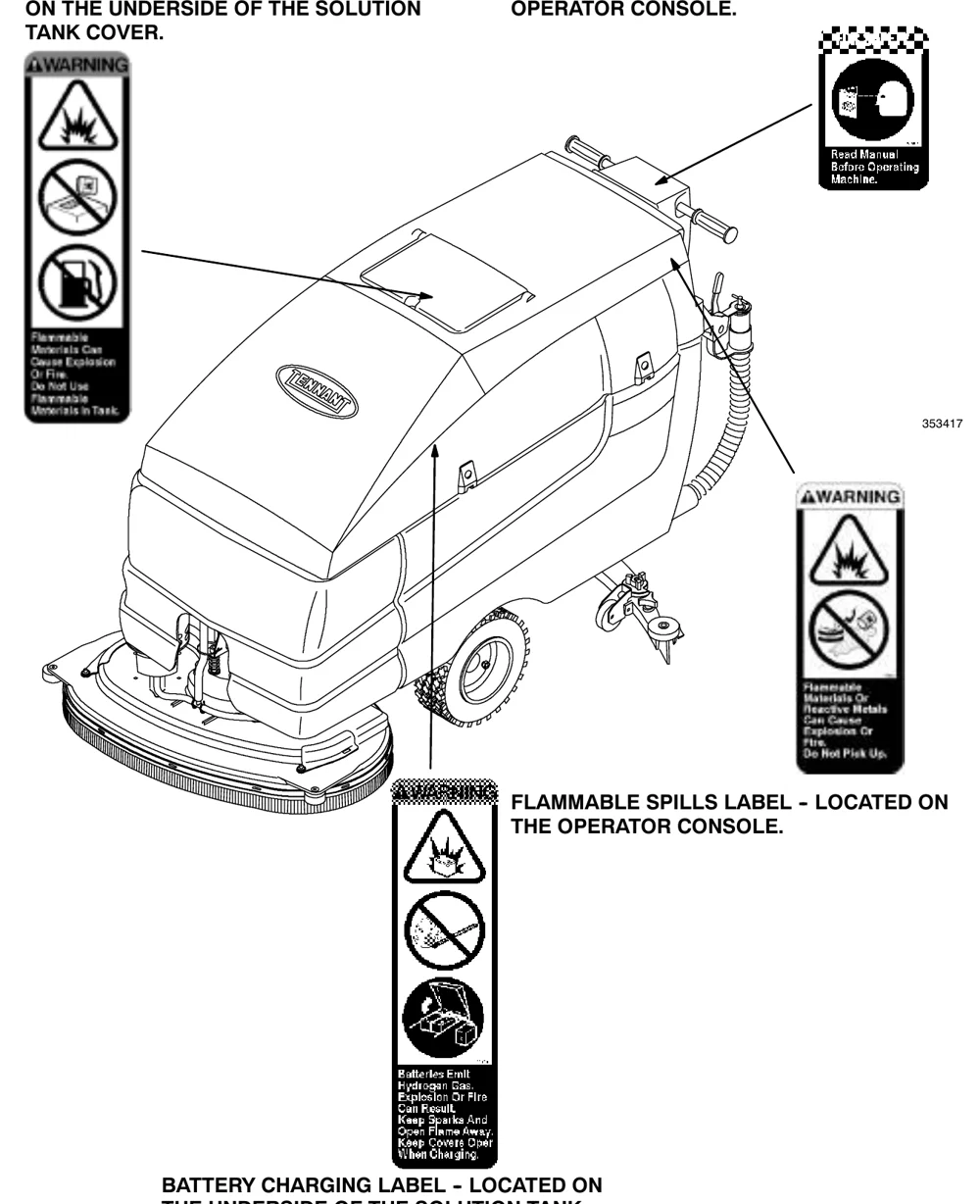
Scrubber machine drawing with arrows pointing to the safety label locations: the flammable materials WARNING label on the underside of the solution tank cover, the Read Manual Before Operating Machine label on the operator console, the flammable spills WARNING label on the operator console, and the battery charging WARNING label on the underside of the solution tank
353417

FLAMMABLE SPILLS LABEL - LOCATED ON THE OPERATOR CONSOLE.

BATTERY CHARGING LABEL - LOCATED ON THE UNDERSIDE OF THE SOLUTION TANK.

Source: Tennant 5680 (S/N 000000-029999) Operator Manual 330450 Rev. 08 (09-2006), page 5, used with permission. SES ref PF-GPRL-NPVJ‌‌​⁠‍⁠⁠‍​​⁠​⁠⁠​‌‌​‌⁠​​​​​​‌‌​​​‌​⁠​​‌⁠‌​‌‍‍‍⁠‍‍‍​​⁠‌⁠‌‌‌⁠⁠‍​
5680 (S/N 000000-029999) 330450 (Rev. 08 (09-2006))Page 5 of 76
OPERATION

OPERATION

OPERATOR RESPONSIBILITY

In short This section lists what the operator is responsible for: daily maintenance and checkups, reading the manual before use, checking the machine for shipping damage, and following the maintenance schedule. Parts and supplies are ordered from an authorized Tennant representative.‌‌​⁠‍⁠⁠‍​​⁠​⁠⁠​‌‌​‌⁠​​​​​​‌‍​​​‌​⁠​​​⁠⁠‍​⁠​​‍‍‍‌‌​⁠‍‍⁠​​‍​‍⁠
  • The operator’s responsibility is to take care of the daily maintenance and checkups of the machine to keep it in good working condition. The operator must inform the service mechanic or supervisor when the maintenance intervals are required as stated in the MAINTENANCE section of this manual.
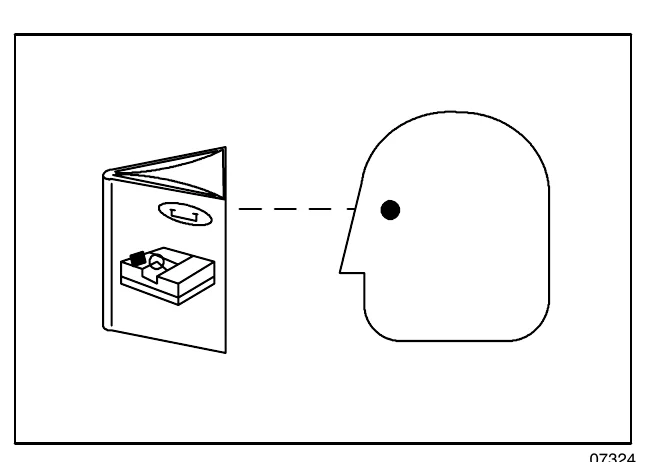
  • Read this manual carefully before operating this machine.
FOR SAFETY: Do not operate machine, unless operation manual is read and understood.
  • Check the machine for shipping damage. Check to make sure the machine is complete per shipping instructions.
  • Keep your machine regularly maintained by following the maintenance information in this manual. We recommend taking advantage of a regularly scheduled service contract from your Tennant representative.
  • Order parts and supplies directly from your authorized Tennant representative. Use the parts manual provided when ordering parts.
  • After operation, follow the recommended daily and hourly procedures stated in the MAINTENANCE CHART.
Drawing of an open operator manual on the left and the side profile of a person's head on the right, with a dashed line from the manual to the eye, showing that the manual must be read
07324
Source: Tennant 5680 (S/N 000000-029999) Operator Manual 330450 Rev. 08 (09-2006), page 6, used with permission. SES ref PF-PHVQ-45ST‌‌​⁠‍⁠⁠‍​​⁠​⁠⁠​‌‌​‌⁠​​​​​​‌‍​​​‌​⁠​​​⁠⁠‍​⁠​​‍‍‍‌‌​⁠‍‍⁠​​‍​‍⁠
5680 (S/N 000000-029999) 330450 (Rev. 08 (09-2006))Page 6 of 76
OPERATION

MACHINE COMPONENTS

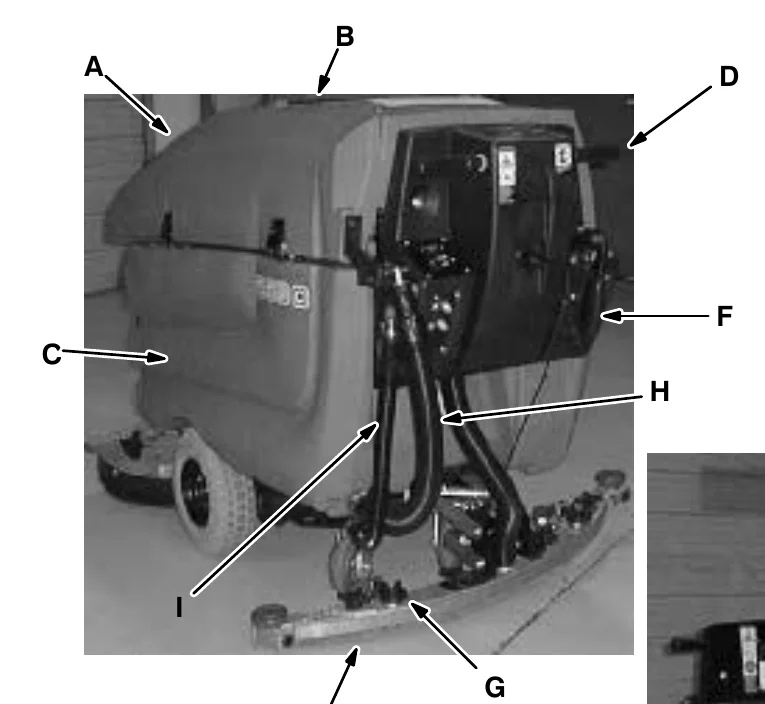
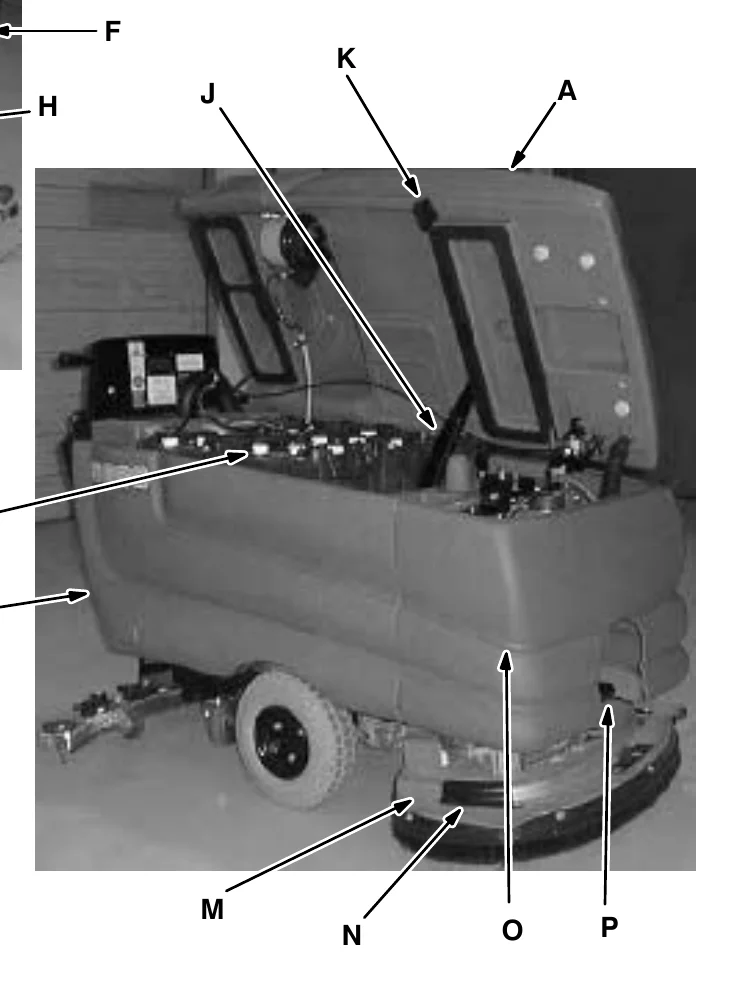
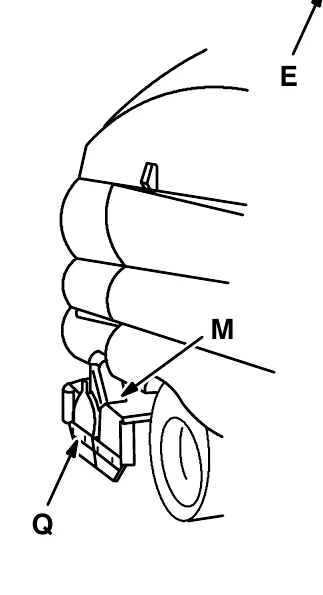
In short This page labels the main parts of the machine on two photos and a drawing, with each letter keyed to a component name in the list below.‌‌​⁠‍⁠⁠‍​​⁠​⁠⁠​‌‌​‌⁠​​​​​​‌⁠​​​‌​⁠​​⁠‌⁠⁠⁠‍⁠‍⁠​​‌​‍⁠​‌​‍​‍‌‌‍
Rear view of the scrubber with callouts A solution tank, B fill opening, C recovery tank, D steering handles, F squeegee lever, H recovery tank drain hose, I solution tank hose, E squeegee and G squeegee down pressure cams
Side view of the scrubber with the solution tank lid raised, showing callouts A, K stop arm, J support arm, L batteries, C recovery tank, M scrub head, N scrub brush access cover, O FaST solution system and P heavy duty scrub head strap
Line drawing of the scrub head side with callouts M scrub head and Q scrub brush idler door
KeyComponent
ASolution tank
BSolution tank fill opening
CRecovery tank
DSteering handles
ESqueegee
FSqueegee lever
GSqueegee down pressure cams
HRecovery tank drain hose
ISolution tank hose
JSupport arm
KStop arm
LBatteries
MScrub head
NScrub brush access cover
OFaST solution system (option)
PHeavy duty scrub head strap (Disc Head)
QScrub brush idler door
Source: Tennant 5680 (S/N 000000-029999) Operator Manual 330450 Rev. 08 (09-2006), page 7, used with permission. SES ref PF-FDO3-APX4‌‌​⁠‍⁠⁠‍​​⁠​⁠⁠​‌‌​‌⁠​​​​​​‌⁠​​​‌​⁠​​⁠‌⁠⁠⁠‍⁠‍⁠​​‌​‍⁠​‌​‍​‍‌‌‍
5680 (S/N 000000-029999) 330450 (Rev. 08 (09-2006))Page 7 of 76
OPERATION

OPERATION

CONTROL PANEL SYMBOLS

In short This section shows the symbols used on the machine's control panel. Each symbol is paired with the control or display it identifies, including the six circuit breakers.‌‌​⁠‍⁠⁠‍​​⁠​⁠⁠​‌‌​‌⁠​​​​​​‍​​​​‌​⁠​​‍‌⁠​⁠⁠‍​⁠​​​‍‍‌‍‍‍‍​⁠‍⁠⁠

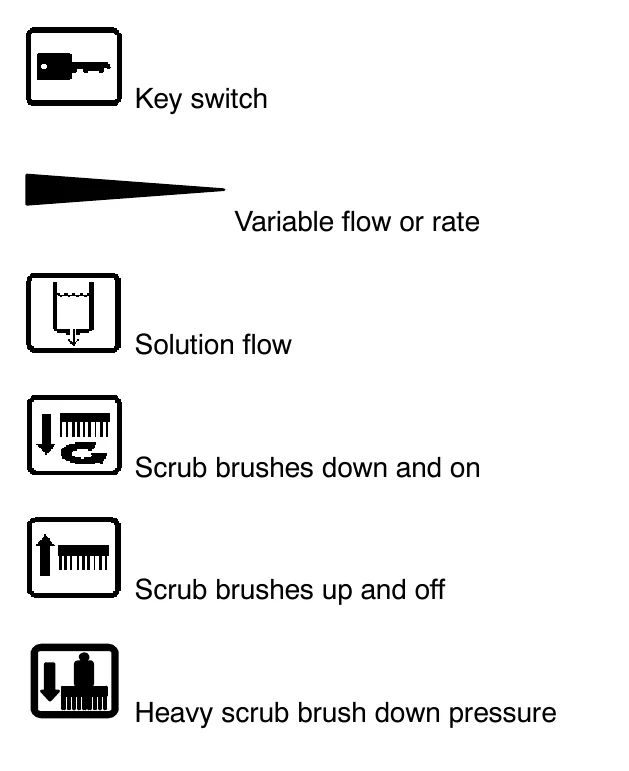
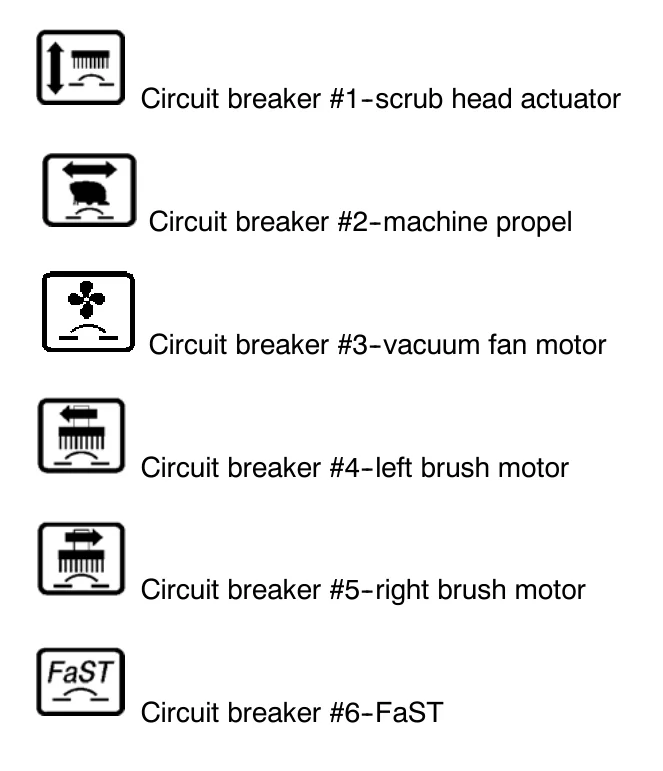
These symbols identify controls and displays on the machine:‌‌​⁠‍⁠⁠‍​​⁠​⁠⁠​‌‌​‌⁠​​​​​​‍​​​​‌​⁠​​‍‌⁠​⁠⁠‍​⁠​​​‍‍‌‍‍‍‍​⁠‍⁠⁠

Left column of six control panel symbols with labels: key switch, variable flow or rate (tapered wedge), solution flow (tank with drip), scrub brushes down and on, scrub brushes up and off, heavy scrub brush down pressure
Right column of six circuit breaker symbols with labels: Circuit breaker #1-scrub head actuator, #2-machine propel, #3-vacuum fan motor, #4-left brush motor, #5-right brush motor, #6-FaST
Source: Tennant 5680 (S/N 000000-029999) Operator Manual 330450 Rev. 08 (09-2006), page 8, used with permission. SES ref PF-QIMO-ZKTT‌‌​⁠‍⁠⁠‍​​⁠​⁠⁠​‌‌​‌⁠​​​​​​‍​​​​‌​⁠​​‍‌⁠​⁠⁠‍​⁠​​​‍‍‌‍‍‍‍​⁠‍⁠⁠
5680 (S/N 000000-029999) 330450 (Rev. 08 (09-2006))Page 8 of 76
OPERATION

CONTROLS AND INSTRUMENTS

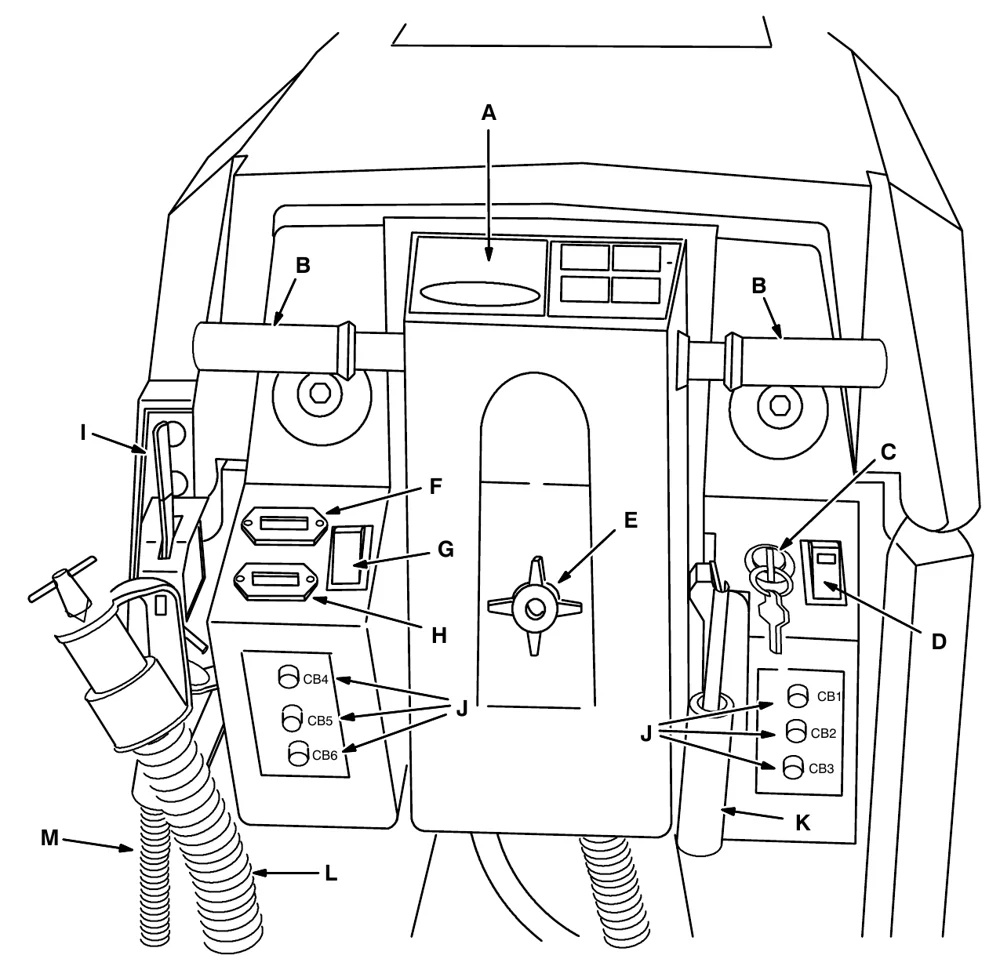
In short This page shows the machine's controls and instruments from the operator's position, with each control identified by a letter. Use the key to find the steering handles, switches, solution flow and squeegee levers, circuit breakers and drain hoses.‌‌​⁠‍⁠⁠‍​​⁠​⁠⁠​‌‌​‌⁠​​​​​​‍‌​​​‌​⁠​​‌‌⁠​​‍​‍⁠​⁠​⁠‌‌‌⁠‌‌‌‍‍‌‌
Operator's view of the machine controls with letter callouts: A operation label on the console top, B two steering handles, C on-off key switch, D scrub switch, E console height adjustment knob, F hourmeter, G FaST switch, H battery discharge indicator, I solution flow lever, J circuit breakers CB1 to CB6 on both sides, K squeegee lever, L recovery tank drain hose, M solution tank drain hose
  1. Operation label
  2. Steering handles
  3. On-off key switch
  4. Scrub switch
  5. Console height adjustment knob
  6. Hourmeter
  7. FaST switch (option)
  8. Battery discharge indicator
  9. Solution flow lever
  10. Circuit breakers
  11. Squeegee lever
  12. Recovery tank drain hose
  13. Solution tank drain hose
Source: Tennant 5680 (S/N 000000-029999) Operator Manual 330450 Rev. 08 (09-2006), page 9, used with permission. SES ref PF-ILNN-7IZ5‌‌​⁠‍⁠⁠‍​​⁠​⁠⁠​‌‌​‌⁠​​​​​​‍‌​​​‌​⁠​​‌‌⁠​​‍​‍⁠​⁠​⁠‌‌‌⁠‌‌‌‍‍‌‌
5680 (S/N 000000-029999) 330450 (Rev. 08 (09-2006))Page 9 of 76
OPERATION

OPERATION

STEERING HANDLES

In short The steering handles set both the speed and the direction of the machine. Rotate them forward or backward to move, and push the machine toward the turn to steer.‌‌​⁠‍⁠⁠‍​​⁠​⁠⁠​‌‌​‌⁠​​​​​​‍‍​​​‌​⁠​​​⁠⁠‌‌‌‌‌​⁠‌⁠‌⁠‍‍‌‍‌​‌‌‍​

The steering handles control the machine speed and direction.‌‌​⁠‍⁠⁠‍​​⁠​⁠⁠​‌‌​‌⁠​​​​​​‍‍​​​‌​⁠​​​⁠⁠‌‌‌‌‌​⁠‌⁠‌⁠‍‍‌‍‌​‌‌‍​

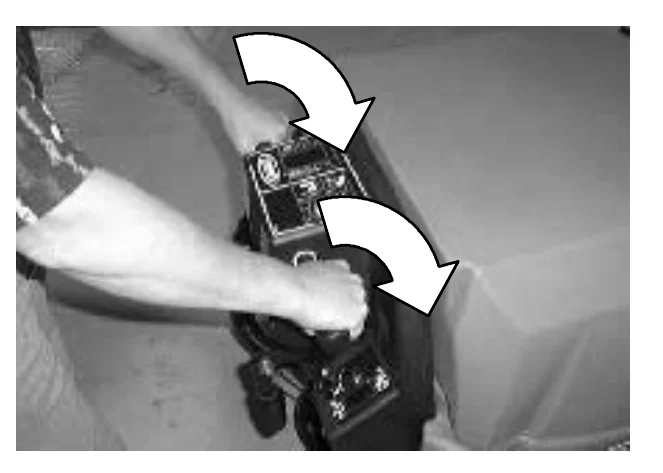
Forward: Rotate the steering handles forward. The further forward you rotate the steering handles, the faster the machine will go.
Operator's hands on the steering handles of the machine, with two curved arrows pointing forward and away from the operator to show rotating the handles forward

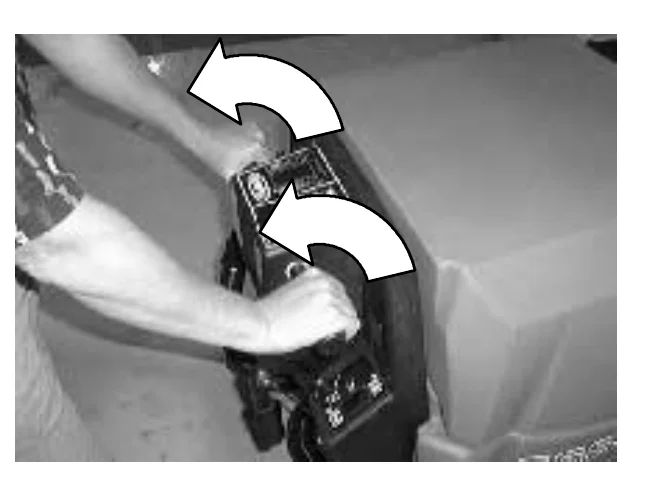
Backward: Rotate the steering handles backwards toward you.
Operator's hands on the steering handles, with two curved arrows pointing back toward the operator to show rotating the handles backward

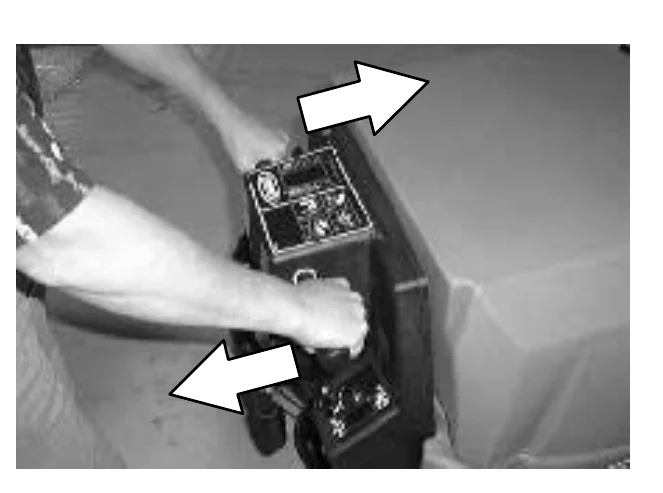
Turning: Push the machine in the direction of the turn with the steering handles. The machine will turn on the swivel casters.
Operator's hands on the steering handles, with two straight arrows pointing in opposite directions to show pushing the machine sideways to turn it on the swivel casters
Source: Tennant 5680 (S/N 000000-029999) Operator Manual 330450 Rev. 08 (09-2006), page 10, used with permission. SES ref PF-APEZ-KKPO‌‌​⁠‍⁠⁠‍​​⁠​⁠⁠​‌‌​‌⁠​​​​​​‍‍​​​‌​⁠​​​⁠⁠‌‌‌‌‌​⁠‌⁠‌⁠‍‍‌‍‌​‌‌‍​
5680 (S/N 000000-029999) 330450 (Rev. 08 (09-2006))Page 10 of 76
OPERATION

Stop: Release the steering handles.‌‌​⁠‍⁠⁠‍​​⁠​⁠⁠​‌‌​‌⁠​​​​​​‍⁠​​​‌​⁠​​⁠‍⁠‌⁠⁠‍‍​⁠‌​​‍‌‌‍‌⁠‍‍⁠⁠‍

Operator's hands resting on the steering handles at the steering console of the machine; releasing the handles stops the machine

The steering console height is adjustable.

Adjust: Turn the console adjustment knob counterclockwise to loosen the knob. Move the console up or down to the desired height. Then turn the knob clockwise to tighten the knob, and lock the console in position.
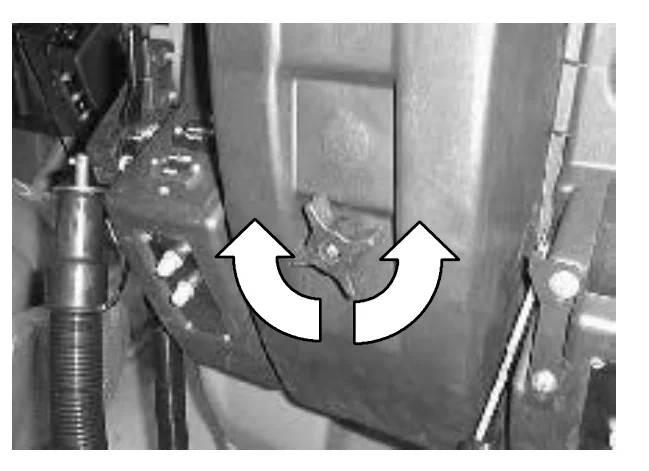
Steering console adjustment knob with two curved white arrows showing it being turned counterclockwise and clockwise

ON-OFF KEY SWITCH

In short The on-off key switch controls machine power with a key. Turn the key to the right to switch on and to the left to switch off.‌‌​⁠‍⁠⁠‍​​⁠​⁠⁠​‌‌​‌⁠​​​​​​‍⁠​​​‌​⁠​​⁠‍⁠‌⁠⁠‍‍​⁠‌​​‍‌‌‍‌⁠‍‍⁠⁠‍

The on-off key switch controls machine power with a key.

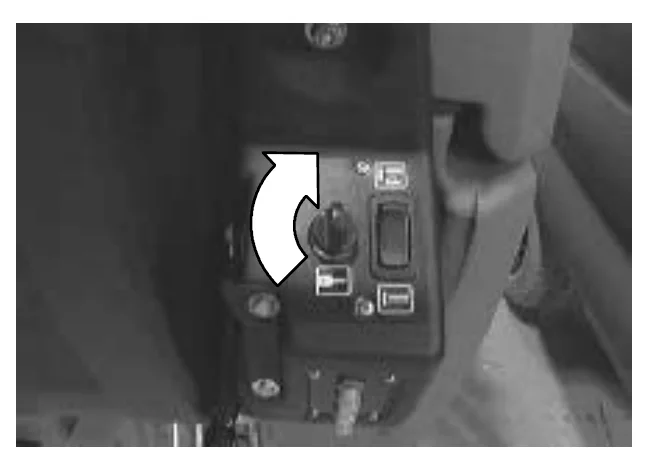
On: Turn the key to the right.

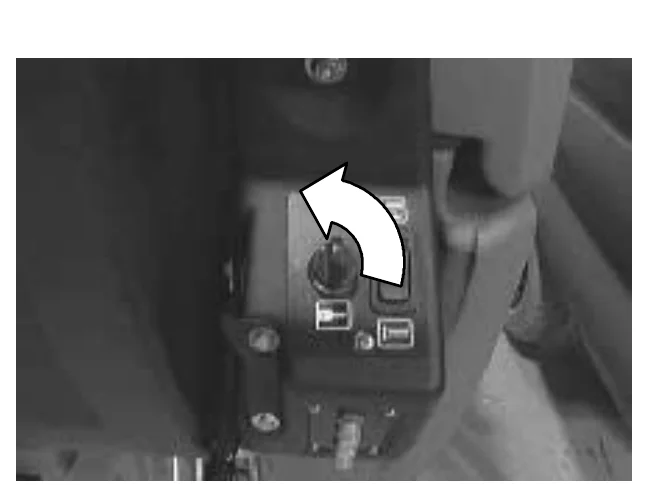
Off: Turn the key to the left.
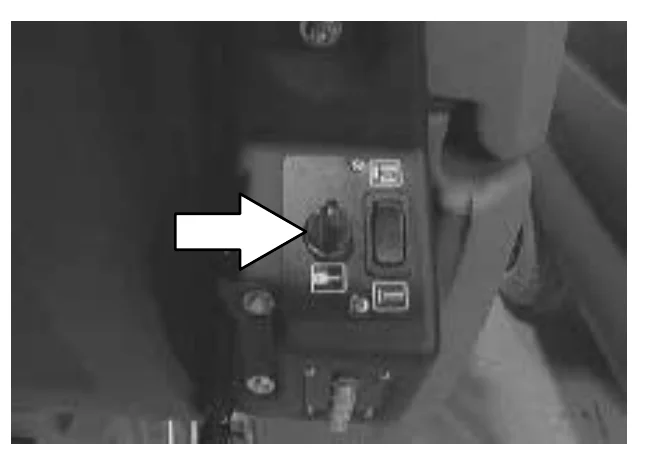
Steering console control panel with a white arrow pointing to the on-off key switch
Source: Tennant 5680 (S/N 000000-029999) Operator Manual 330450 Rev. 08 (09-2006), page 11, used with permission. SES ref PF-X2AP-2UAT‌‌​⁠‍⁠⁠‍​​⁠​⁠⁠​‌‌​‌⁠​​​​​​‍⁠​​​‌​⁠​​⁠‍⁠‌⁠⁠‍‍​⁠‌​​‍‌‌‍‌⁠‍‍⁠⁠‍
5680 (S/N 000000-029999) 330450 (Rev. 08 (09-2006))Page 11 of 76
OPERATION

OPERATION

SCRUB SWITCH

In short The scrub switch lowers and raises the brushes and starts or stops scrubbing. Press the top to start and the bottom to stop.‌‌​⁠‍⁠⁠‍​​⁠​⁠⁠​‌‌​‌⁠​​​​​​⁠​​​​‌​⁠​​​‍​⁠‌‌‌‍​​⁠​​⁠‍⁠⁠‍⁠​‌⁠⁠‌

The scrub switch controls the scrubbing operations.‌‌​⁠‍⁠⁠‍​​⁠​⁠⁠​‌‌​‌⁠​​​​​​⁠​​​​‌​⁠​​​‍​⁠‌‌‌‍​​⁠​​⁠‍⁠⁠‍⁠​‌⁠⁠‌

Lower brushes and start scrubbing: Press the top of the switch.

Raise brushes and stop scrubbing: Press the bottom of the switch.
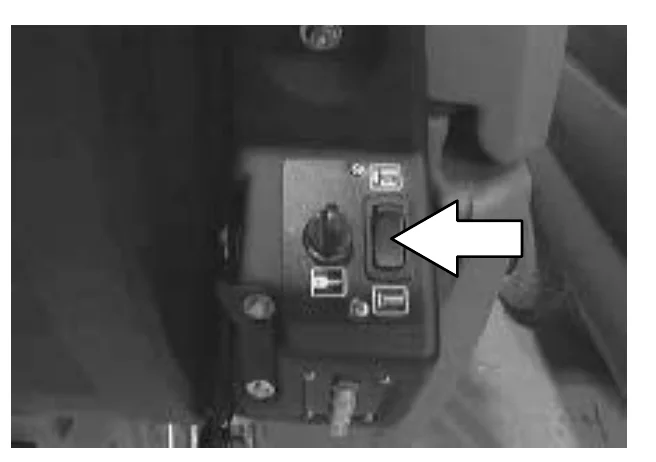
NOTE: The scrub brushes do not start until the steering handles are rotated forward or backward.
NOTE: The scrub switch also controls the FaST system (option) when the FaST system is enabled with the FaST switch.
Photo of the operator control panel with a large arrow pointing to the scrub switch, a rocker switch on the right side of the panel next to the key switch

SCRUB HEAD STRAP (DISC HEAD)

In short The scrub head strap puts the scrub head into heavy scrub mode for deep scrubbing or floor stripping. Pull it out with the head up, then lower the brushes; pressing the bottom of the scrub switch ends heavy scrub mode.

The scrub head strap increases the scrub head pressure and puts the scrub head into heavy scrub mode.

The heavy scrub mode is used when deep scrubbing or floor stripping is necessary.

Start heavy scrub mode: With the scrub head in the up position, pull out on the scrub head strap until the scrub head drops into place. Lower the brushes and start scrubbing.

Stop heavy scrub mode: Press the bottom of the scrub switch. The scrub head will reset when it raises and stops scrubbing. When it is started again, the scrub head will operate at daily scrubbing pressure.
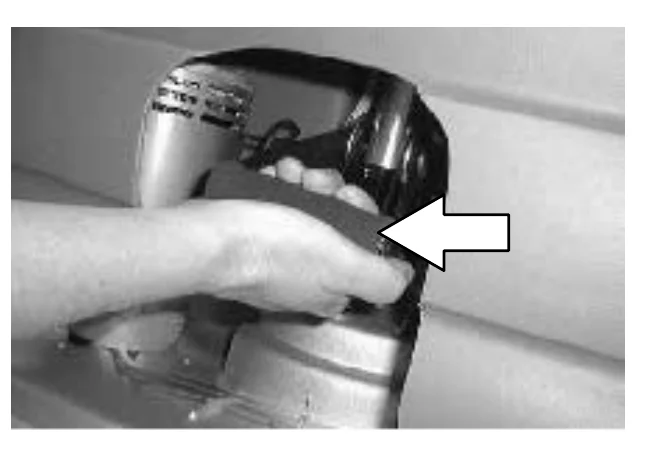
Photo of a hand pulling out the scrub head strap, with a large arrow pointing to the strap

SQUEEGEE LEVER

In short The squeegee lever raises and lowers the squeegee and turns the vacuum system on and off. Raise the squeegee before reversing the machine.

The squeegee lever controls the squeegee and the vacuum system.

Lower squeegee and start vacuum: Move the squeegee lever up and to the left to unlock it, and then release the lever.

Raise squeegee and stop vacuum: Pull the lever up and move it to the right to lock the lever in the up position.
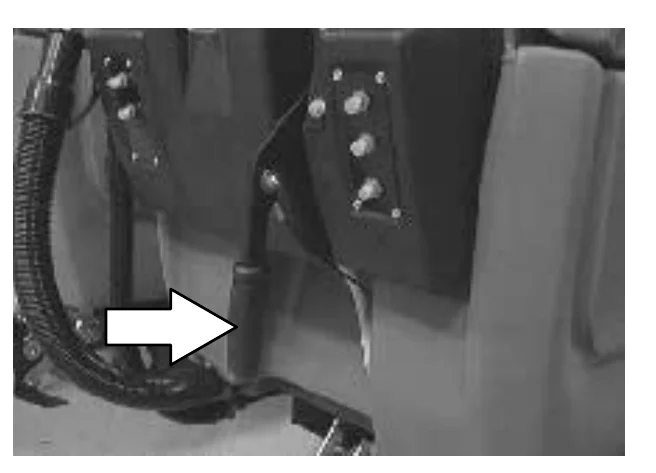
NOTE: Raise the squeegee before reversing the machine.
Photo of the squeegee lever near the squeegee hose, with a large arrow pointing to the lever
Source: Tennant 5680 (S/N 000000-029999) Operator Manual 330450 Rev. 08 (09-2006), page 12, used with permission. SES ref PF-UMVQ-ZXJM‌‌​⁠‍⁠⁠‍​​⁠​⁠⁠​‌‌​‌⁠​​​​​​⁠​​​​‌​⁠​​​‍​⁠‌‌‌‍​​⁠​​⁠‍⁠⁠‍⁠​‌⁠⁠‌
5680 (S/N 000000-029999) 330450 (Rev. 08 (09-2006))Page 12 of 76
OPERATION

HOURMETER

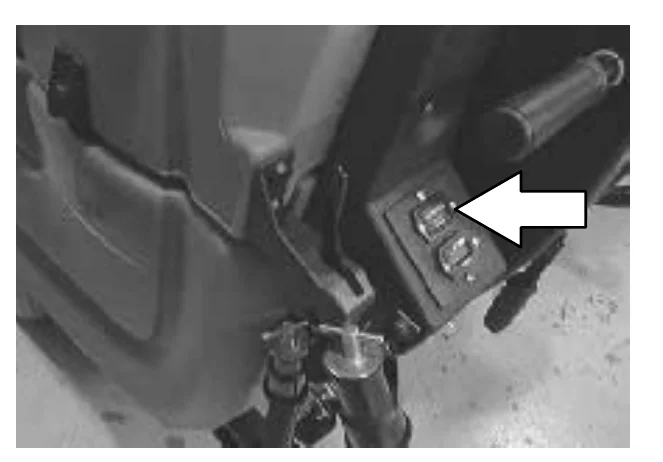
The hourmeter records the number of hours the machine has been powered on. This information is useful when servicing the machine.‌‌​⁠‍⁠⁠‍​​⁠​⁠⁠​‌‌​‌⁠​​​​​​⁠‌​​​‌​⁠​​‍⁠⁠‌⁠‍‍‍‌⁠⁠⁠​‍⁠‍‌​⁠​⁠⁠⁠‍

Photo of the machine's control area with a white arrow pointing to the hourmeter on the small switch panel beside the steering handle

BATTERY DISCHARGE INDICATOR

The battery discharge indicator shows the charge level of the batteries.

When the batteries are fully charged, the indicator on the far right is lit. As the batteries discharge, the indicator will move along the display to the left. Recharge the batteries when the indicator flashes.
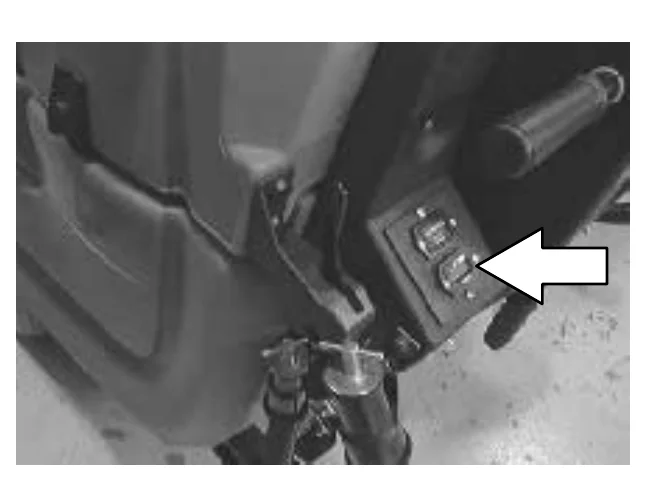
NOTE: The battery discharge indicator will not reset from the flashing indicator unless the batteries have been fully charged.
Photo of the same control panel with a white arrow pointing to the battery discharge indicator display

FaST SWITCH (OPTION)

The FaST switch (option) enables the FaST (Foam Scrubbing Technology) system. When the FaST system is enabled, it is turned on and off with the scrub switch

Enable the FaST system: Press the top of the FaST switch.

Enable conventional scrubbing: Press the bottom of the FaST switch.
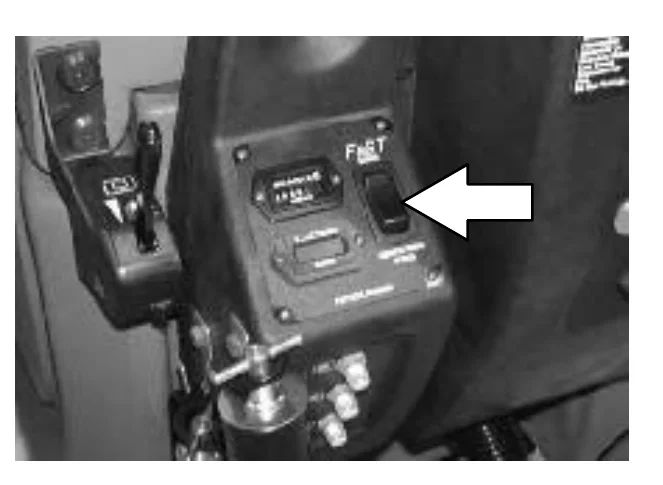
NOTE: Disable the FaST system before using the machine for conventional scrubbing.
NOTE: The FaST system will not start until the steering handles are rotated forward or backward.
NOTE: Do not enable the FaST system with conventional cleaning detergents in the solution tank. Drain, raise and refill the solution tank with clear cool water only before operating the FaST system. Conventional cleaning detergents/restorers may cause failure to the FaST solution system.
Photo of the control console labeled FaST with a white arrow pointing to the FaST rocker switch
Source: Tennant 5680 (S/N 000000-029999) Operator Manual 330450 Rev. 08 (09-2006), page 13, used with permission. SES ref PF-FFDJ-3XVK‌‌​⁠‍⁠⁠‍​​⁠​⁠⁠​‌‌​‌⁠​​​​​​⁠‌​​​‌​⁠​​‍⁠⁠‌⁠‍‍‍‌⁠⁠⁠​‍⁠‍‌​⁠​⁠⁠⁠‍
5680 (S/N 000000-029999) 330450 (Rev. 08 (09-2006))Page 13 of 76
OPERATION

OPERATION

SOLUTION FLOW LEVER

In short The solution flow lever sets how much solution goes to the floor: push it forward to increase and pull it backward to decrease. With the optional FaST system the lever does not work.‌‌​⁠‍⁠⁠‍​​⁠​⁠⁠​‌‌​‌⁠​​​​​​⁠‍​​​‌​⁠​​​​⁠‌‌‌‍‌​⁠​‍‍⁠‌‌​​‍‍​⁠​⁠

The solution flow lever controls the amount of solution flow to the floor.‌‌​⁠‍⁠⁠‍​​⁠​⁠⁠​‌‌​‌⁠​​​​​​⁠‍​​​‌​⁠​​​​⁠‌‌‌‍‌​⁠​‍‍⁠‌‌​​‍‍​⁠​⁠

Increase: Push the lever forward.

Decrease: Pull the lever backward.
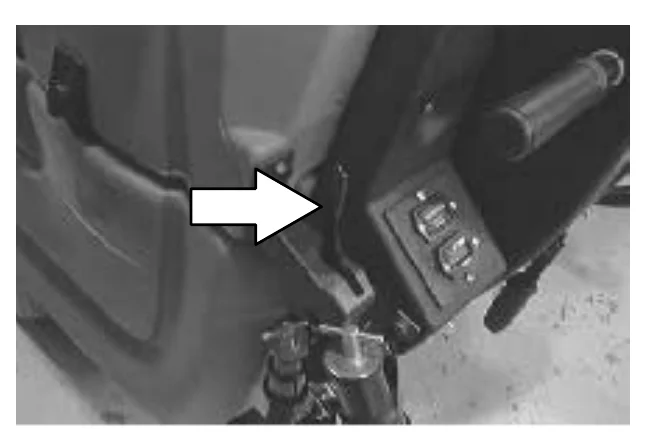
Photo of the machine's operator area with a white arrow pointing to the solution flow lever beside the console switches
NOTE: A solenoid valve dispenses the solution to the scrub head. The valve opens when the steering handles are rotated forward, and closes when the steering handles are released in neutral position.
NOTE: When using the FaST system (option), the solution flow lever is nonfunctional. The FaST system flow rate is pre-set.

CIRCUIT BREAKERS

In short Resettable circuit breakers on each side of the operator console cut off current during an overload. After a breaker trips and cools down, reset it by pressing its reset button; it will keep stopping current if the overload is still there.

The circuit breakers are resettable electrical circuit protection devices. They stop the flow of current in the event of a circuit overload. Once a circuit breaker is tripped, reset manually by pressing the reset button after the breaker has cooled down.

If the overload that caused the circuit breaker to trip is still there, the circuit breaker will continue to stop current flow until the problem is corrected.

The circuit breakers are located on each side of the operator console.
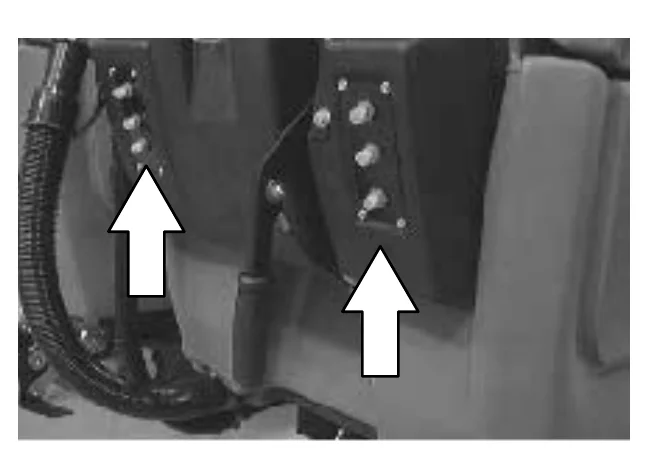
Photo of the circuit breaker panels on each side of the operator console, with white arrows pointing up to the left and right panels

The chart shows the circuit breakers and the electrical components they protect.

Circuit BreakerRatingCircuit Protected
CB110 AMachine power
CB225 AMachine propel
CB325 AVacuum fan motor
CB430 ARight brush motor
CB530 ALeft brush motor
CB610 AFaST (option)
Source: Tennant 5680 (S/N 000000-029999) Operator Manual 330450 Rev. 08 (09-2006), page 14, used with permission. SES ref PF-G3FC-UMJN‌‌​⁠‍⁠⁠‍​​⁠​⁠⁠​‌‌​‌⁠​​​​​​⁠‍​​​‌​⁠​​​​⁠‌‌‌‍‌​⁠​‍‍⁠‌‌​​‍‍​⁠​⁠
5680 (S/N 000000-029999) 330450 (Rev. 08 (09-2006))Page 14 of 76
OPERATION

SOLUTION TANK HOSE

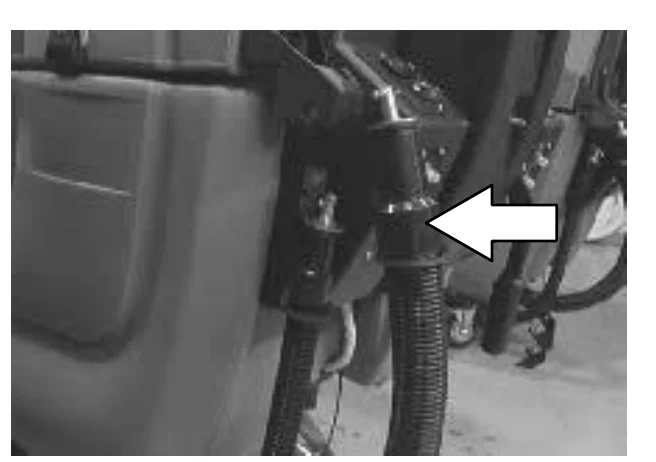
The solution tank hose is used to drain the solution tank. The drain hose plug is removed by turning the plug latch to loosen the plug and pulling the plug out of the drain hose. The drain hose is plugged by placing the hose plug in the end of the hose and turning the plug latch to tighten the plug.‌‌​⁠‍⁠⁠‍​​⁠​⁠⁠​‌‌​‌⁠​​​​​​⁠⁠​​​‌​⁠​​⁠⁠​‌​​​⁠​‌‌‍‌‍​‌⁠‍‌‌⁠⁠‌‌

Photo of the rear of the machine with a white arrow pointing to the solution tank drain hose and its plug latch beside the tank

RECOVERY TANK DRAIN HOSE

The recovery tank drain hose is used to drain the recovery tank. The drain hose plug is removed by turning the plug latch to loosen the plug and pulling the plug out of the drain hose. The drain hose is plugged by placing the hose plug in the end of the hose and turning the plug latch to tighten the plug.
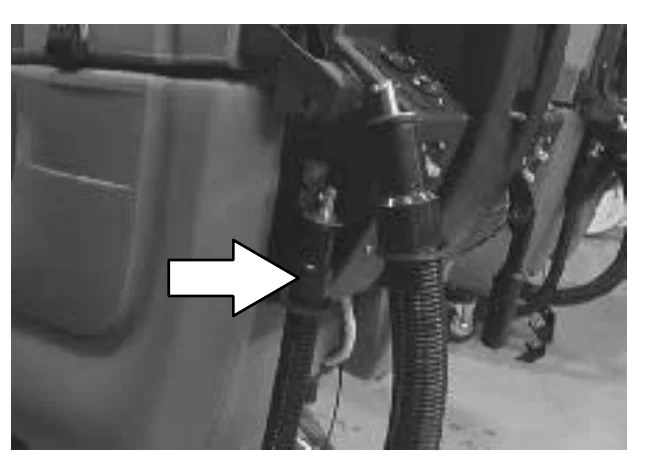
Photo of the rear of the machine with a white arrow pointing to the recovery tank drain hose and its plug

SUPPORT ARM

The support arm holds up the solution tank when the tank is lifted. The support arm engages when the solution tank is lifted all the way open. The arm is released by pulling up on it.
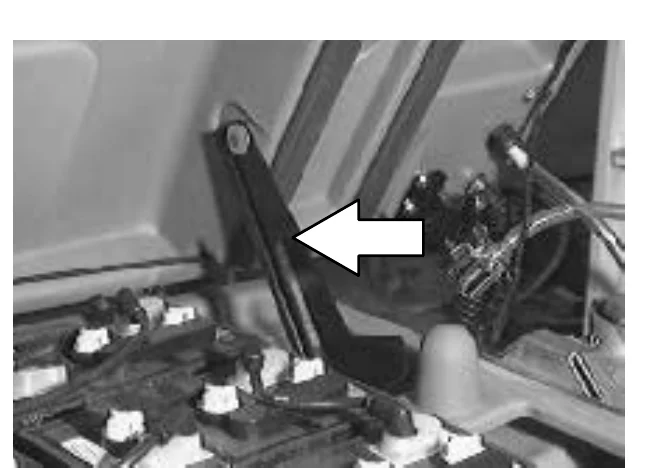
Photo looking into the battery compartment with a white arrow pointing to the support arm that holds up the raised solution tank
Source: Tennant 5680 (S/N 000000-029999) Operator Manual 330450 Rev. 08 (09-2006), page 15, used with permission. SES ref PF-5E24-2KMO‌‌​⁠‍⁠⁠‍​​⁠​⁠⁠​‌‌​‌⁠​​​​​​⁠⁠​​​‌​⁠​​⁠⁠​‌​​​⁠​‌‌‍‌‍​‌⁠‍‌‌⁠⁠‌‌
5680 (S/N 000000-029999) 330450 (Rev. 08 (09-2006))Page 15 of 76
OPERATION

OPERATION

STOP ARM

In short The stop arm keeps the solution tank from closing all the way when it is lowered. Push the arm in to lower the tank completely.‌‌​⁠‍⁠⁠‍​​⁠​⁠⁠​‌‌​‌⁠​​​​​‌​​​​​‌​⁠​​​⁠‍⁠⁠​​‌‍‍‍‍⁠‌​‌⁠‍‍⁠‌‌​‍

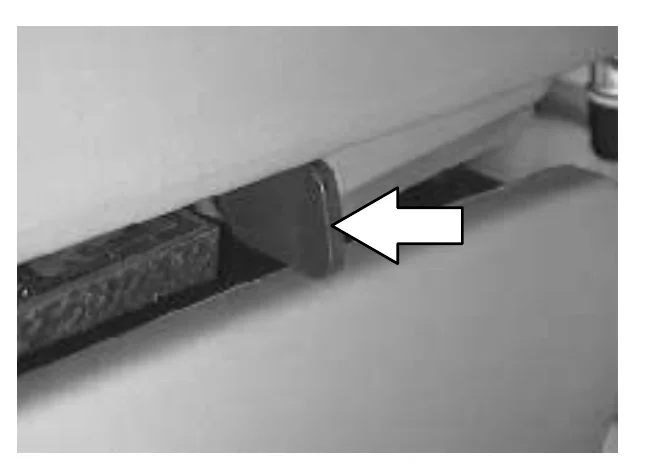
The stop arm prevents the solution tank from fully closing when the tank is lowered. Push the arm in to lower the solution tank completely.‌‌​⁠‍⁠⁠‍​​⁠​⁠⁠​‌‌​‌⁠​​​​​‌​​​​​‌​⁠​​​⁠‍⁠⁠​​‌‍‍‍‍⁠‌​‌⁠‍‍⁠‌‌​‍

Photo of the stop arm on the machine, with a white arrow pointing to the arm that prevents the solution tank from fully closing

SQUEEGEE DOWN PRESSURE CAMS

In short The down pressure cams set how much the squeegee deflects along its length. Turn them clockwise to increase and counter-clockwise to decrease.

The squeegee down pressure cams adjust the squeegee deflection along the entire length of the squeegee.

Increase: Turn the cams clockwise.

Decrease: Turn the cams counter-clockwise.
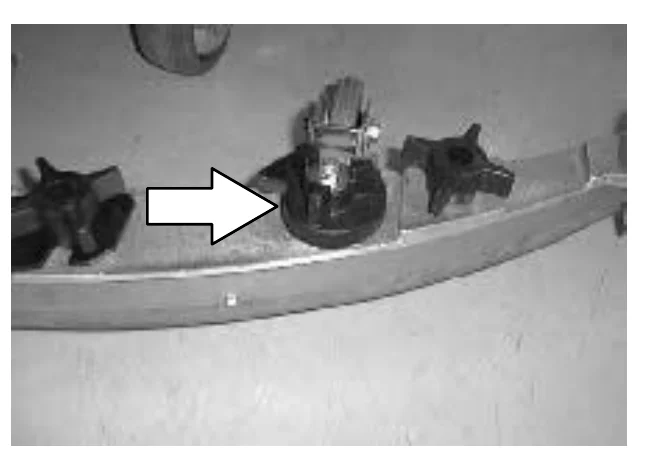
Photo of the squeegee with a white arrow pointing to one of the black star-shaped down pressure cams along the squeegee
Source: Tennant 5680 (S/N 000000-029999) Operator Manual 330450 Rev. 08 (09-2006), page 16, used with permission. SES ref PF-5WEG-232Z‌‌​⁠‍⁠⁠‍​​⁠​⁠⁠​‌‌​‌⁠​​​​​‌​​​​​‌​⁠​​​⁠‍⁠⁠​​‌‍‍‍‍⁠‌​‌⁠‍‍⁠‌‌​‍
5680 (S/N 000000-029999) 330450 (Rev. 08 (09-2006))Page 16 of 76
OPERATION

OPERATION

HOW THE MACHINE WORKS

In short This section explains how the machine scrubs and picks up solution: water and detergent flow from the solution tank to the brushes or pads, and the squeegee and vacuum fan move the dirty solution into the recovery tank. The steering handles set direction and speed, and the scrub head and squeegee come in three widths.‌‌​⁠‍⁠⁠‍​​⁠​⁠⁠​‌‌​‌⁠​​​​​‌​‌​​​‌​⁠​​‌​‍⁠​‍‍‌⁠‌‌⁠⁠‌⁠⁠​⁠⁠​⁠‌⁠​

The scrub components of the machine are a solution tank, scrub brushes or pads, a squeegee, a vacuum fan, and a recovery tank.‌‌​⁠‍⁠⁠‍​​⁠​⁠⁠​‌‌​‌⁠​​​​​‌​‌​​​‌​⁠​​‌​‍⁠​‍‍‌⁠‌‌⁠⁠‌⁠⁠​⁠⁠​⁠‌⁠​

With conventional scrubbing, water and detergent, from the solution tank, flow to the floor through a solution valve to the scrub brushes or pads. The brushes or pads scrub the floor. As the machine moves forward, the squeegee wipes the dirty solution off the floor, which is then picked up and drawn into the recovery tank.

The steering handles control the direction and speed of the machine in forward or reverse. By rotating the steering handles forward, the machine propels forward. By rotating the handles towards you, the machine propels backward.

Three different widths of scrub heads and squeegees are available for the machine.

The scrub head widths are as follows; the model 700 (700 mm (28 in)), the model 800 (800 mm (32 in)), and the model 900 (900 mm (36 in)). The 700 mm (28 in) squeegee is used with the 700 model scrub head, as well as the 800 mm (32 in) with the model 800, and the 900 mm (36 in) with the model 900.
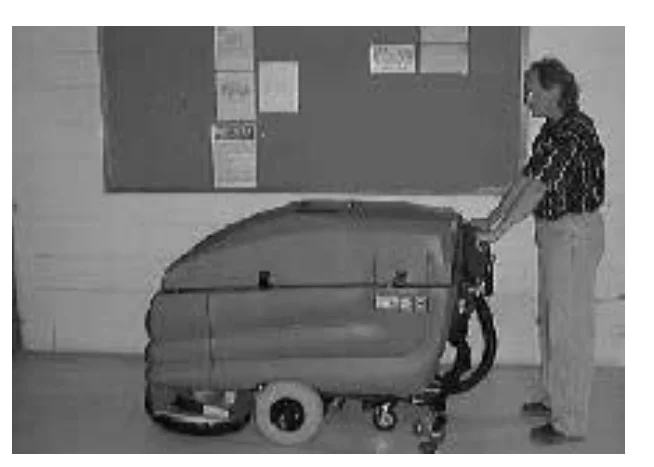
Photo of an operator standing behind the scrubber and holding the steering handles, with the machine on a floor in front of a bulletin board
Source: Tennant 5680 (S/N 000000-029999) Operator Manual 330450 Rev. 08 (09-2006), page 17, used with permission. SES ref PF-XTAF-EYSA‌‌​⁠‍⁠⁠‍​​⁠​⁠⁠​‌‌​‌⁠​​​​​‌​‌​​​‌​⁠​​‌​‍⁠​‍‍‌⁠‌‌⁠⁠‌⁠⁠​⁠⁠​⁠‌⁠​
5680 (S/N 000000-029999) 330450 (Rev. 08 (09-2006))Page 17 of 76
OPERATION

OPERATION

FaST SCRUBBING SYSTEM (OPTION)

In short The optional FaST system makes a wet foam from a concentrate agent, a little water and compressed air, and spreads it on the floor while scrubbing. Use clear cool water only in the solution tank, never conventional detergents.‌‌​⁠‍⁠⁠‍​​⁠​⁠⁠​‌‌​‌⁠​​​​​‌​‍​​​‌​⁠​​⁠‍‌​‍‌‍⁠​⁠⁠‍​⁠​​‍​‌‌​⁠‌⁠

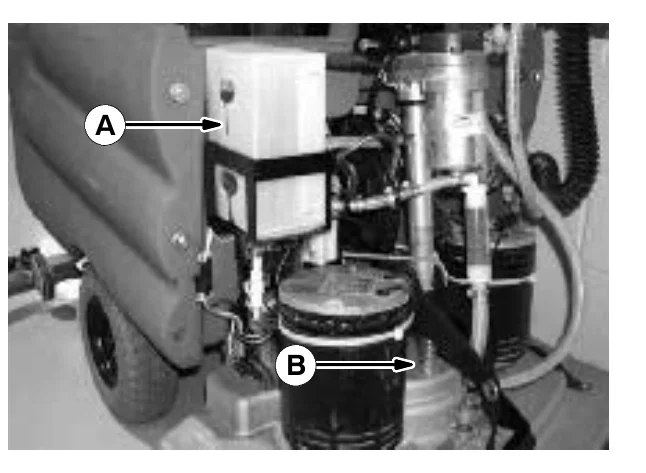
The FaST (Foam Scrubbing Technology) system operates by injecting the FaST PAK concentrate agent (A) into the system with a small amount of water and compressed air. This mixture creates a large volume of expanded wet foam.‌‌​⁠‍⁠⁠‍​​⁠​⁠⁠​‌‌​‌⁠​​​​​‌​‍​​​‌​⁠​​⁠‍‌​‍‌‍⁠​⁠⁠‍​⁠​​‍​‌‌​⁠‌⁠

Photo of the machine's FaST system components, with arrow A pointing to the FaST PAK concentrate agent container and arrow B pointing to where the foam mixture is dispersed onto the floor

The expanded foam mixture is then dispersed onto the floor (B) while the machine is scrubbing. When the squeegee picks up the mixture, the patented foaming agent has collapsed and is recovered into the recovery tank.

The FaST system can be used with all double scrubbing and heavy duty scrubbing applications.

Using the FaST system can increase productivity by 30% by reducing your dump/fill cycle. It will also reduce chemical usage and storage space. One FaST PAK of concentrated agent can scrub up to 1 million sq. ft.

NOTE: Do not enable the FaST system with conventional cleaning detergents in the solution tank. Drain, raise and refill the solution tank with clear cool water only before operating the FaST system. Conventional cleaning detergents/restorers may cause failure to the FaST solution system.
NOTE: Storage or transporting machines equipped with FaST in freezing temperatures requires special procedures. Check with a TENNANT representative for advice.
Source: Tennant 5680 (S/N 000000-029999) Operator Manual 330450 Rev. 08 (09-2006), page 18, used with permission. SES ref PF-ZZKY-LZWW‌‌​⁠‍⁠⁠‍​​⁠​⁠⁠​‌‌​‌⁠​​​​​‌​‍​​​‌​⁠​​⁠‍‌​‍‌‍⁠​⁠⁠‍​⁠​​‍​‌‌​⁠‌⁠
5680 (S/N 000000-029999) 330450 (Rev. 08 (09-2006))Page 18 of 76
OPERATION

PRE-OPERATION CHECKLIST

In short This checklist lists the checks to make before running the machine. They cover leaks, the brushes, the squeegees, the hose, the tank cover seals and the vacuum fan filter. Extra checks apply to FaST Scrubbing.‌‌​⁠‍⁠⁠‍​​⁠​⁠⁠​‌‌​‌⁠​​​​​‌​⁠​​​‌​⁠​​‌​​‌​⁠⁠⁠⁠‌​⁠‌‍‍‍⁠‍⁠‌‍‌​⁠

Check over this list of items before operating the machine:‌‌​⁠‍⁠⁠‍​​⁠​⁠⁠​‌‌​‌⁠​​​​​‌​⁠​​​‌​⁠​​‌​​‌​⁠⁠⁠⁠‌​⁠‌‍‍‍⁠‍⁠‌‍‌​⁠

  • Check under the machine for leaks.
  • Check for wire, string, or twine wrapped around the scrub brushes.
  • Check the squeegees for wear or damage.
  • Check the squeegee suction hose for obstructions.
  • Check the recovery tank cover seals for wear or damage.
  • Check that the vacuum fan inlet filter is clean.
  • FaST Scrubbing: Check the FaST PAK (option) concentrate agent level, replace carton as needed. See the INSTALLING THE FaST PAK AGENT section of the manual.
  • FaST Scrubbing: Check that all conventional cleaning agents/restorers are drained and rinsed from the solution tank.
  • FaST Scrubbing: Check that solution tank is filled with clear cool water only.
Source: Tennant 5680 (S/N 000000-029999) Operator Manual 330450 Rev. 08 (09-2006), page 19, used with permission. SES ref PF-U3QT-UVMI‌‌​⁠‍⁠⁠‍​​⁠​⁠⁠​‌‌​‌⁠​​​​​‌​⁠​​​‌​⁠​​‌​​‌​⁠⁠⁠⁠‌​⁠‌‍‍‍⁠‍⁠‌‍‌​⁠
5680 (S/N 000000-029999) 330450 (Rev. 08 (09-2006))Page 19 of 76
OPERATION

OPERATION

INSTALLING FaST PAK AGENT (OPTION)

In short This procedure installs the FaST PAK cleaning concentrate on machines equipped with the FaST option. You prepare the carton and bag connector, empty the solution tank, then raise the tank and remove the front cover to reach the carton.‌‌​⁠‍⁠⁠‍​​⁠​⁠⁠​‌‌​‌⁠​​​​​‌‌​​​​‌​⁠​​​​⁠​‌⁠‍‌​‍⁠‍‌⁠‌‍​‌⁠​‍‍‍‍
NOTE: Machine must be equipped with the FaST option before the FaST PAK agent can be installed.
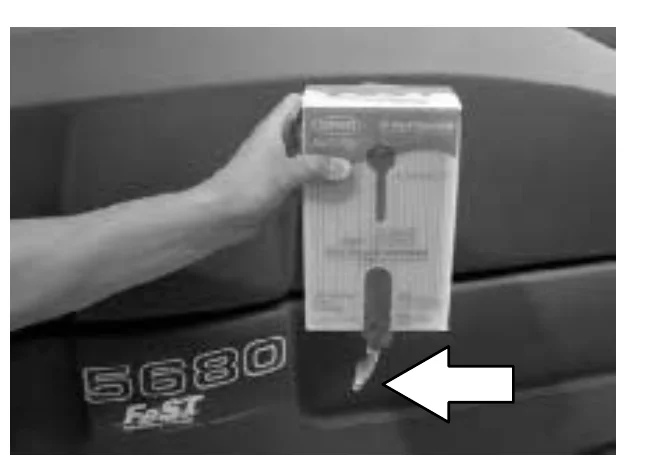
  1. Remove the perforated knock-outs from the FaST PAK Floor Cleaning Concentrate carton. Do not remove the bag from the carton. Pull out the bag’s hose connector on the bottom of the bag and remove the hose cap from the connector.
A hand holds the FaST PAK carton against the front of the 5680 FaST machine, with the bag's hose connector hanging from the bottom of the carton and a large arrow pointing at the connector
NOTE: The FaST PAK Floor Cleaning Concentrate is specifically designed for use with the FaST system scrubbing application. NEVER use a substitute, machine damage will result.
FOR SAFETY: When using machine, always follow the handling instructions on chemical container.
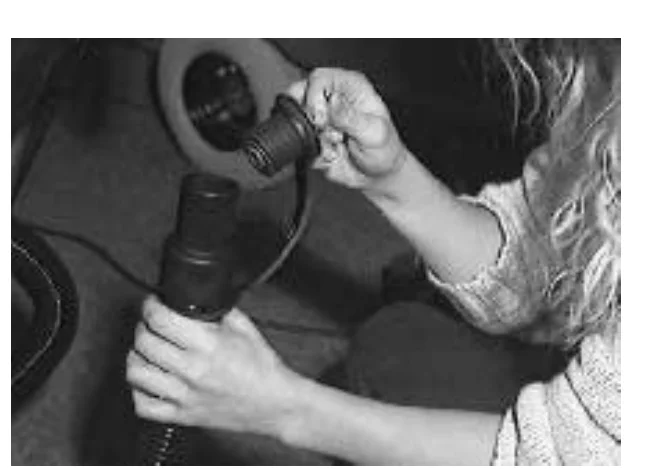
  1. Empty the solution tank. See the DRAINING AND CLEANING THE TANKS section of the manual.
Hands holding the solution tank drain hose and removing its cap to empty the solution tank
NOTE: When scrubbing with the FaST system option, use clean water only. Do not add cleaning agents in the solution tank. Conventional cleaning agents/restorers may cause failure to the FaST solution system..
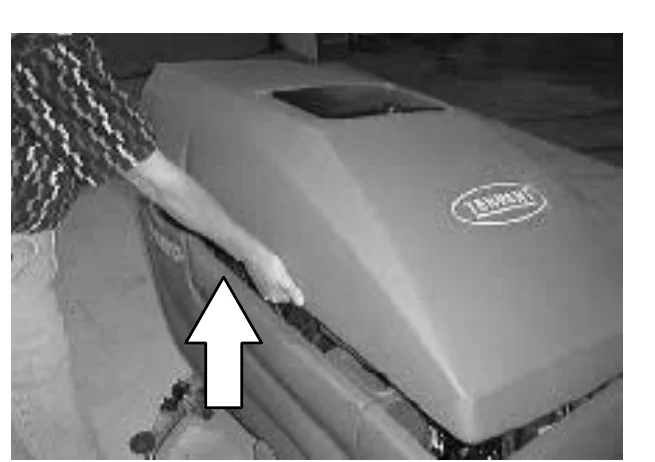
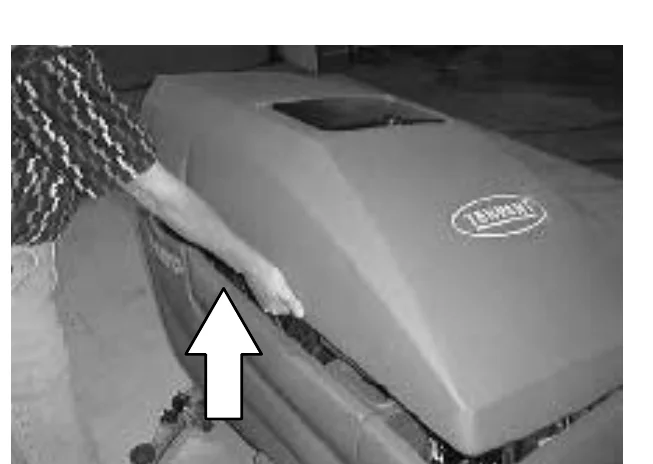
  1. Raise the solution tank and remove the front cover to access the FaST PAK carton.
A person lifting the front of the machine's solution tank cover, with a large arrow pointing up at the edge being raised
Source: Tennant 5680 (S/N 000000-029999) Operator Manual 330450 Rev. 08 (09-2006), page 20, used with permission. SES ref PF-2LMP-JK7H‌‌​⁠‍⁠⁠‍​​⁠​⁠⁠​‌‌​‌⁠​​​​​‌‌​​​​‌​⁠​​​​⁠​‌⁠‍‌​‍⁠‍‌⁠‌‍​‌⁠​‍‍‍‍
5680 (S/N 000000-029999) 330450 (Rev. 08 (09-2006))Page 20 of 76
OPERATION

OPERATION

  1. Place the FaST PAK carton in the carton holder under the front cover of the machine. Connect the supply hose to the FaST PAK bag.
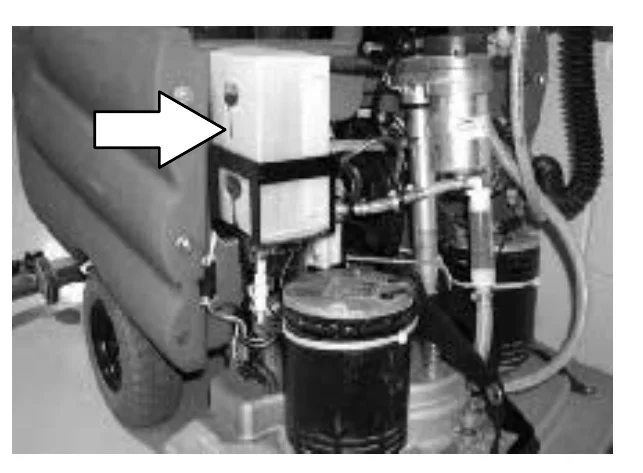
NOTE: If any dried concentrate is visible on the supply hose connector or the on the FaST PAK connector, soak and clean with warm water.
Photo of the area under the front cover of the machine with a large arrow pointing to the FaST PAK carton in its carton holder, with hoses and a black canister nearby
  1. Make sure to connect the supply hose onto the hose storing plug when the supply hose is not connected to the FaST PAK. This will prevent the FaST solution system from drying out and clogging up the hose.
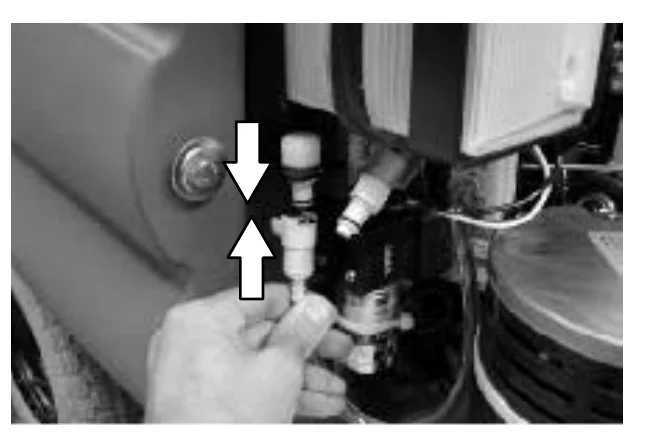
Photo of a hand holding the supply hose connector, with two arrows pointing toward each other showing the hose being connected onto the hose storing plug
  1. When replacing an empty FaST PAK carton, allow the new FaST PAK detergent to gravity feed into the system for several minutes prior to operating the FaST system. If the detergent does not flow out of the FaST PAK, simply squeeze and release the hose several times. If the previous FaST PAK was run dry, it may take up to 3 minutes of operation to remove any air pockets in the system before you achieve maximum foaming.
Source: Tennant 5680 (S/N 000000-029999) Operator Manual 330450 Rev. 08 (09-2006), page 21, used with permission. SES ref PF-VOXD-AAVE‌‌​⁠‍⁠⁠‍​​⁠​⁠⁠​‌‌​‌⁠​​​​​‌‌‌​​​‌​⁠​​⁠‍​⁠⁠​​​‌​​‍‌‍‍​‌‍‌​​⁠​​
5680 (S/N 000000-029999) 330450 (Rev. 08 (09-2006))Page 21 of 76
OPERATION

OPERATION

STARTING THE MACHINE

In short This section covers switching the machine power on with the key switch.‌‌​⁠‍⁠⁠‍​​⁠​⁠⁠​‌‌​‌⁠​​​​​‌‌‍​​​‌​⁠​​‌​‌‍‍‍⁠‍‌‌​‌‌​‍‍‌⁠⁠‍‌‍‌‌
  1. Turn the machine power on.
Close-up of the machine control panel with a white curved arrow pointing clockwise around the key switch, showing the key being turned to switch the power on

FILLING THE TANKS

In short This section covers filling the tanks: start the machine, drive it to the filling site, then turn the power off. Before leaving or servicing the machine, stop on a level surface, turn it off and remove the key.
  1. Start the machine.
  2. Drive the machine to the filling site.
An operator walking behind the scrubber and steering it with both hands on the handle, driving it across a floor toward the filling site
  1. Turn the machine power off.
FOR SAFETY: Before leaving or servicing machine, stop on level surface, turn off machine, and remove key.
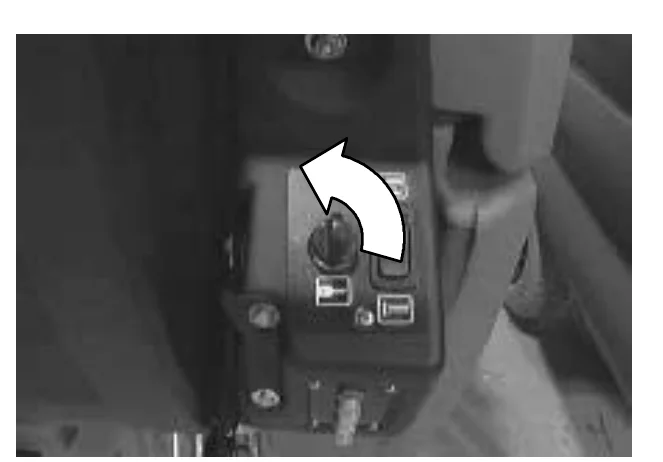
Close-up of the machine control panel with a white curved arrow pointing counterclockwise around the key switch, showing the key being turned to switch the power off
Source: Tennant 5680 (S/N 000000-029999) Operator Manual 330450 Rev. 08 (09-2006), page 22, used with permission. SES ref PF-3QO4-5TQY‌‌​⁠‍⁠⁠‍​​⁠​⁠⁠​‌‌​‌⁠​​​​​‌‌‍​​​‌​⁠​​‌​‌‍‍‍⁠‍‌‌​‌‌​‍‍‌⁠⁠‍‌‍‌‌
5680 (S/N 000000-029999) 330450 (Rev. 08 (09-2006))Page 22 of 76
OPERATION
  1. CONVENTIONAL SCRUBBING: Open the solution tank cover and partially fill the solution tank with water. Pour the required amount of detergent into the solution tank fill opening. Continue filling the solution tank with water 25 mm (1 in) below the bottom of the solution fill opening channel.
FOR SAFETY: When using machine, follow mixing and handling instructions on chemical containers.
  1. FaST SCRUBBING: Open the solution tank cover and fill the solution tank with clear cool water only.
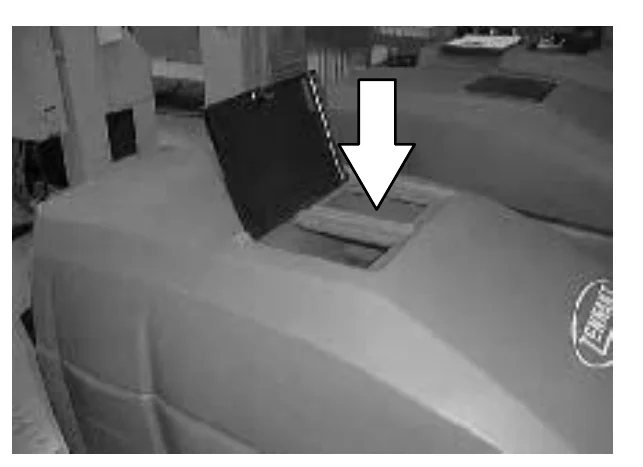
Photo of the machine with the solution tank cover open and a large arrow pointing down at the solution tank fill opening
NOTE: When cleaning using FaST option, USE CLEAR COOL WATER ONLY. DO NOT add cleaning agents in solution tank. Conventional cleaning agents/restorers may cause failure to the FaST solution system.
NOTE: Floor conditions, water condition, amount of soilage, types of soilage, and brush action all play an important role in determining the type and concentration of detergent used. For specific recommendations, contact your Tennant representative.
WARNING: Flammable materials can cause an explosion or fire. Do not use flammable materials in tank(s).
Source: Tennant 5680 (S/N 000000-029999) Operator Manual 330450 Rev. 08 (09-2006), page 23, used with permission. SES ref PF-OLT7-FHVO‌‌​⁠‍⁠⁠‍​​⁠​⁠⁠​‌‌​‌⁠​​​​​‌‌⁠​​​‌​⁠​​‍‍‌​‌‍‍​⁠‌‍​⁠​‍‍‍‍⁠⁠⁠​‍‍
5680 (S/N 000000-029999) 330450 (Rev. 08 (09-2006))Page 23 of 76
OPERATION

OPERATION

NORMAL SCRUBBING

In short This section gives scrubbing practices: clear debris first, plan long runs, scrub straight paths and overlap passes. It also describes what each scrub brush and pad type is used for.‌‌​⁠‍⁠⁠‍​​⁠​⁠⁠​‌‌​‌⁠​​​​​‌‍​​​​‌​⁠​​‌​‌⁠⁠​‌‌‍​‍⁠⁠⁠‌‌‌​​‌⁠​‌‌
  • Pick up oversized debris before scrubbing. Pick up pieces of wire, string, twine, etc., which could become wrapped around the scrub brush.
  • Plan the scrubbing in advance. Try to arrange long runs with minimum stopping and starting. Do an entire floor or section at one time.
  • Try to scrub as straight a path as possible. Avoid bumping into posts or scraping the sides of the machine. When scrubbing dead end aisles, start at the closed end of the aisle and scrub your way out. Overlap the scrub paths by a few centimeters (inches).
  • If you see poor scrubbing performance, stop scrubbing and refer to MACHINE TROUBLESHOOTING.
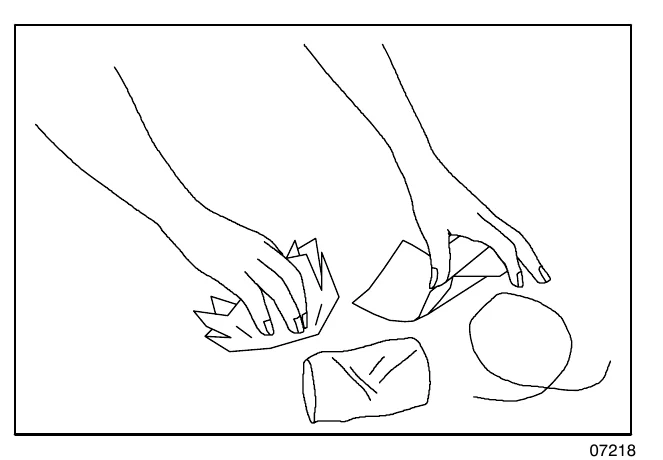
Line drawing of two hands picking up debris from the floor, including a piece of wire or string, a rag and small items
07218

Non-scuff polypropylene scrub brush - This brush uses a softer, general purpose polypropylene bristle to lift lightly compacted soilage without scuffing high-gloss coated floors.‌‌​⁠‍⁠⁠‍​​⁠​⁠⁠​‌‌​‌⁠​​​​​‌‍​​​​‌​⁠​​‌​‌⁠⁠​‌‌‍​‍⁠⁠⁠‌‌‌​​‌⁠​‌‌

Nylon scrub brush - Recommended for scrubbing coated floors. Cleans without scuffing.

Super abrasive bristle scrub brush - Nylon fiber impregnated with abrasive grit to remove stains and soilage. Strong action on any surface, performing well on buildup, grease, or tire marks.
Heavy duty stripping pad - This black pad is for stripping floors. Cuts through old heavy finishes easier, to prepare the floor for re-coating.

Stripping pad - This brown pad is for stripping floors. Quickly and easily cuts through old finish to prepare the floor for re-coating.

Scrubbing pad - This blue pad is for scrubbing floors. Removes dirt, spills and scuffs, leaving a clean surface ready for re-coating.

Buffing pad - This red pad is for buffing floors. Quickly cleans and removes scuff marks while polishing the floor to a high gloss.

Polishing pad - This white pad is for polishing floors. Maintains a high gloss. Use for buffing very soft finishes and lower traffic areas, or use for polishing soft waxes on wood floors.

Source: Tennant 5680 (S/N 000000-029999) Operator Manual 330450 Rev. 08 (09-2006), page 24, used with permission. SES ref PF-XAOI-BWEI‌‌​⁠‍⁠⁠‍​​⁠​⁠⁠​‌‌​‌⁠​​​​​‌‍​​​​‌​⁠​​‌​‌⁠⁠​‌‌‍​‍⁠⁠⁠‌‌‌​​‌⁠​‌‌
5680 (S/N 000000-029999) 330450 (Rev. 08 (09-2006))Page 24 of 76
OPERATION

Cylindrical polypropylene scrub brush - This cylindrical brush uses a softer, general purpose polypropylene bristle to lift lightly compacted soilage without scuffing high-gloss coated floors.‌‌​⁠‍⁠⁠‍​​⁠​⁠⁠​‌‌​‌⁠​​​​​‌‍‌​​​‌​⁠​​​‌‌⁠​​⁠​‍‍‍​‍‍‌‍‌​​‌‍‌​‌

Cylindrical nylon scrub brush - This cylindrical brush is recommended for scrubbing coated floors. Cleans without scuffing.

Cylindrical super abrasive bristle scrub brush - Nylon fiber impregnated with abrasive grit to remove stains and soilage. Strong action on any surface, performing well on buildup, grease, or tire marks.

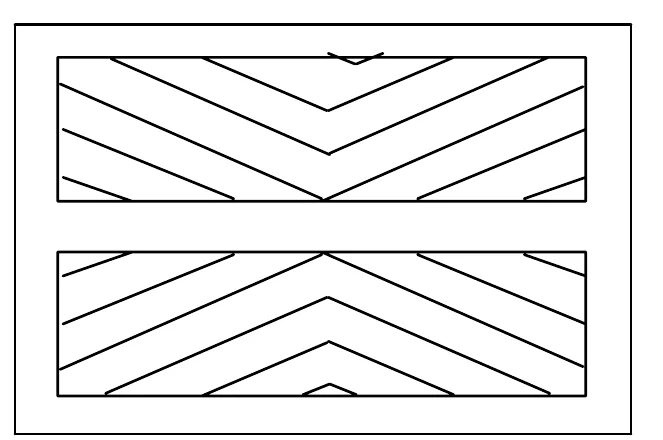
NOTE: Cylindrical scrub brushes must be installed with the herringbone patterns on the brushes pointing towards each other for best debris pick up.
Drawing of two cylindrical scrub brushes side by side with their herringbone patterns pointing towards each other
  1. Start the machine.
  2. Drive the machine to the area to be scrubbed.
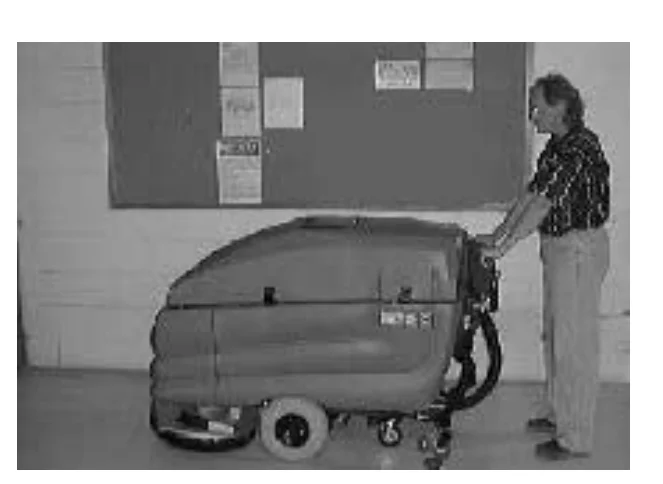
Operator driving the scrubber with both hands on the handle across a floor toward the area to be scrubbed
  1. Heavy Scrub Mode only: With the scrub head in the up position, pull out on the scrub head strap, until the scrub head drops into place.
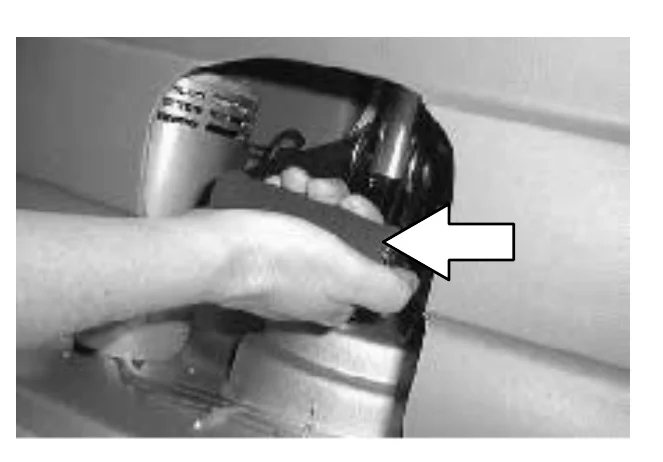
Hand pulling out on the scrub head strap at the scrub head, with a white arrow showing the pull direction
Source: Tennant 5680 (S/N 000000-029999) Operator Manual 330450 Rev. 08 (09-2006), page 25, used with permission. SES ref PF-25PR-FES6‌‌​⁠‍⁠⁠‍​​⁠​⁠⁠​‌‌​‌⁠​​​​​‌‍‌​​​‌​⁠​​​‌‌⁠​​⁠​‍‍‍​‍‍‌‍‌​​‌‍‌​‌
5680 (S/N 000000-029999) 330450 (Rev. 08 (09-2006))Page 25 of 76
OPERATION

OPERATION

  1. FaST SCRUBBING: Press the top of the FaST switch to start the FaST system.
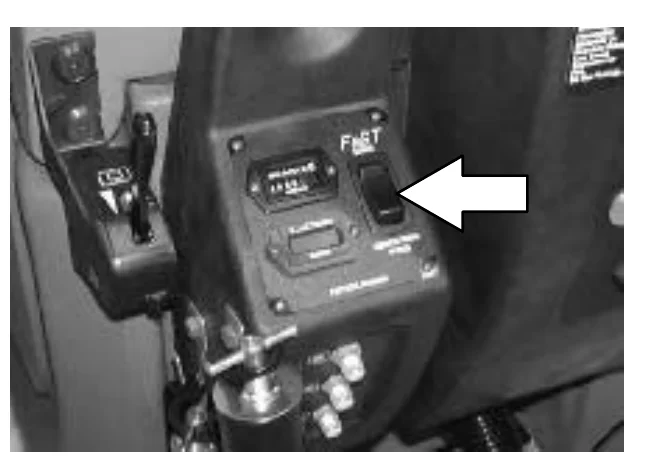
NOTE: When using the FaST system (option), the solution flow lever is nonfunctional. The FaST system flow rate is pre-set.
NOTE: Leave the FaST switch in the CONVENTIONAL SCRUBBING position if not using the FaST system.
Photo of the operator control panel with a large arrow pointing to the top of the FaST switch on the right side of the panel
  1. Press the top of the scrub switch to lower the scrub head and begin scrubbing.
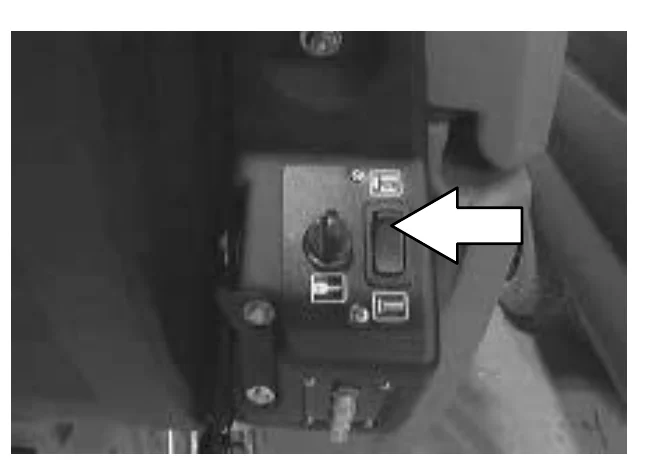
Photo of the control panel with a large arrow pointing to the top of the scrub switch, which lowers the scrub head
  1. Lower the squeegee to the floor with the squeegee lever.
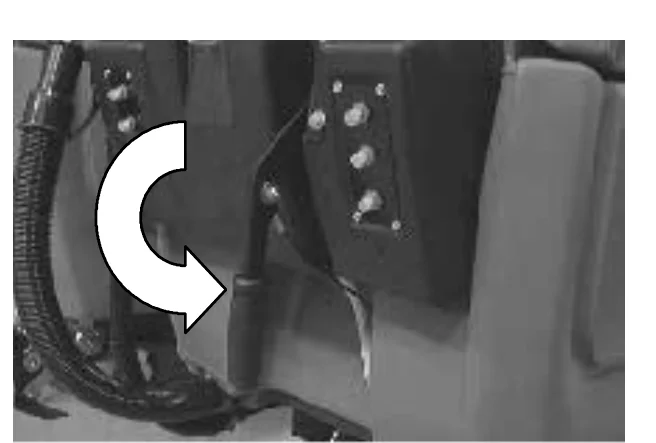
Photo of the squeegee lever beside the control panel with a large curved arrow showing the lever being moved to lower the squeegee to the floor
Source: Tennant 5680 (S/N 000000-029999) Operator Manual 330450 Rev. 08 (09-2006), page 26, used with permission. SES ref PF-GHY2-BBUH‌‌​⁠‍⁠⁠‍​​⁠​⁠⁠​‌‌​‌⁠​​​​​‌‍‍​​​‌​⁠​​​​‍​⁠‌​‌‍​‌‌‍‍‌‍​‌⁠‌⁠​‌​
5680 (S/N 000000-029999) 330450 (Rev. 08 (09-2006))Page 26 of 76
OPERATION
  1. CONVENTIONAL SCRUBBING: Adjust the solution flow to the floor as needed.
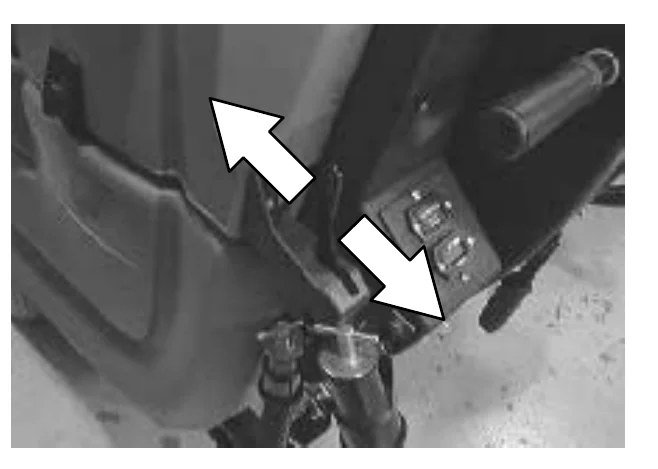
NOTE: When using the FaST system (option), the solution flow lever is nonfunctional. The FaST system flow rate is pre-set.
Photo of the solution flow lever area at the rear of the machine, with two white arrows pointing in opposite directions to show the lever being moved to adjust solution flow
  1. Drive the machine forward and scrub as required.
WARNING: Flammable materials or reactive metals can cause an explosion or fire. Do not pickup.
Photo of an operator walking behind the scrubber and pushing it forward across the floor to scrub
Source: Tennant 5680 (S/N 000000-029999) Operator Manual 330450 Rev. 08 (09-2006), page 27, used with permission. SES ref PF-YHRE-JKMA‌‌​⁠‍⁠⁠‍​​⁠​⁠⁠​‌‌​‌⁠​​​​​‌‍⁠​​​‌​⁠​​⁠⁠‍‌‍‌‍‌​‌‌⁠​⁠‍‌​‍‌‍​‌‌‌
5680 (S/N 000000-029999) 330450 (Rev. 08 (09-2006))Page 27 of 76
OPERATION

OPERATION

DOUBLE SCRUBBING

In short Double scrubbing removes heavy floor accumulations by making two passes over the area. The first pass is made with the squeegee up so the solution/foam can soak, and the second pass is made with the squeegee down.‌‌​⁠‍⁠⁠‍​​⁠​⁠⁠​‌‌​‌⁠​​​​​‌⁠​​​​‌​⁠​​⁠​‍‍⁠⁠‍​​‌‌⁠​⁠​⁠‍‌​‍‍‌​⁠

Double scrubbing is a method for removing heavy floor accumulations. This is done by making two passes over the area to be cleaned with the machine.‌‌​⁠‍⁠⁠‍​​⁠​⁠⁠​‌‌​‌⁠​​​​​‌⁠​​​​‌​⁠​​⁠​‍‍⁠⁠‍​​‌‌⁠​⁠​⁠‍‌​‍‍‌​⁠

Double scrubbing can be performed using the FaST SCRUBBING SYSTEM (option) or CONVENTIONAL SCRUBBING methods.

  1. First, make a pass over the area scrubbing with the squeegee up. This dispenses the solution/foam over the area allowing the solution/foam to soak on the floor.

NOTE: When using the FaST system (option), the solution flow lever is nonfunctional. The FaST system flow rate is pre-set.
FOR SAFETY: When using machine, go slow on inclines and slippery surfaces.
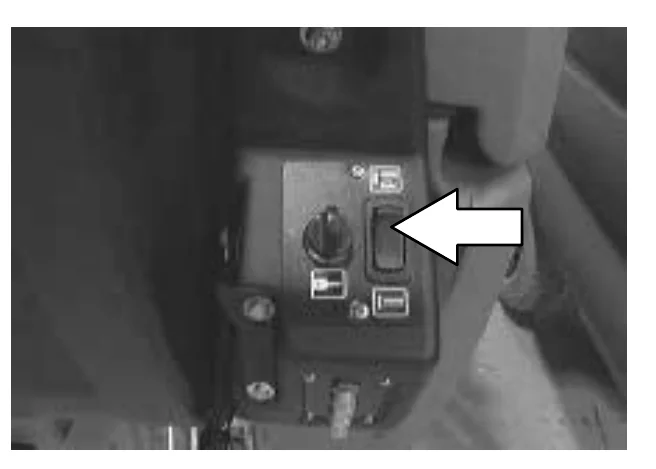
Photo of the machine's control panel with a white arrow pointing to the rocker switch at the right of the panel, next to the key switch
  1. Lower the squeegee to the floor with the squeegee lever.
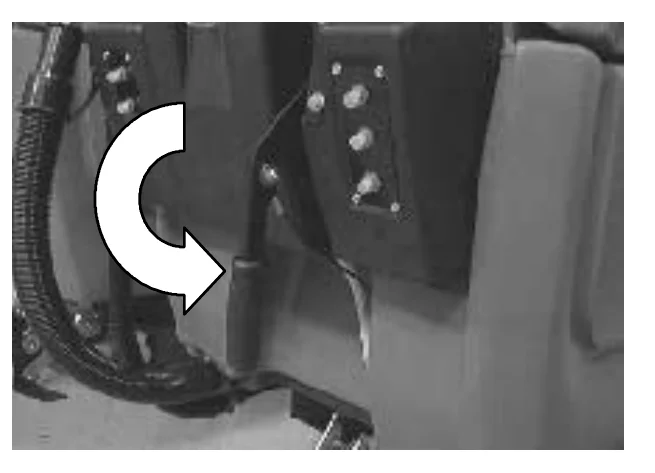
Photo of the squeegee lever area with a curved white arrow showing the lever being rotated to lower the squeegee
  1. Then make a second pass scrubbing with the squeegee down.
Photo of an operator standing behind the scrubber, holding the handle while scrubbing with the squeegee down
Source: Tennant 5680 (S/N 000000-029999) Operator Manual 330450 Rev. 08 (09-2006), page 28, used with permission. SES ref PF-5JLG-2EL3‌‌​⁠‍⁠⁠‍​​⁠​⁠⁠​‌‌​‌⁠​​​​​‌⁠​​​​‌​⁠​​⁠​‍‍⁠⁠‍​​‌‌⁠​⁠​⁠‍‌​‍‍‌​⁠
5680 (S/N 000000-029999) 330450 (Rev. 08 (09-2006))Page 28 of 76
OPERATION

OPERATION

STOP SCRUBBING

In short This section explains how to stop scrubbing. You release the steering handles, stop the scrub brushes with the scrub switch, drive forward to pick up leftover solution, and raise the squeegee.‌‌​⁠‍⁠⁠‍​​⁠​⁠⁠​‌‌​‌⁠​​​​​‌⁠‌​​​‌​⁠​​‌‌‍⁠‌⁠⁠⁠‌‍‍‌​⁠​⁠​‌‌​‍‍‌⁠
  1. Release the steering handles.
Operator's hands released from the steering handles beside the control panel on the machine
  1. Press the bottom of the scrub switch to stop scrubbing and raise the scrub brushes.
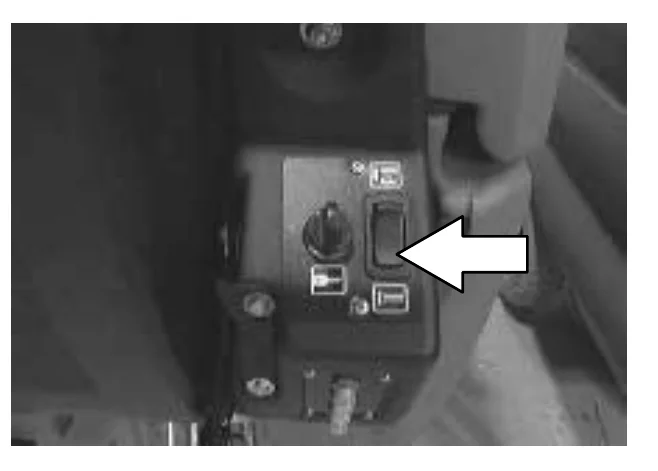
Close-up of the control panel with a white arrow pointing to the bottom of the scrub switch, which is pressed to stop scrubbing and raise the scrub brushes
  1. Propel the machine forward to pick up any solution left on the floor.
  2. Raise the squeegee with the squeegee lever.
Source: Tennant 5680 (S/N 000000-029999) Operator Manual 330450 Rev. 08 (09-2006), page 29, used with permission. SES ref PF-2CQH-XTFT‌‌​⁠‍⁠⁠‍​​⁠​⁠⁠​‌‌​‌⁠​​​​​‌⁠‌​​​‌​⁠​​‌‌‍⁠‌⁠⁠⁠‌‍‍‌​⁠​⁠​‌‌​‍‍‌⁠
5680 (S/N 000000-029999) 330450 (Rev. 08 (09-2006))Page 29 of 76
OPERATION

OPERATION

DRAINING AND CLEANING THE TANKS

In short Drain and clean the recovery tank when you finish scrubbing or when the vacuum fan shuts off because the tank is full. The solution tank can then be filled again. The first steps are to stop scrubbing, drive next to a drain or sink, turn the machine off and remove the drain hose from its clip.‌‌​⁠‍⁠⁠‍​​⁠​⁠⁠​‌‌​‌⁠​​​​​‌⁠‍​​​‌​⁠​​‌⁠‌‍‍‍⁠‍‍‍​‌‍‍‌‍⁠‍‌​‌‌‍‌

When you are finished scrubbing, or when the vacuum fan shuts off, signalling a full recovery tank, the recovery tank should be drained and cleaned. The solution tank then can be filled again for additional scrubbing.‌‌​⁠‍⁠⁠‍​​⁠​⁠⁠​‌‌​‌⁠​​​​​‌⁠‍​​​‌​⁠​​‌⁠‌‍‍‍⁠‍‍‍​‌‍‍‌‍⁠‍‌​‌‌‍‌

  1. Stop scrubbing. See the STOP SCRUBBING section of the manual.
  2. Drive the machine next to a floor drain or sink.
  3. Operator standing beside the scrubber at the back of the machine, holding the handle, parked next to a wall with a notice board
  4. Turn the machine power off.
    FOR SAFETY: Before leaving or servicing machine, stop on level surface, and turn off machine.
  5. Close-up of the key switch on the control panel with a white curved arrow showing the key being turned to the off position
  6. Remove the recovery tank drain hose from the mounting clip.
  7. A hand pulling the black recovery tank drain hose out of its mounting clip, with a white arrow pointing at the hose end
Source: Tennant 5680 (S/N 000000-029999) Operator Manual 330450 Rev. 08 (09-2006), page 30, used with permission. SES ref PF-FWVP-3RNC‌‌​⁠‍⁠⁠‍​​⁠​⁠⁠​‌‌​‌⁠​​​​​‌⁠‍​​​‌​⁠​​‌⁠‌‍‍‍⁠‍‍‍​‌‍‍‌‍⁠‍‌​‌‌‍‌
5680 (S/N 000000-029999) 330450 (Rev. 08 (09-2006))Page 30 of 76
OPERATION
  1. Remove the recovery tank drain hose plug while holding the hose up, then slowly lower the drain hose to the floor drain or sink.
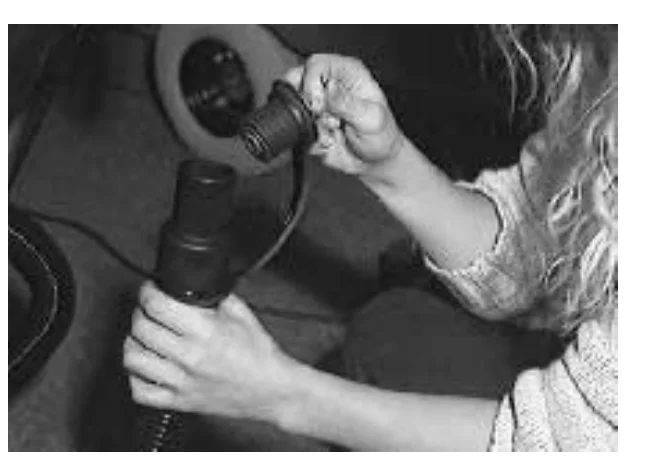
Photo of a person holding the recovery tank drain hose up with one hand while pulling the plug out of the hose end with the other
  1. Check the solution tank, and empty any remaining solution with the solution tank drain hose.
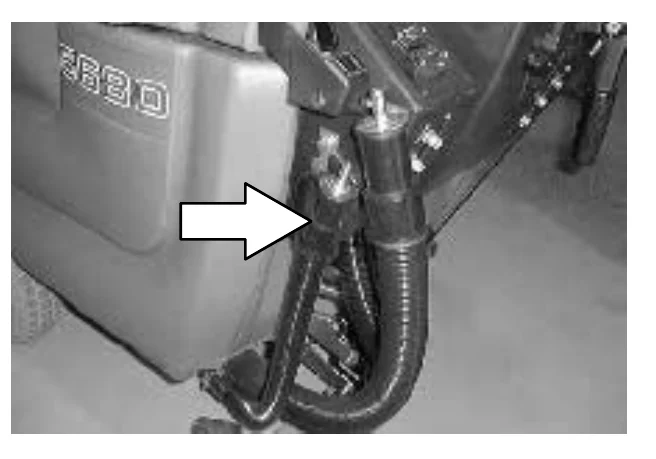
Photo of the side of the machine with a white arrow pointing at the solution tank drain hose hanging from its mount below the tank
  1. Lift the solution tank to reach the recovery tank.
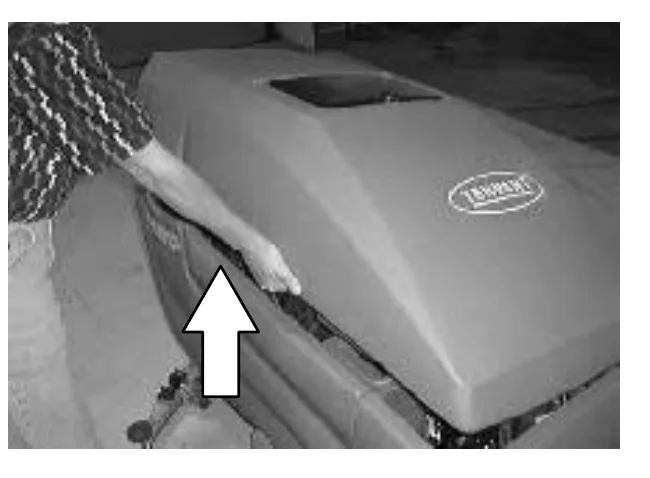
Photo of a person lifting the solution tank cover at its edge, with a white arrow pointing upward to show the lifting direction
Source: Tennant 5680 (S/N 000000-029999) Operator Manual 330450 Rev. 08 (09-2006), page 31, used with permission. SES ref PF-BOP3-LOB2‌‌​⁠‍⁠⁠‍​​⁠​⁠⁠​‌‌​‌⁠​​​​​‌⁠⁠​​​‌​⁠​​‍‌‍⁠‌​​​‍⁠‌‍⁠‍​‌‍‌​​‍​​​
5680 (S/N 000000-029999) 330450 (Rev. 08 (09-2006))Page 31 of 76
OPERATION

OPERATION

  1. Flush out the inside of the recovery tank with clean water.
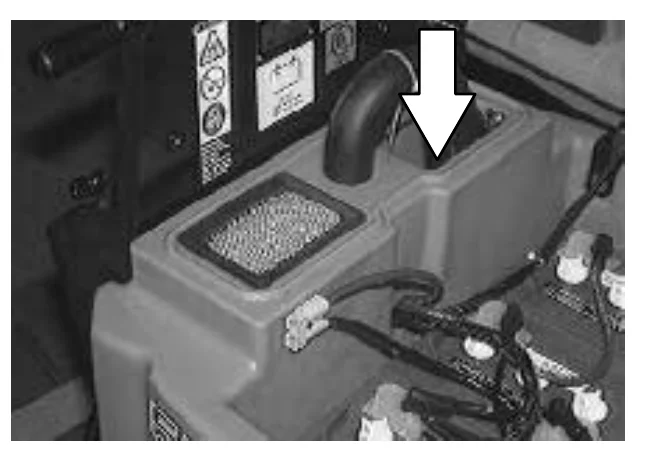
Photo of the top of the recovery tank with a large arrow pointing down at the tank opening beside the vacuum hose elbow, for flushing out the inside of the tank with clean water
NOTE: DO NOT use steam to clean the tank. Excessive heat can damage the tanks and components.
  1. Rinse off the float sensor on the side of the recovery tank.
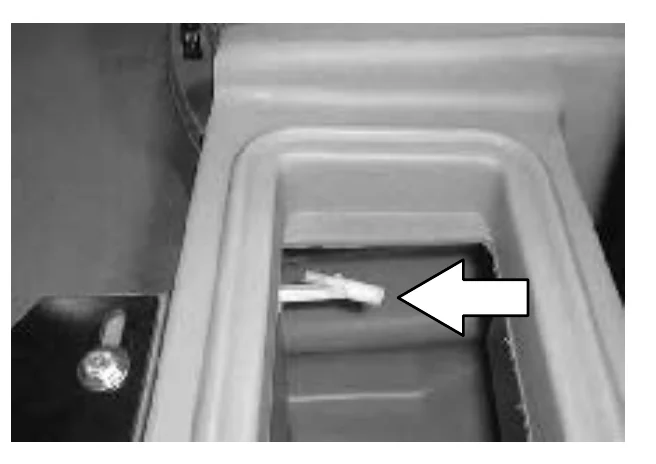
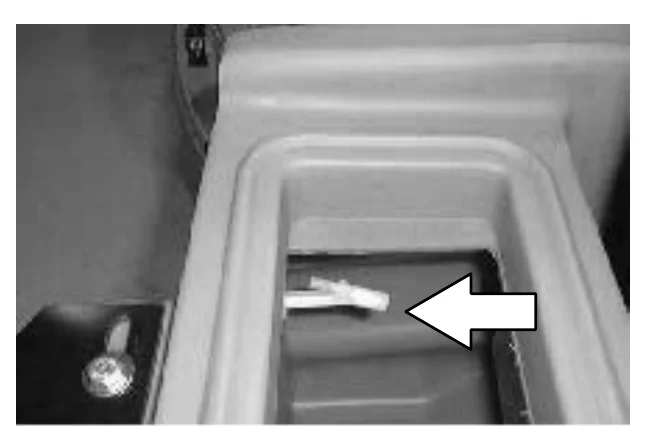
Photo looking into the recovery tank with a large arrow pointing left at the float sensor on the side of the tank
  1. Remove and clean the vacuum fan filter located in the recovery tank. Clean by shaking dust or rinsing pleats with low pressure water. Insert the filter back in to the recovery tank when finished.
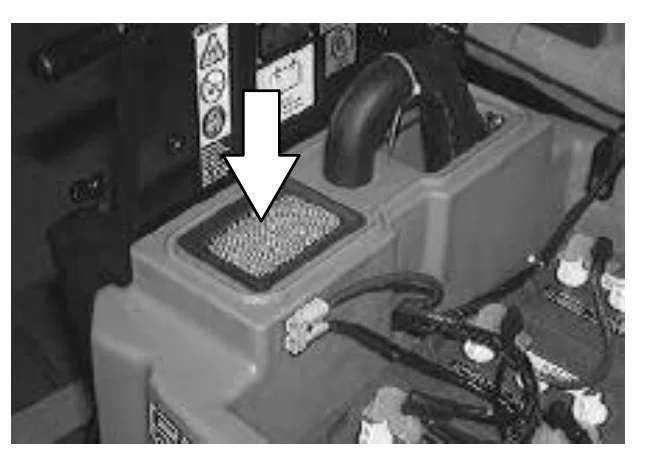
Photo of the top of the recovery tank with a large arrow pointing down at the pleated vacuum fan filter to be removed and cleaned
NOTE: Be sure the vacuum filter is dry before reinstalling it in the machine.
Source: Tennant 5680 (S/N 000000-029999) Operator Manual 330450 Rev. 08 (09-2006), page 32, used with permission. SES ref PF-SNPA-S6KE‌‌​⁠‍⁠⁠‍​​⁠​⁠⁠​‌‌​‌⁠​​​​​‍​​​​​‌​⁠​​‍⁠‍​‍‌​‍‍‍​​‍‌⁠‍​⁠​​⁠‍‍⁠
5680 (S/N 000000-029999) 330450 (Rev. 08 (09-2006))Page 32 of 76
OPERATION

OPERATION

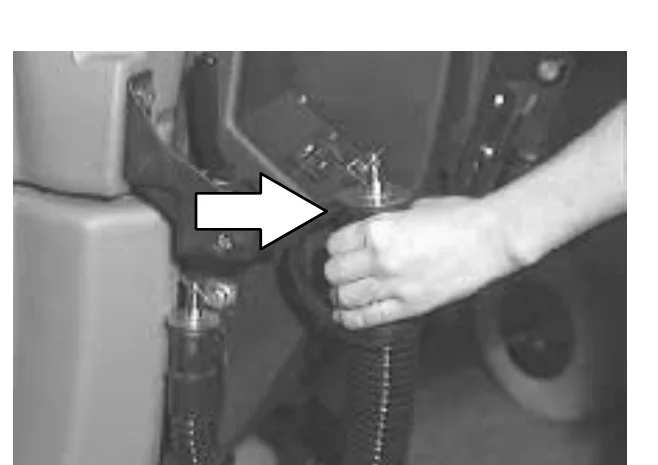
  1. When the recovery, and solution tanks have completely drained, replace the drain hose plugs. Place the drain hoses back onto the mounting clips on the machine.
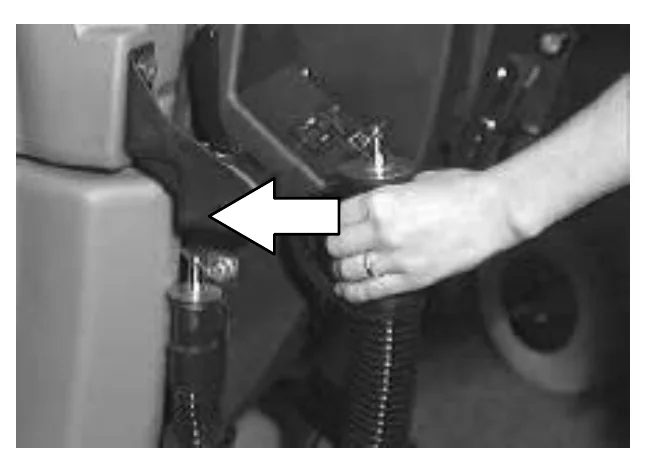
Photo of a hand pressing a black ribbed drain hose back toward the mounting clip on the machine, with a white arrow pointing left toward the clip
  1. Pull up on the support arm and lower the solution tank. Push the stop arm in to completely lower the solution tank.
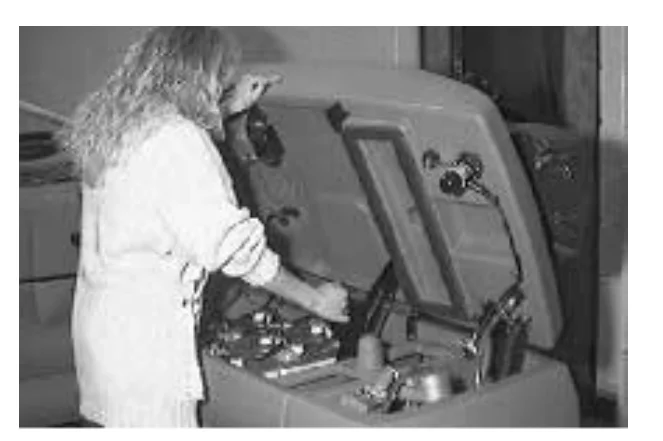
Photo of an operator standing at the machine with the solution tank raised, reaching in to lower the tank using the support arm and stop arm
  1. Cylindrical scrub head: Remove and clean the debris trough. Place the trough back in the scrub head.
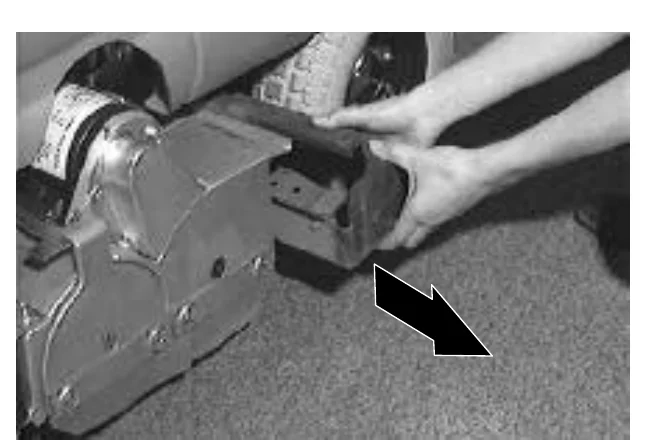
Photo of hands pulling the debris trough out of the side of the cylindrical scrub head, with a black arrow pointing down and to the right showing the removal direction
Source: Tennant 5680 (S/N 000000-029999) Operator Manual 330450 Rev. 08 (09-2006), page 33, used with permission. SES ref PF-43EV-GZOI‌‌​⁠‍⁠⁠‍​​⁠​⁠⁠​‌‌​‌⁠​​​​​‍​‌​​​‌​⁠​​‌‍‌⁠‍‌‍​‌‌‌‍‌⁠​​​‍‌‌​‌‌‍
5680 (S/N 000000-029999) 330450 (Rev. 08 (09-2006))Page 33 of 76
OPERATION

OPERATION

OPERATION ON INCLINES

In short This section tells the operator to drive slowly on inclines and gives the maximum rated incline for empty and full tanks.‌‌​⁠‍⁠⁠‍​​⁠​⁠⁠​‌‌​‌⁠​​​​​‍​‍​​​‌​⁠​​‍​⁠‌⁠‌⁠⁠‌‌⁠⁠​‍​⁠​‌​​‌‌​‌

Drive the machine slowly on inclines.‌‌​⁠‍⁠⁠‍​​⁠​⁠⁠​‌‌​‌⁠​​​​​‍​‍​​​‌​⁠​​‍​⁠‌⁠‌⁠⁠‌‌⁠⁠​‍​⁠​‌​​‌‌​‌

FOR SAFETY: When using machine, go slow on inclines and slippery surfaces.

The maximum rated climb and descent incline with empty tanks is 8°, with full tanks is 6°.

STOP THE MACHINE

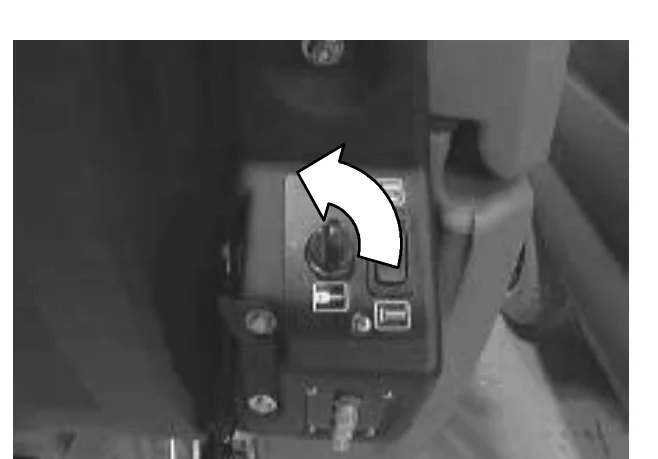
In short To stop the machine, first stop scrubbing, then turn the machine power off. Before leaving or servicing it, stop on a level surface, turn it off and remove the key.
  1. Stop scrubbing. See the STOP SCRUBBING section of the manual.
  2. Turn the machine power off.
FOR SAFETY: Before leaving or servicing machine, stop on level surface, turn off machine, and remove key.
Photo of the machine control panel with the key switch, and a curved arrow showing the key being turned counterclockwise to the off position
Source: Tennant 5680 (S/N 000000-029999) Operator Manual 330450 Rev. 08 (09-2006), page 34, used with permission. SES ref PF-2NFF-3QLX‌‌​⁠‍⁠⁠‍​​⁠​⁠⁠​‌‌​‌⁠​​​​​‍​‍​​​‌​⁠​​‍​⁠‌⁠‌⁠⁠‌‌⁠⁠​‍​⁠​‌​​‌‌​‌
5680 (S/N 000000-029999) 330450 (Rev. 08 (09-2006))Page 34 of 76
OPERATION

POST-OPERATION CHECKLIST

In short This checklist lists what to check after scrubbing, first with the machine powered on and then with it powered off. It covers the battery charge level, brushes, squeegees, hoses, tanks, filter, leaks and service records.‌‌​⁠‍⁠⁠‍​​⁠​⁠⁠​‌‌​‌⁠​​​​​‍​⁠​​​‌​⁠​​‌⁠‌⁠​‍‍‍‍‍​‌‌‌‍‌‌⁠‌⁠‌​⁠‌

Batteries and chargers: make sure your charger is compatible with your batteries, and set its charging algorithm to your battery pack before you use it.

Check over this list of items after you have finished scrubbing with the machine powered on:‌‌​⁠‍⁠⁠‍​​⁠​⁠⁠​‌‌​‌⁠​​​​​‍​⁠​​​‌​⁠​​‌⁠‌⁠​‍‍‍‍‍​‌‌‌‍‌‌⁠‌⁠‌​⁠‌

  • Check the battery charge level.
NOTE: The reading on the battery discharge indicator may not be accurate when the machine is first powered on. Operate the machine a few minutes before reading the charge level of the batteries.

Check over this list of items with the machine powered off:

  • Check for wire, string, or twine wrapped around the scrub brushes.
  • Check the squeegees for wear or damage.
  • Check the squeegee suction hose for obstructions.
  • Drain and clean the recovery tank.
  • Clean the vacuum fan inlet filter.
  • Check under the machine for leaks.
  • Check the service records to determine maintenance requirements.
  • FaST scrubbing: If FaST PAK is empty after scrubbing, install the new FaST PAK or connect the supply hose to the storage plug.
Source: Tennant 5680 (S/N 000000-029999) Operator Manual 330450 Rev. 08 (09-2006), page 35, used with permission. SES ref PF-UP2T-DG46‌‌​⁠‍⁠⁠‍​​⁠​⁠⁠​‌‌​‌⁠​​​​​‍​⁠​​​‌​⁠​​‌⁠‌⁠​‍‍‍‍‍​‌‌‌‍‌‌⁠‌⁠‌​⁠‌
5680 (S/N 000000-029999) 330450 (Rev. 08 (09-2006))Page 35 of 76
OPERATION

MACHINE TROUBLESHOOTING

In short This table lists common problems such as trailing water, a vacuum fan that will not turn on, little or no solution flow and poor scrubbing performance. For each problem it gives the possible causes and the remedy.‌‌​⁠‍⁠⁠‍​​⁠​⁠⁠​‌‌​‌⁠​​​​​‍‌​​​​‌​⁠​​‍​⁠‌⁠‌‌⁠⁠‌⁠‌⁠‍‍‍‌‌​‍​‍‌⁠
ProblemCauseRemedy
Trailing water - poor or no water pickupWorn squeegee bladesRotate or replace squeegee blades
Squeegee out of adjustmentAdjust squeegee
Vacuum hose cloggedFlush vacuum hoses
Vacuum fan screen dirtyClean inlet screen
Debris caught on squeegeeRemove debris
Vacuum hose to squeegee or recovery tank disconnected or damagedReconnect or replace vacuum hose
Solution tank not completely closedCheck for obstructions
Heavy duty batteries posts too tall, file down posts
Machine front cover mounted too high, mount cover lower
Torn seals on solution tankReplace seals
Vacuum fan will not turn onRecovery tank fullDrain recovery tank
Foam filling recovery tankEmpty recovery tank
Use less or change detergent
Use a defoamer
Recovery tank sensor dirty or stuckClean or replace
Vacuum fan circuit breaker trippedReset circuit breaker
Little or no solution flow to the floorSolution tank emptyFill solution tank
Solution control cable broken or out of adjustmentReplace and/or adjust cable
Solution flow turned offTurn solution flow on
Solution supply lines pluggedFlush solution supply lines
Solution supply line filter dirtyClean filter
Solution solenoid clogged or stuckClean or replace
Poor scrubbing performanceDebris caught on scrub brushes or padsRemove debris
Improper detergent, brush, or pad usedCheck with TENNANT representative for advice
Worn scrub brush(es) or pad(s)Replace scrub brush(es) or pad(s)
Scrub brush motor circuit breaker(s) trippedReset circuit breaker(s)
Reduce scrub brush down pressure
Uneven brush pressure, level scrub head
Check with TENNANT representative for advice
Low battery chargeCharge batteries until the charger automatically turns off
Source: Tennant 5680 (S/N 000000-029999) Operator Manual 330450 Rev. 08 (09-2006), page 36, used with permission. SES ref PF-S6EP-MM3P‌‌​⁠‍⁠⁠‍​​⁠​⁠⁠​‌‌​‌⁠​​​​​‍‌​​​​‌​⁠​​‍​⁠‌⁠‌‌⁠⁠‌⁠‌⁠‍‍‍‌‌​‍​‍‌⁠
5680 (S/N 000000-029999) 330450 (Rev. 08 (09-2006))Page 36 of 76
OPERATION

OPERATION

ProblemCauseRemedy
Poor propelling tractionTires slip on oily or waxed floorsContact TENNANT representative
Uneven brush down pressureLevel scrub head
FaST System (option) does not operateFaST switch is set for Conventional scrubbingSet the FaST switch for FaST system scrubbing
FaST circuit breaker trippedDetermine cause and reset the 10A circuit breaker button
Clogged FaST PAK supply hose and/or connectorsSoak connector and hose in warm water and clean
FaST PAK carton is empty or not connectedReplace FaST PAK carton and/or connect supply hose
Clogged flow control orifice and/or screenRemove and clean orifice and/or screen
Faulty pump or air compressorContact TENNANT representative
Clogged filter screenDrain solution tank, remove and clean filter screen
FaST system is not primedTo prime, operate the FaST solution system for 3 minutes.
Source: Tennant 5680 (S/N 000000-029999) Operator Manual 330450 Rev. 08 (09-2006), page 37, used with permission. SES ref PF-72QN-X2VB‌‌​⁠‍⁠⁠‍​​⁠​⁠⁠​‌‌​‌⁠​​​​​‍‌‌​​​‌​⁠​​‌⁠‍⁠‍​‌⁠​⁠‍​‍‌‍‍​‌‌‌​​​‍
5680 (S/N 000000-029999) 330450 (Rev. 08 (09-2006))Page 37 of 76
MAINTENANCE

MAINTENANCE

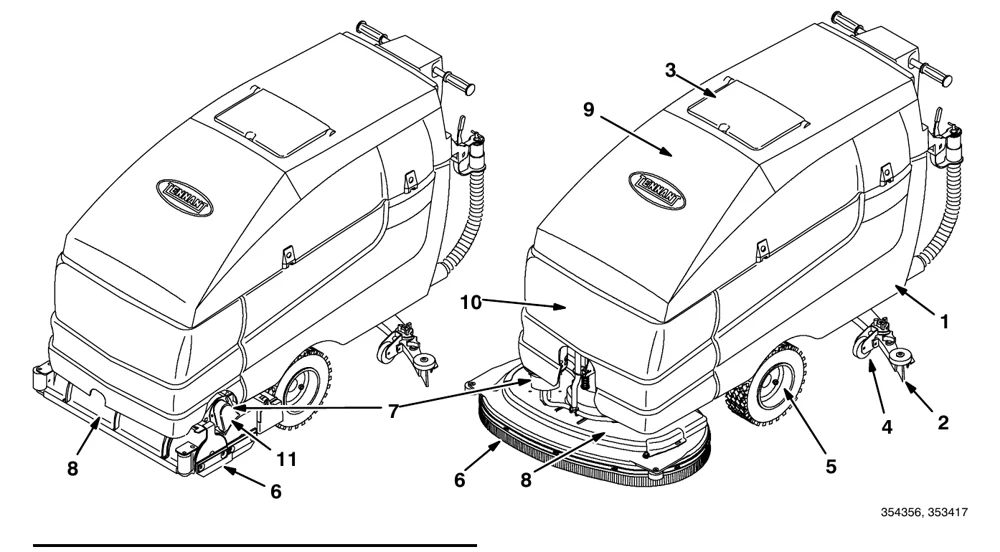
Two views of the scrubber with numbered maintenance callouts: 1 recovery tank, 2 squeegee, 3 solution tank and vacuum fan filter, 4 rear casters, 5 wheel, 6 and 8 scrub head parts, 7, 9 and 10 body points, and 11 drive belt area. Left view shows the cylindrical brush head, right view shows the disk head.
354356, 353417

MAINTENANCE CHART

In short This chart lists what to service on the machine, how often (daily, 50 hours, 100 hours), and how many service points each item has. The key numbers match the callouts on the machine drawings above.‌‌​⁠‍⁠⁠‍​​⁠​⁠⁠​‌‌​‌⁠​​​​​‍‌‍​​​‌​⁠​​‌‌​​‌‍‌​‌‌‌‌​‍‌⁠⁠‍⁠⁠‌‍​‍
IntervalKeyDescriptionProcedureLubricant/ FluidNo. of Service Points
Daily2SqueegeeCheck for damage and wear-1
2Check deflection and leveling-1
8Scrub brushes or padsCheck for damage and wear-2
1Recovery tankClean tank-1
1Clean float sensor-1
3Solution tankClean-1
3Vacuum fan filterClean-1
MachineCheck for leaks-1
6Disk scrub head skirtCheck for damage and wear-1
6Cylindrical scrub head skirtsCheck adjustment-4
6Check for damage and wear-4
10FaST PAK supply hose and connector (option)Clean and connect hose to storing plug when not in use-1
50 Hours10FaST Filter screen (option)Clean-1
8Cylindrical brushesCheck taper and rotate front to rear-2
100 Hours4Rear castersLubricateSPL2
11Cylindrical scrub brush drive beltsCheck tension-2
Source: Tennant 5680 (S/N 000000-029999) Operator Manual 330450 Rev. 08 (09-2006), page 38, used with permission. SES ref PF-FPFF-UB7O‌‌​⁠‍⁠⁠‍​​⁠​⁠⁠​‌‌​‌⁠​​​​​‍‌‍​​​‌​⁠​​‌‌​​‌‍‌​‌‌‌‌​‍‌⁠⁠‍⁠⁠‌‍​‍
5680 (S/N 000000-029999) 330450 (Rev. 08 (09-2006))Page 38 of 76
MAINTENANCE

MAINTENANCE

IntervalKeyDescriptionProcedureLubricant/ FluidNo. of Service Points
200 Hours10FaST Air filter (option)Clean-1
500 Hours9Vacuum fan motorCheck motor brushes-1
1000 Hours7Scrub brush motorsCheck motor brushes-2
5Propelling motorCheck motor brushes-1
5TransaxleCheck lubricant levelGL1

SPL - Special lubricant, Lubriplate EMB grease (TENNANT part no. 01433-1)
GL - SAE 90 weight gear lubricant‌‌​⁠‍⁠⁠‍​​⁠​⁠⁠​‌‌​‌⁠​​​​​‍‌⁠​​​‌​⁠​​​​‌‍‍​‍‍‌⁠‍⁠‌​⁠⁠​​​‌‌​‌⁠

Source: Tennant 5680 (S/N 000000-029999) Operator Manual 330450 Rev. 08 (09-2006), page 39, used with permission. SES ref PF-6WGQ-5I2G‌‌​⁠‍⁠⁠‍​​⁠​⁠⁠​‌‌​‌⁠​​​​​‍‌⁠​​​‌​⁠​​​​‌‍‍​‍‍‌⁠‍⁠‌​⁠⁠​​​‌‌​‌⁠
5680 (S/N 000000-029999) 330450 (Rev. 08 (09-2006))Page 39 of 76
MAINTENANCE

MAINTENANCE

LUBRICATION

In short This section covers routine lubrication of the rear casters and a level check of the transaxle lubricant. The casters are greased every 100 hours of operation, and the transaxle level is checked every 1000 hours.‌‌​⁠‍⁠⁠‍​​⁠​⁠⁠​‌‌​‌⁠​​​​​‍‍​​​​‌​⁠​​⁠​​‌‍​‌‍‍​‌⁠‍‌‌​‍‌​‍‍​‌‍

REAR CASTERS

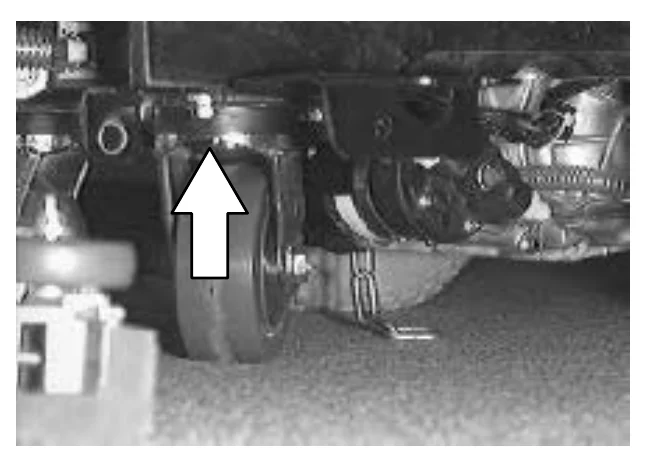
The rear casters each have one grease fitting on the caster swivel. Lubricate the caster with a grease gun containing Lubriplate EMB grease (TENNANT part no. 01433-1) every 100 hours of machine operation.‌‌​⁠‍⁠⁠‍​​⁠​⁠⁠​‌‌​‌⁠​​​​​‍‍​​​​‌​⁠​​⁠​​‌‍​‌‍‍​‌⁠‍‌‌​‍‌​‍‍​‌‍

Photo of the underside of the machine showing a rear caster, with a white arrow pointing up to the grease fitting on the caster swivel

TRANSAXLE

Check the transaxle lubricant level every 1000 hours of operation by removing one of the orange filler plugs. If needed, add SAE 90 weight gear lubricant.
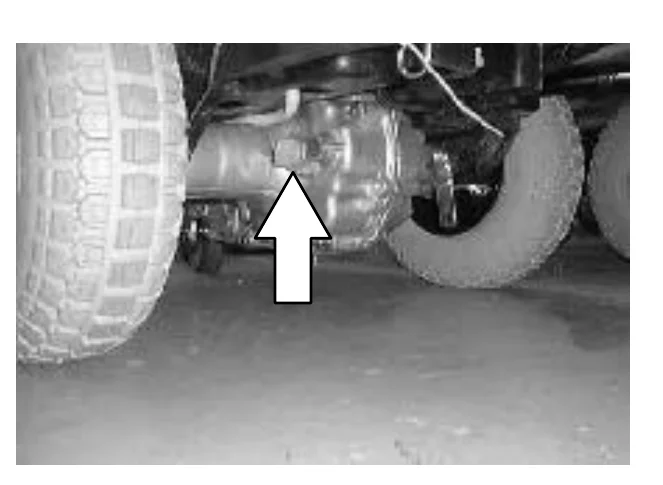
Photo of the underside of the machine showing the transaxle between the wheels, with a white arrow pointing to the orange filler plug

BATTERIES

In short Battery life depends on the number of charges, so charge the batteries when all the discharge indicator segments shut off, using an automatic charger of the proper rating. Periodically clean the battery tops and terminals with baking soda and water, check for loose connections, and keep the tops clean and dry.

Batteries and chargers: make sure your charger is compatible with your batteries, and set its charging algorithm to your battery pack before you use it.

The batteries are unique in that they hold their power for long periods of time. The lifetime of the batteries is limited by the number of charges the batteries receive. To get the most life from the batteries, charge them when all the battery discharge indicator segments shut off (20% charge left). Use an automatic charger with the proper rating for the batteries.

Periodically clean the top surface of the batteries and the terminals, and check for loose connections. Use a strong solution of baking soda and water. Brush the solution sparingly over the battery tops, terminals, and cable clamps. Do not allow any baking soda solution to enter the batteries. Use a wire brush to clean the terminal posts and the cable connectors. After cleaning, apply a coating of clear battery post protectant to the terminals and the cable connectors. Keep the tops of the batteries clean and dry.

Source: Tennant 5680 (S/N 000000-029999) Operator Manual 330450 Rev. 08 (09-2006), page 40, used with permission. SES ref PF-JND4-S5YS‌‌​⁠‍⁠⁠‍​​⁠​⁠⁠​‌‌​‌⁠​​​​​‍‍​​​​‌​⁠​​⁠​​‌‍​‌‍‍​‌⁠‍‌‌​‍‌​‍‍​‌‍
5680 (S/N 000000-029999) 330450 (Rev. 08 (09-2006))Page 40 of 76
MAINTENANCE

MAINTENANCE

Keep all metallic objects off the top of the batteries, which may cause a short circuit. Replace any worn or damaged wires.‌‌​⁠‍⁠⁠‍​​⁠​⁠⁠​‌‌​‌⁠​​​​​‍‍‌​​​‌​⁠​​​⁠⁠‍⁠‍​‍‍​⁠⁠​‍⁠⁠⁠‌‌⁠‌⁠‌‌

Never add acid to the batteries, only distilled water. Always keep the battery caps on, except when adding water or taking hydrometer readings.

Check the electrolyte level in each battery cell before and after charging, and after every 50 hours of operation. Do not charge the batteries unless the fluid is slightly above the battery plates. If needed, add just enough distilled water to cover the plates. Never add acid to the batteries. Do not overfill. Always keep the battery caps on, except when adding water or taking hydrometer readings.
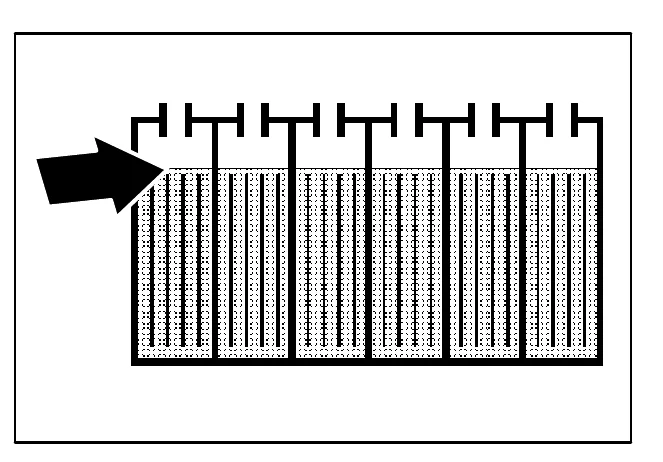
Cross-section of battery cells with the caps on top and a large arrow pointing to the electrolyte level, slightly above the battery plates

Measuring the specific gravity, using a hydrometer, is a way to determine the charge level and condition of the batteries. If one or more of the battery cells test lower than the other battery cells (0.050 or more), the cell is damaged, shorted, or is about to fail.
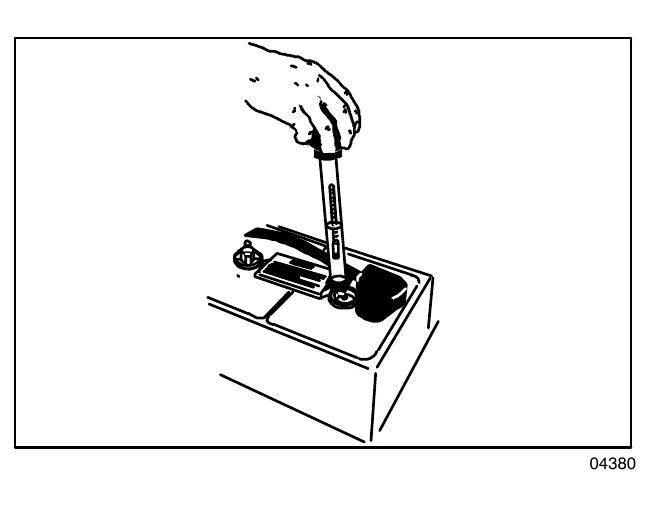
NOTE: Do not take readings immediately after adding distilled water. If the water and acid are not thoroughly mixed, the readings may not be accurate. Check the hydrometer readings against the following chart to determine the remaining battery charge level:
A hand holding a hydrometer inserted into a battery cell to take a specific gravity reading
04380
SPECIFIC GRAVITY at 27° C (80°F)BATTERY CHARGE
1.265100% Charged
1.22375% Charged
1.18550% Charged
1.14825% Charged
1.110Discharged
Source: Tennant 5680 (S/N 000000-029999) Operator Manual 330450 Rev. 08 (09-2006), page 41, used with permission. SES ref PF-ED4F-6S5Z‌‌​⁠‍⁠⁠‍​​⁠​⁠⁠​‌‌​‌⁠​​​​​‍‍‌​​​‌​⁠​​​⁠⁠‍⁠‍​‍‍​⁠⁠​‍⁠⁠⁠‌‌⁠‌⁠‌‌
5680 (S/N 000000-029999) 330450 (Rev. 08 (09-2006))Page 41 of 76
MAINTENANCE

MAINTENANCE

NOTE: If the readings are taken when the battery electrolyte is any temperature other than 27° C (80° F), the reading must be temperature corrected. Add or subtract to the specific gravity reading 0.004, 4 points, for each 6° C (10° F) above or below 27°C (80° F).

CHARGING THE BATTERIES

In short This section explains how to prepare the machine and batteries for charging. Park on a flat, dry, well-ventilated surface with the machine off, empty and lift the solution tank, and check the water level in the battery cells.‌‌​⁠‍⁠⁠‍​​⁠​⁠⁠​‌‌​‌⁠​​​​​‍‍‍​​​‌​⁠​​‍⁠⁠​​‍‌⁠​‍​⁠‍​​‌⁠​​⁠​​‌⁠

Batteries and chargers: make sure your charger is compatible with your batteries, and set its charging algorithm to your battery pack before you use it.

  1. Drive the machine to a flat, dry surface in a well-ventilated area.
  2. Turn the machine power off and set the parking brake if your machine has this option.
    FOR SAFETY: Before leaving or servicing machine, stop on level surface, and turn off machine.
  3. Lift up the solution tank to get access to the batteries.
    NOTE: The solution tank must be empty.
    Photo of a person lifting the solution tank cover at the side of the machine by hand, with a white arrow pointing upward showing the lifting direction
  4. Check the water level in all the battery cells. If the level is low, add just enough distilled water to cover the plates. DO NOT OVERFILL. The batteries can overflow during charging due to expansion.
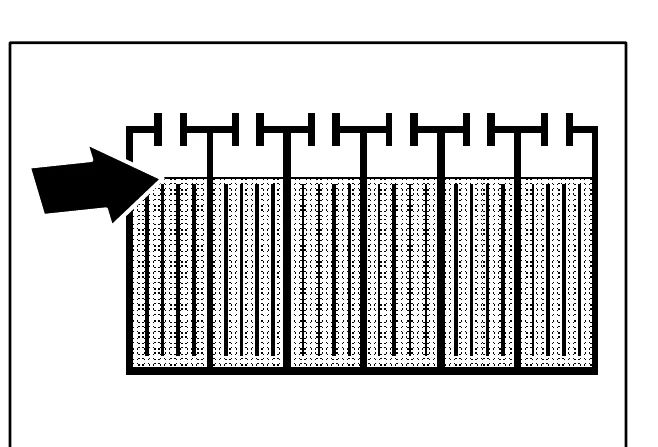
    Cross-section drawing of battery cells showing the water level in each cell, with a black arrow pointing to the fluid level just above the plates
    NOTE: Make sure the battery caps are in place while charging.
    FOR SAFETY: When maintaining or servicing machine, avoid contact with battery acid.
Source: Tennant 5680 (S/N 000000-029999) Operator Manual 330450 Rev. 08 (09-2006), page 42, used with permission. SES ref PF-BTZU-DTMA‌‌​⁠‍⁠⁠‍​​⁠​⁠⁠​‌‌​‌⁠​​​​​‍‍‍​​​‌​⁠​​‍⁠⁠​​‍‌⁠​‍​⁠‍​​‌⁠​​⁠​​‌⁠
5680 (S/N 000000-029999) 330450 (Rev. 08 (09-2006))Page 42 of 76
MAINTENANCE
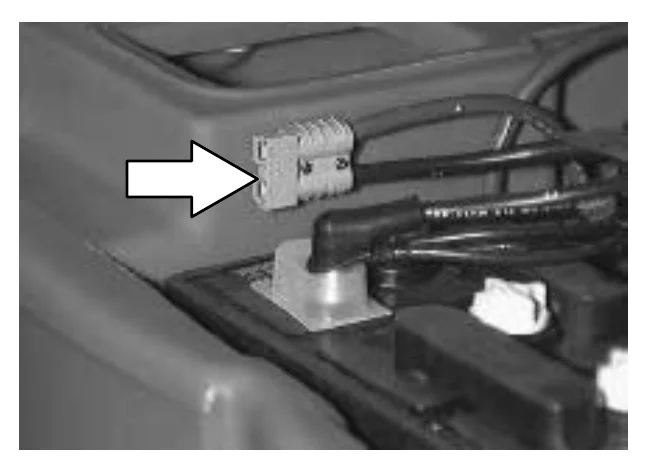
  1. Plug the charger connector into the battery connector.
WARNING: Batteries emit hydrogen gas. Explosion or fire can result. Keep sparks and open flame away. Keep covers open when charging.
Photo of the machine's battery compartment with a white arrow pointing to the gray battery connector and its cables, where the charger connector is plugged in
  1. Plug the battery charger into the wall outlet.
NOTE: If the red “ABNORMAL CYCLE” lamp lights when the TENNANT charger is plugged into a wall outlet, the charger cannot charge the battery and there is something wrong with the battery.
  1. The TENNANT charger will start automatically. When the batteries are fully charged, the TENNANT charger will automatically turn off.
  2. After the charger has turned off, unplug the charger from the wall outlet.
  3. Unplug the charger connector from the battery connector on the machine.
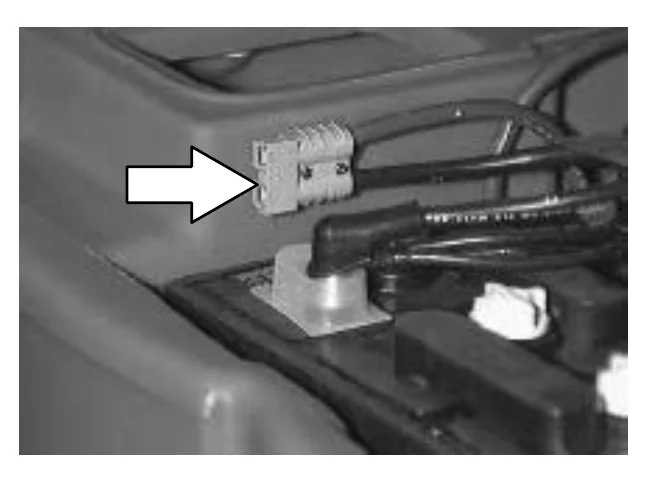
Photo of the battery compartment with a white arrow pointing to the gray battery connector on the machine, from which the charger connector is unplugged
FOR SAFETY: When maintaining or servicing machine, avoid contact with battery acid.
  1. Check the electrolyte level in each battery cell after charging. If needed, add distilled water to raise the electrolyte level to about 12 mm (0.4 in) below the bottom of the sight tubes.
  2. Lower the solution tank.
  3. Pull up on the support arm and rotate the stop arm out of the way to allow the solution tank to close completely.

ELECTRIC MOTORS

In short This section gives how often the carbon brushes in the machine's electric motors should be inspected. The vacuum fan motor is checked every 500 hours, and the scrub brush motors and propelling motor every 1000 hours.‌‌​⁠‍⁠⁠‍​​⁠​⁠⁠​‌‌​‌⁠​​​​​‍‍⁠​​​‌​⁠​​‌⁠​​⁠⁠​​‌‍‌‌‍⁠​‍‍⁠‍‍⁠‍‌‌

The carbon brushes on the vacuum fan motor should be inspected after every 500 hours of machine operation. The carbon brushes on the scrub brush motors and propelling motor should be inspected after every 1000 hours of machine operation. The carbon brushes on the scrub brush motors,and propelling motor should be inspected after every 1000 hours of machine operation.‌‌​⁠‍⁠⁠‍​​⁠​⁠⁠​‌‌​‌⁠​​​​​‍‍⁠​​​‌​⁠​​‌⁠​​⁠⁠​​‌‍‌‌‍⁠​‍‍⁠‍‍⁠‍‌‌

Source: Tennant 5680 (S/N 000000-029999) Operator Manual 330450 Rev. 08 (09-2006), page 43, used with permission. SES ref PF-PEBA-375K‌‌​⁠‍⁠⁠‍​​⁠​⁠⁠​‌‌​‌⁠​​​​​‍‍⁠​​​‌​⁠​​‌⁠​​⁠⁠​​‌‍‌‌‍⁠​‍‍⁠‍‍⁠‍‌‌
5680 (S/N 000000-029999) 330450 (Rev. 08 (09-2006))Page 43 of 76
MAINTENANCE

MAINTENANCE

SCRUB HEAD

In short The scrub head has skirts that control over-spray from the scrub brushes. Check the skirts for damage or wear daily, adjust them so they just touch the floor, and replace them when damaged or worn.‌‌​⁠‍⁠⁠‍​​⁠​⁠⁠​‌‌​‌⁠​​​​​‍⁠​​​​‌​⁠​​​​‍‍​⁠‌⁠‌​⁠​​‍⁠⁠‌​​‍​‍​​

The machine is equipped with a disk brush scrub head. The scrub head contains skirts to control over-spray from the scrub brushes.‌‌​⁠‍⁠⁠‍​​⁠​⁠⁠​‌‌​‌⁠​​​​​‍⁠​​​​‌​⁠​​​​‍‍​⁠‌⁠‌​⁠​​‍⁠⁠‌​​‍​‍​​

DISK BRUSH SCRUB HEAD SKIRT

Make sure the scrub head skirt touches the floor all the way around when the scrub head is lowered. Check the skirt for damage or wear daily.

NOTE: Replace the scrub head skirt when it is damaged or no longer is able to touch the floor.

CYLINDRICAL BRUSH SCRUB HEAD SKIRTS

The four head skirts should just touch the floor. Check the skirts for damage or wear daily.

ADJUSTING THE SCRUB HEAD SKIRTS

  1. Lower the scrub head on a level floor.
  2. Turn the machine power off.
    FOR SAFETY: Before leaving or servicing machine, stop on level surface, and turn off machine.
  3. Check to see if the scrub head skirts touch the floor.
  4. If any of the skirts needs adjusting, loosen the retainer strip hardware and slide the skirt to the proper adjustment. Tighten the retainer strip hardware.
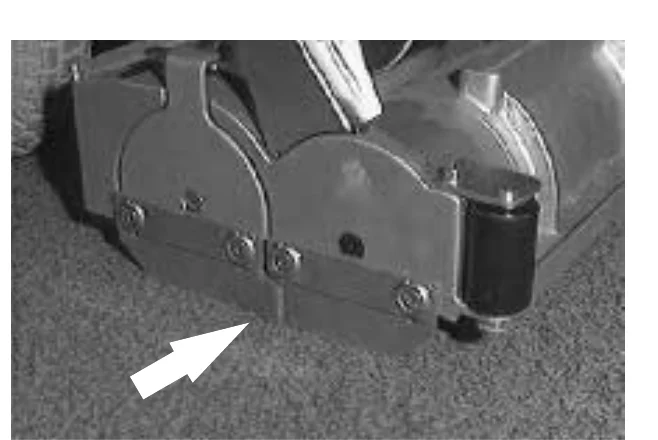
Photo of the side of the scrub head resting on the floor, with an arrow pointing to the scrub head skirt at the bottom edge where it meets the floor, below the retainer strip and its hardware

REPLACING THE SCRUB HEAD SKIRTS

  1. Raise the scrub head.
  2. Turn the machine power off.
    FOR SAFETY: Before leaving or servicing machine, stop on level surface, and turn off machine.
  3. Remove the retainer strip and hardware.
  4. Replace the old skirt with a new skirt and mount in place with the retainer strip and hardware.
Source: Tennant 5680 (S/N 000000-029999) Operator Manual 330450 Rev. 08 (09-2006), page 44, used with permission. SES ref PF-D54D-OVNK‌‌​⁠‍⁠⁠‍​​⁠​⁠⁠​‌‌​‌⁠​​​​​‍⁠​​​​‌​⁠​​​​‍‍​⁠‌⁠‌​⁠​​‍⁠⁠‌​​‍​‍​​
5680 (S/N 000000-029999) 330450 (Rev. 08 (09-2006))Page 44 of 76
MAINTENANCE

MAINTENANCE

REMOVING OR REPLACING THE SCRUB HEAD

In short This procedure covers taking off or replacing the scrub head, which comes in three widths. On this page you lower the head, turn the machine off, remove the front cover and disconnect the solution line.‌‌​⁠‍⁠⁠‍​​⁠​⁠⁠​‌‌​‌⁠​​​​​‍⁠‌​​​‌​⁠​​‍​‍‍⁠‍‌‍‌‌‍⁠⁠​⁠⁠‍‍‍​‌‌⁠⁠

The scrub heads are available in three widths.‌‌​⁠‍⁠⁠‍​​⁠​⁠⁠​‌‌​‌⁠​​​​​‍⁠‌​​​‌​⁠​​‍​‍‍⁠‍‌‍‌‌‍⁠⁠​⁠⁠‍‍‍​‌‌⁠⁠

NOTE: When you change to a different width scrub head, be sure to install the appropriate width squeegee and machine front cover.
  1. Lower the scrub head.
  2. Turn the machine power off.
    FOR SAFETY: Before leaving or servicing machine, stop on level surface, and turn off machine.
  3. Remove the machine front cover.
Top view of the scrub head with the machine front cover removed, showing the two brush motors on the head, the lift mechanism and hoses above it
  1. Disconnect the solution line from the scrub head tee fitting.
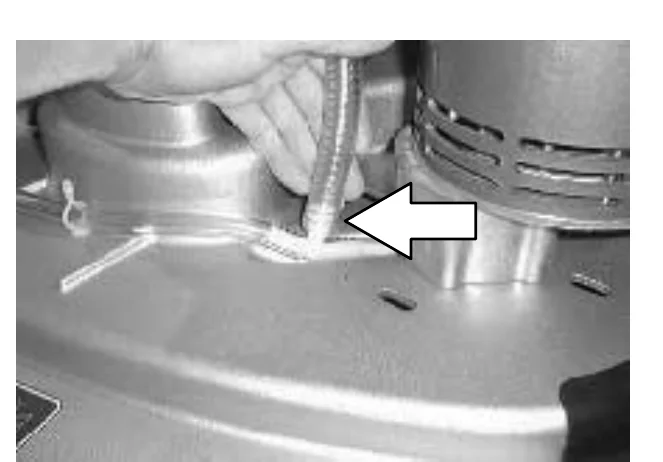
Close-up of a hand disconnecting the solution line from the tee fitting on the scrub head, with a white arrow pointing to the fitting
Source: Tennant 5680 (S/N 000000-029999) Operator Manual 330450 Rev. 08 (09-2006), page 45, used with permission. SES ref PF-IJXH-TNW5‌‌​⁠‍⁠⁠‍​​⁠​⁠⁠​‌‌​‌⁠​​​​​‍⁠‌​​​‌​⁠​​‍​‍‍⁠‍‌‍‌‌‍⁠⁠​⁠⁠‍‍‍​‌‌⁠⁠
5680 (S/N 000000-029999) 330450 (Rev. 08 (09-2006))Page 45 of 76
MAINTENANCE
  1. Disconnect the wire harness from each scrub motor.
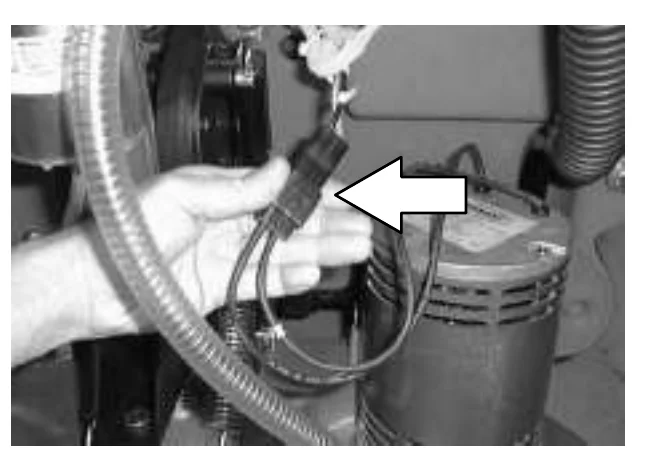
Hand holding the wire harness connector unplugged from a scrub motor, with a large white arrow pointing to the connector and the motor visible below it
  1. Disconnect the scrub head from the guide by removing the clevis pin.
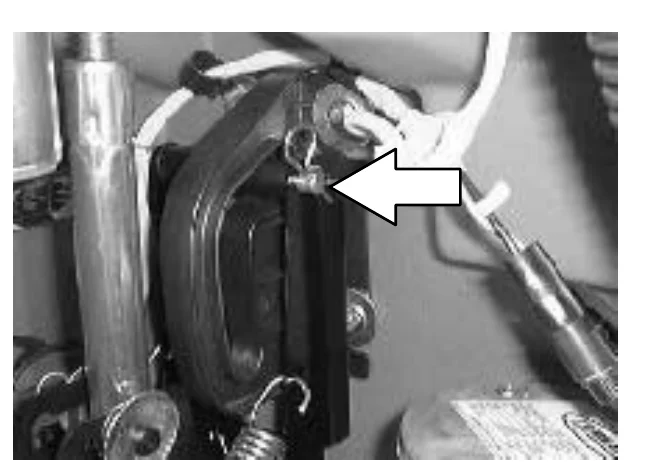
Scrub head guide area with a large white arrow pointing to the clevis pin that holds the scrub head to the guide
Source: Tennant 5680 (S/N 000000-029999) Operator Manual 330450 Rev. 08 (09-2006), page 46, used with permission. SES ref PF-KCEX-64CX‌‌​⁠‍⁠⁠‍​​⁠​⁠⁠​‌‌​‌⁠​​​​​‍⁠‍​​​‌​⁠​​⁠​​‌⁠​⁠‍​​⁠‌​‌​‍​‍‌​‌​‌‍
5680 (S/N 000000-029999) 330450 (Rev. 08 (09-2006))Page 46 of 76
MAINTENANCE
  1. Disconnect the lift arms from the scrub head by removing the two clevis pins.
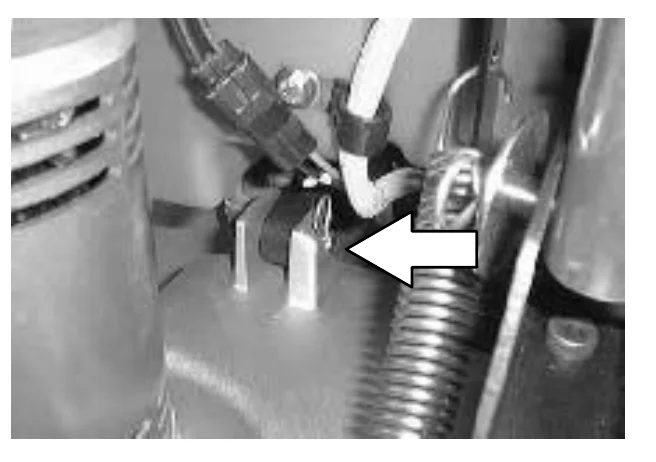
Photo of the scrub head area with a white arrow pointing left at the clevis pin where a lift arm connects to the scrub head, next to a coil spring
  1. Mark the location of the actuator tube on the actuator shaft before disconnecting the actuator. Disconnect the actuator from the scrub head by removing the clevis pin.
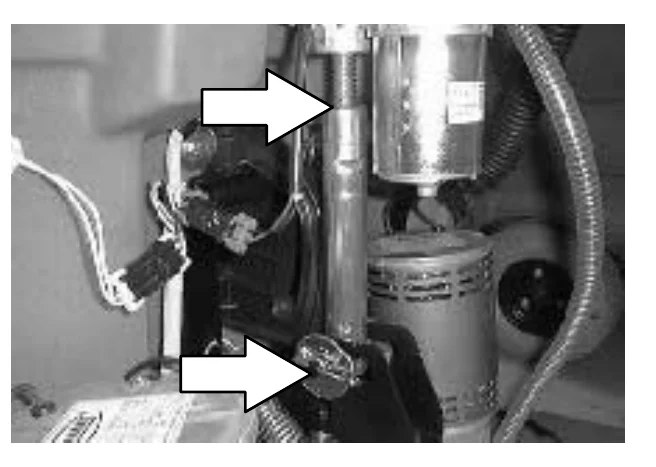
Photo of the actuator area with two white arrows pointing to the actuator tube on the actuator shaft and to the clevis pin at the lower end of the actuator where it connects to the scrub head
  1. To install the scrub head, connect the lift arms to the scrub head with the two clevis pins.
  2. Connect the scrub head to the guide with the clevis pin.
  3. Make sure the actuator tube lines up with the mark made earlier on the actuator shaft. If not, turn the actuator tube until it does. Connect the actuator to the scrub head with the clevis pin.
  4. Connect the wire harness.
  5. Connect the solution line to the scrub head tee fitting.
Source: Tennant 5680 (S/N 000000-029999) Operator Manual 330450 Rev. 08 (09-2006), page 47, used with permission. SES ref PF-2H2Z-CHYS‌‌​⁠‍⁠⁠‍​​⁠​⁠⁠​‌‌​‌⁠​​​​​‍⁠⁠​​​‌​⁠​​‌‍‌​​​⁠⁠‍‍‌​⁠⁠⁠‌⁠⁠‍‌​⁠‍​
5680 (S/N 000000-029999) 330450 (Rev. 08 (09-2006))Page 47 of 76
MAINTENANCE

MAINTENANCE

LEVELING THE SCRUB HEAD

In short This procedure checks that the scrub head sits level to the floor and shows how to adjust it if it does not. Measure from the top of the scrub head to the floor at all four corners, then turn the adjustment screw until the readings match.‌‌​⁠‍⁠⁠‍​​⁠​⁠⁠​‌‌​‌⁠​​​​​⁠​​​​​‌​⁠​​​‍‌‍‌‌‍‍‌‌⁠⁠‍⁠‌​⁠‍⁠‍‌⁠‌⁠
  1. Make sure the scrub head is lowered to the floor.
  2. Check the level of the scrub head by measuring the distance from the top of the scrub head, to the floor at all four corners. The scrub head should measure the same on all four corners.
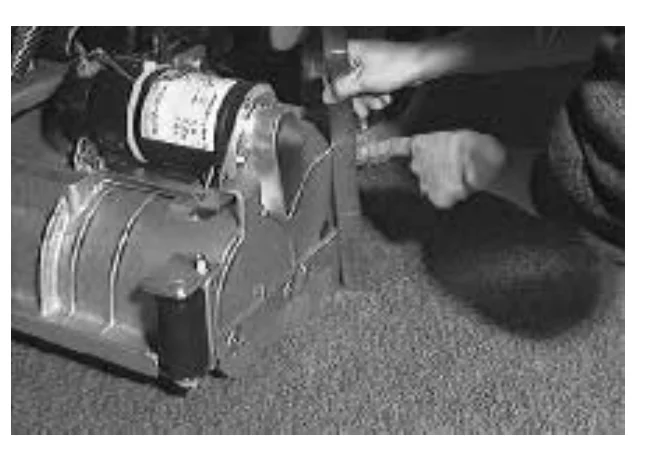
Photo of the scrub head seen from the side with its motor on top, while a person's hands measure the distance from the scrub head to the floor at a corner
  1. If the scrub head is not level at all four corners, loosen the jam nut on the adjustment screw located on the top of the scrub head. Turn the adjustment screw until the scrub head measures level. Tighten the jam nut.
  2. Install the machine front cover.
  3. Cylindrical scrub head: Check the brush pattern as described in CHECKING AND ADJUSTING CYLINDRICAL BRUSH PATTERN.
Photo of the top of the scrub head showing coil springs, with a large white arrow pointing to the adjustment screw and jam nut
Source: Tennant 5680 (S/N 000000-029999) Operator Manual 330450 Rev. 08 (09-2006), page 48, used with permission. SES ref PF-PWHI-ULLF‌‌​⁠‍⁠⁠‍​​⁠​⁠⁠​‌‌​‌⁠​​​​​⁠​​​​​‌​⁠​​​‍‌‍‌‌‍‍‌‌⁠⁠‍⁠‌​⁠‍⁠‍‌⁠‌⁠
5680 (S/N 000000-029999) 330450 (Rev. 08 (09-2006))Page 48 of 76
MAINTENANCE

SCRUB BRUSHES AND PADS

In short Check the scrub brushes every day for tangled wire or string and for damage and wear. Disk brushes are replaced when bristles are missing or too short, and brushes and pads should be replaced in sets.‌‌​⁠‍⁠⁠‍​​⁠​⁠⁠​‌‌​‌⁠​​​​​⁠​‌​​​‌​⁠​​‌⁠‌​​​⁠‌​‌‍⁠‌⁠⁠‍​‌‌⁠‌‌⁠‌

The scrub brushes should be checked daily for wire or string tangled around the brush or drive hub. The brushes should also be checked for any damage and wear.‌‌​⁠‍⁠⁠‍​​⁠​⁠⁠​‌‌​‌⁠​​​​​⁠​‌​​​‌​⁠​​‌⁠‌​​​⁠‌​‌‍⁠‌⁠⁠‍​‌‌⁠‌‌⁠‌

DISK BRUSHES

The disk brushes should be replaced if large amounts of bristles are missing, or if the remaining bristles' length is less than 10 mm (0.38 in).

Cleaning pads must be placed on pad drives before they are ready to use. The cleaning pad is held in place by a pad holder.

Cleaning pads need to be cleaned immediately after using with soap and water. Do not wash the pads with a pressure washer. Hang dry pads, or lie flat to dry.

NOTE: Be sure to replace brushes and pads in sets. Otherwise one brush or pad will be more aggressive than the other.

REPLACING THE DISK BRUSHES OR PADS

  1. Raise the scrub head.
  2. Turn the machine power off.
    FOR SAFETY: Before leaving or servicing machine, stop on level surface, and turn off machine.
  3. Open the access cover on either corner of the scrub head.
Photo of the scrub head at the floor with a curved arrow showing the access cover on a corner of the scrub head being swung open
Source: Tennant 5680 (S/N 000000-029999) Operator Manual 330450 Rev. 08 (09-2006), page 49, used with permission. SES ref PF-FZZP-NHTX‌‌​⁠‍⁠⁠‍​​⁠​⁠⁠​‌‌​‌⁠​​​​​⁠​‌​​​‌​⁠​​‌⁠‌​​​⁠‌​‌‍⁠‌⁠⁠‍​‌‌⁠‌‌⁠‌
5680 (S/N 000000-029999) 330450 (Rev. 08 (09-2006))Page 49 of 76
MAINTENANCE

MAINTENANCE

  1. Turn the brush/pad driver until you can see the brush spring clip.
Photo of the scrub head seen from the side with an arrow pointing up at the brush spring clip on top of the head
  1. Press the spring clip together with your thumb and index finger. The brush/pad driver will drop off the drive hub.
Photo of a hand pressing the spring clip together with thumb and index finger while the other hand supports the brush/pad driver below the scrub head
  1. Pull the brush/pad driver out from under the scrub head.
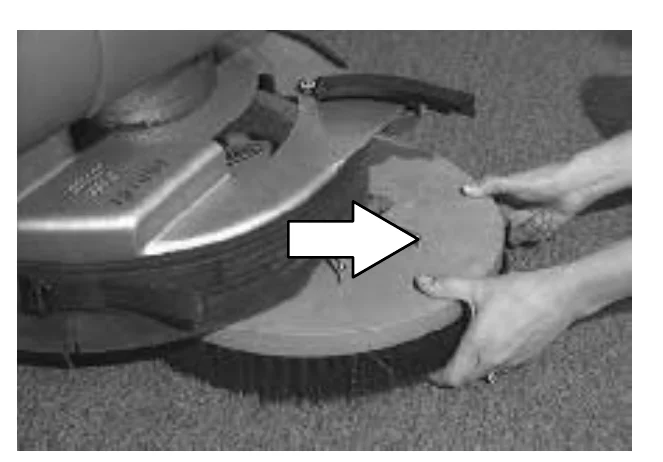
Photo of two hands pulling the brush/pad driver out from under the scrub head, with an arrow pointing to the right showing the pull direction
Source: Tennant 5680 (S/N 000000-029999) Operator Manual 330450 Rev. 08 (09-2006), page 50, used with permission. SES ref PF-TTWP-DBH5‌‌​⁠‍⁠⁠‍​​⁠​⁠⁠​‌‌​‌⁠​​​​​⁠​‍​​​‌​⁠​​​⁠⁠‍‍⁠⁠​⁠​⁠‌⁠​‍​‍‌​‍‍‌‍‌
5680 (S/N 000000-029999) 330450 (Rev. 08 (09-2006))Page 50 of 76
MAINTENANCE

MAINTENANCE

  1. PAD DRIVER ONLY: Turn the pad driver over to access the spring clip underneath.
  2. Press the spring clip together with your thumb and index finger to remove the center disk.
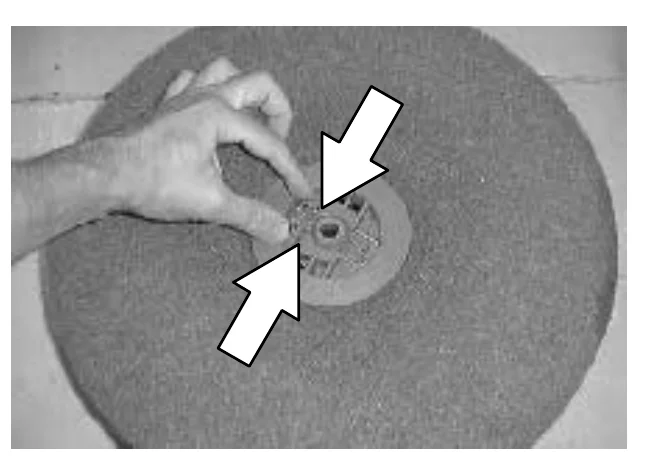
Photo of a hand pressing the spring clip at the center of a scrub pad on the pad driver, with two white arrows pointing at the clip from opposite sides to show thumb and index finger pressing together
  1. Flip or replace the scrub pad, center the scrub pad on the pad driver.
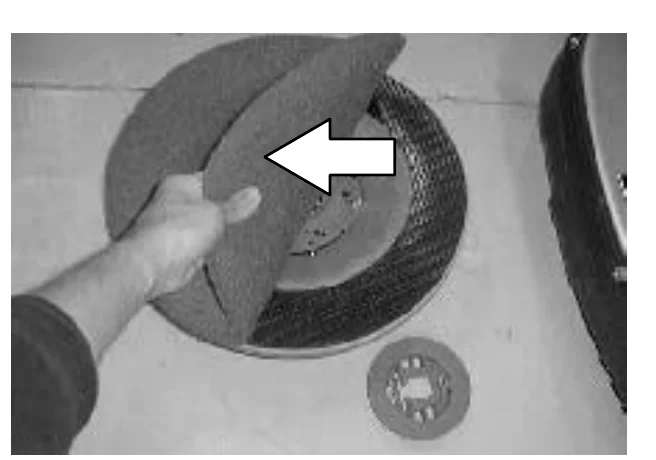
Photo of a hand lifting and flipping a scrub pad off the pad driver, with a white arrow showing the direction of the flip; the removed center disk lies on the floor nearby
Source: Tennant 5680 (S/N 000000-029999) Operator Manual 330450 Rev. 08 (09-2006), page 51, used with permission. SES ref PF-RXBD-QLWK‌‌​⁠‍⁠⁠‍​​⁠​⁠⁠​‌‌​‌⁠​​​​​⁠​⁠​​​‌​⁠​​‍​⁠​‍‌‍‌​‌‌​​‌‍‌⁠‌⁠‍​​‌⁠
5680 (S/N 000000-029999) 330450 (Rev. 08 (09-2006))Page 51 of 76
MAINTENANCE
  1. Replace the center disk to secure the pad in place on the driver.
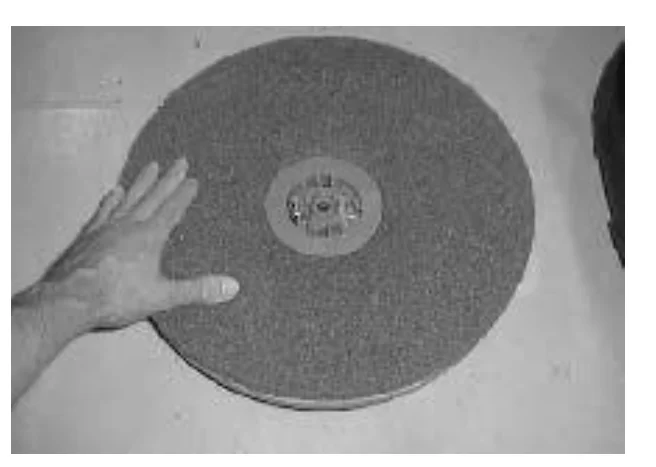
A hand rests on the edge of a round scrub pad on the floor, with the center disk fitted in the middle of the pad to hold it on the driver
  1. Place the new scrub brush/pad driver on the floor in front of the scrub head. Push the brush under the scrub head.
  2. Line up the drive socket with the drive plug.
  3. Lift the scrub brush/pad driver assembly into the drive plug.
  4. Check to make sure the brush/pad driver assembly is securely mounted on the brush drive hub.
  5. Close the scrub head access cover.
  6. Repeat for the other brush/pad driver.
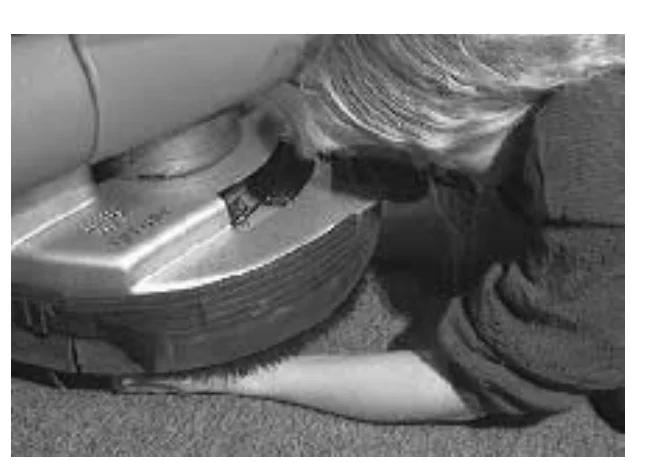
A person kneels at the side of the machine and reaches under the scrub head to lift the brush/pad driver assembly up into the drive plug
Source: Tennant 5680 (S/N 000000-029999) Operator Manual 330450 Rev. 08 (09-2006), page 52, used with permission. SES ref PF-VGAW-OEMC‌‌​⁠‍⁠⁠‍​​⁠​⁠⁠​‌‌​‌⁠​​​​​⁠‌​​​​‌​⁠​​​​⁠‍‍‍‌‌‍​⁠​⁠​‍​​‍​​‍​​‌
5680 (S/N 000000-029999) 330450 (Rev. 08 (09-2006))Page 52 of 76
MAINTENANCE

MAINTENANCE

CYLINDRICAL BRUSHES

In short Check the brush taper and rotate the cylinder brushes front-to-rear every 50 hours of operation. Replace the brushes in sets when many bristles are missing or the remaining bristle length is under 10 mm (0.38 in), using the steps below.‌‌​⁠‍⁠⁠‍​​⁠​⁠⁠​‌‌​‌⁠​​​​​⁠‌‌​​​‌​⁠​​​​⁠​‌‍​⁠‍‌⁠‌‌​⁠​​​⁠​​‌​​

Check the brush taper and rotate the brushes from front-to-rear every 50 hours of operation, for maximum brush life and best scrubbing performance.‌‌​⁠‍⁠⁠‍​​⁠​⁠⁠​‌‌​‌⁠​​​​​⁠‌‌​​​‌​⁠​​​​⁠​‌‍​⁠‍‌⁠‌‌​⁠​​​⁠​​‌​​

The cylinder brushes should be replaced if large amounts of bristles are missing, or if the remaining bristles’ length is less than 10 mm (0.38 in).

NOTE: Be sure to replace brushes in sets. Otherwise one brush will be more aggressive than the other.

REPLACING THE CYLINDRICAL BRUSHES

  1. Raise the scrub head.
  2. Turn the machine power off and set the parking brake if your machine has this option.
    FOR SAFETY: Before leaving or servicing machine, stop on level surface, and turn off machine.
  3. Push down on the mounting spring and the idler door, then pull out on the bottom of the door. Push down on the spring until the door releases from the scrub head. Pull the idle plug off the brush.
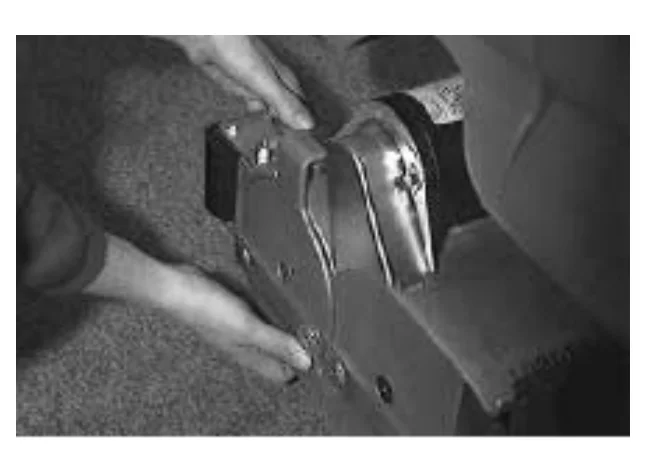
Photo of hands pressing the mounting spring and pulling the bottom of the idler door on the side of the scrub head to release it
  1. Pull the brush out of the scrub head.
  2. With the double row end of the brush towards you, guide the brush onto the drive hub.
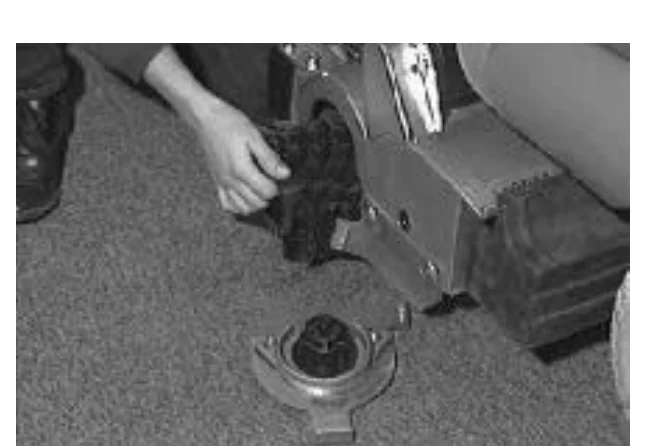
Photo of a hand guiding a cylindrical brush out of the open scrub head, with the drive hub visible on the floor below
NOTE: Use the double rows on the idler end of the brush.
Source: Tennant 5680 (S/N 000000-029999) Operator Manual 330450 Rev. 08 (09-2006), page 53, used with permission. SES ref PF-XNOW-JR7W‌‌​⁠‍⁠⁠‍​​⁠​⁠⁠​‌‌​‌⁠​​​​​⁠‌‌​​​‌​⁠​​​​⁠​‌‍​⁠‍‌⁠‌‌​⁠​​​⁠​​‌​​
5680 (S/N 000000-029999) 330450 (Rev. 08 (09-2006))Page 53 of 76
MAINTENANCE
  1. Insert the Idler plug of the idler door into the brush.
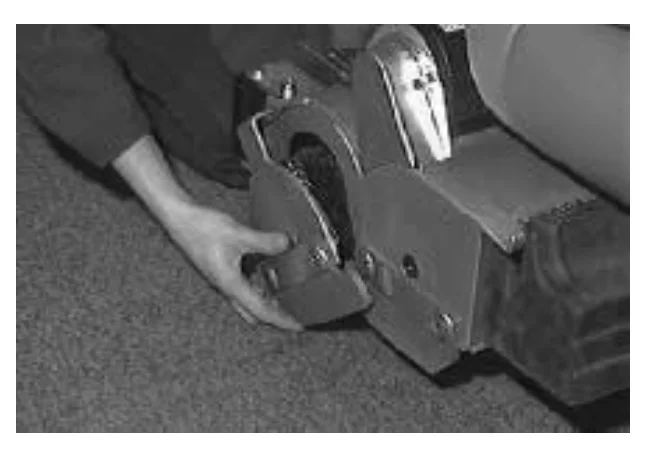
Hands pushing the idler door of the scrub head toward the cylindrical brush on a carpeted floor, inserting the idler plug into the brush
  1. Push down on the door to catch the door in the scrub head, then pull up on the door to latch it in the spring.
  2. Repeat for the other brush on the other side of the scrub head.
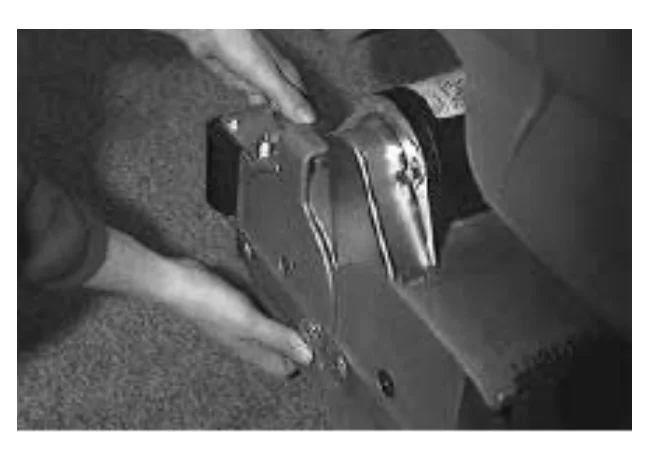
Hands pressing down and pulling up on the idler door at the side of the scrub head to latch it in the spring
NOTE: The idler doors have stamped letters that correspond with letters on the scrub head. Make sure the idler doors are placed back on the same side of the scrub head that they were originally removed from.

CHECKING AND ADJUSTING CYLINDRICAL BRUSH PATTERN

In short This section explains how to check the cylindrical brush pattern by letting the brushes mark a chalked floor area. Before starting, check the tire pressure and make sure the solution tank is full.‌‌​⁠‍⁠⁠‍​​⁠​⁠⁠​‌‌​‌⁠​​​​​⁠‌‍​​​‌​⁠​​‍‍⁠​⁠‍⁠‌‍⁠⁠‌‍⁠‌​‍​‌⁠​⁠‌‌
NOTE: Check the tires for correct tire pressure and make sure the solution tank is full before checking or adjusting the brush pattern.
  1. Apply chalk, or some other material that will not blow easily away, to a smooth, level floor.
  2. Raise the scrub head. Position the scrub head over the chalked area.
  3. Set the parking brake if your machine has this option.
  4. Lower the scrub head for 15 to 20 seconds while keeping the scrub head in one spot in the chalked area.
NOTE: If chalk or other material is not available, allow the brushes to spin on the floor for two minutes. A polish mark will remain on the floor.
  1. Raise the scrub head and move the machine away from the chalked area. Turn the machine power off.
Source: Tennant 5680 (S/N 000000-029999) Operator Manual 330450 Rev. 08 (09-2006), page 54, used with permission. SES ref PF-LOLS-G464‌‌​⁠‍⁠⁠‍​​⁠​⁠⁠​‌‌​‌⁠​​​​​⁠‌‍​​​‌​⁠​​‍‍⁠​⁠‍⁠‌‍⁠⁠‌‍⁠‌​‍​‌⁠​⁠‌‌
5680 (S/N 000000-029999) 330450 (Rev. 08 (09-2006))Page 54 of 76
MAINTENANCE
  1. Observe the shape of the brush patterns. If the brush patterns have parallel sides, the brushes do not need taper adjustment.
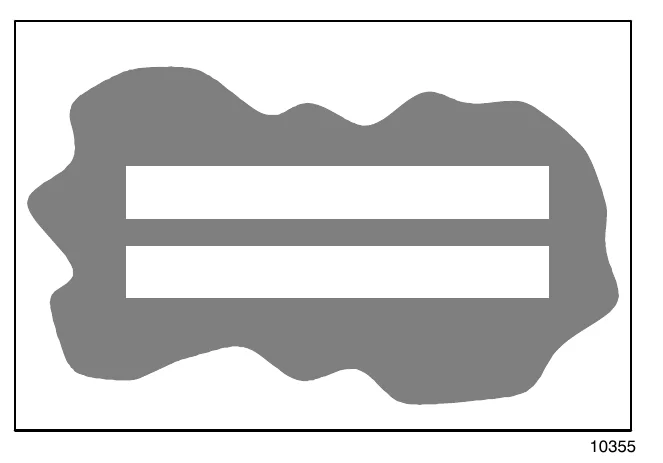
Brush pattern on the floor with two parallel-sided strips, showing brushes that do not need taper adjustment
10355

If one or both of the brush patterns are tapered, the brushes will have to be adjusted to straighten the brush pattern.‌‌​⁠‍⁠⁠‍​​⁠​⁠⁠​‌‌​‌⁠​​​​​⁠‌⁠​​​‌​⁠​​⁠‌​‍​‍⁠‌​‍‌‌‍‍⁠⁠‌‌​‍‌‍‍‌

Brush pattern on the floor where the upper strip is tapered, narrower at one end, showing brushes that need adjustment
10356
  1. Remove the idler door by pushing down on the mounting spring and the idler door, then pulling out on the bottom of the door. Push down on the spring until the door releases from the scrub head. Pull the idle plug off the brush.
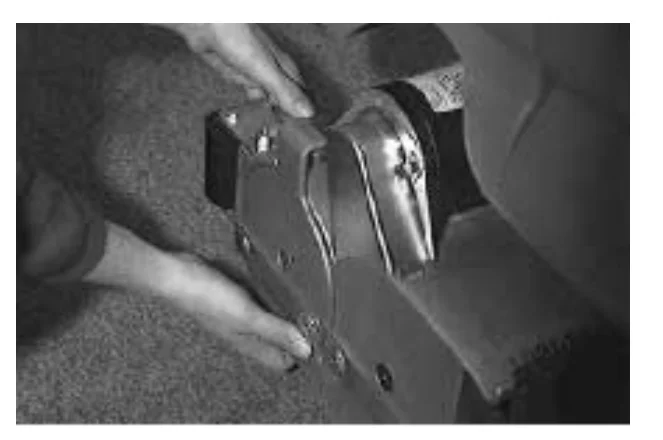
Hands pushing down on the idler door mounting spring and pulling out the bottom of the idler door on the scrub head
  1. While holding the flat end of the idler shaft with a wrench, loosen the mounting screw on the outside of the idler door.
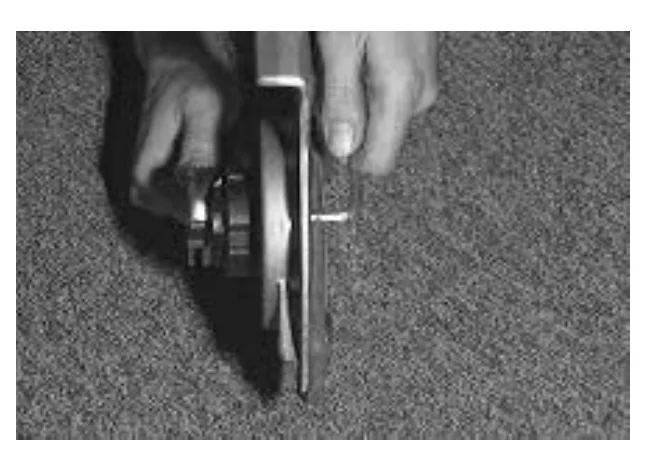
Hands holding the flat end of the idler shaft with a wrench while loosening the mounting screw on the outside of the idler door
Source: Tennant 5680 (S/N 000000-029999) Operator Manual 330450 Rev. 08 (09-2006), page 55, used with permission. SES ref PF-YSF6-44NF‌‌​⁠‍⁠⁠‍​​⁠​⁠⁠​‌‌​‌⁠​​​​​⁠‌⁠​​​‌​⁠​​⁠‌​‍​‍⁠‌​‍‌‌‍‍⁠⁠‌‌​‍‌‍‍‌
5680 (S/N 000000-029999) 330450 (Rev. 08 (09-2006))Page 55 of 76
MAINTENANCE
  1. Turn the idler shaft to raise or lower the end of the brush as needed to straighten the brush pattern. Tighten the mounting screw.
  2. Check the brush patterns again and readjust as necessary.
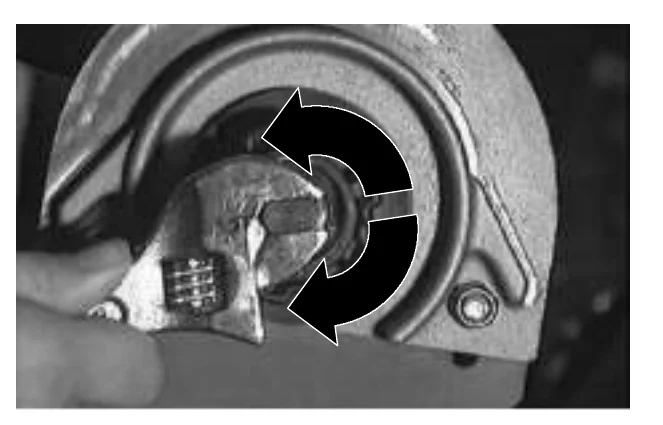
Close-up of a hand using an adjustable wrench on the brush idler shaft at the end of the scrub head, with two curved black arrows showing the shaft turning in both directions

The brush patterns should be the same width. If one is narrower then the other, loosen the jam nut on the adjustment screw located on the top of the scrub head.‌‌​⁠‍⁠⁠‍​​⁠​⁠⁠​‌‌​‌⁠​​​​​⁠‍​​​​‌​⁠​​‌‌​‍​‍‌‌​‌‍⁠‍⁠⁠⁠⁠‌​‍‌‌​‍

Turn the adjustment screw clockwise to increase the front brush pattern width. Turn the adjustment screw counter-clockwise to increase the back brush pattern width. Check the brush patterns again. Adjust until the front and back patterns are the same width.

Tighten the jam nut.
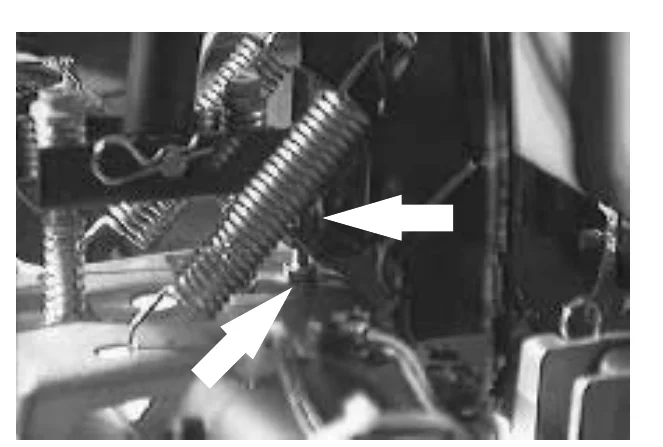
View of the top of the scrub head showing the adjustment screw and spring, with two white arrows pointing to the adjustment screw and jam nut area

SOLUTION SYSTEM

RECOVERY TANK

In short The recovery tank holds the recovered solution and should be drained and cleaned every day. Clean the outside with vinyl cleaner and do not use steam on the tank.‌‌​⁠‍⁠⁠‍​​⁠​⁠⁠​‌‌​‌⁠​​​​​⁠‍​​​​‌​⁠​​‌‌​‍​‍‌‌​‌‍⁠‍⁠⁠⁠⁠‌​‍‌‌​‍

The recovery tank stores recovered solution. The recovery tank should be drained and cleaned daily. The outside of the tank can be cleaned with vinyl cleaner.
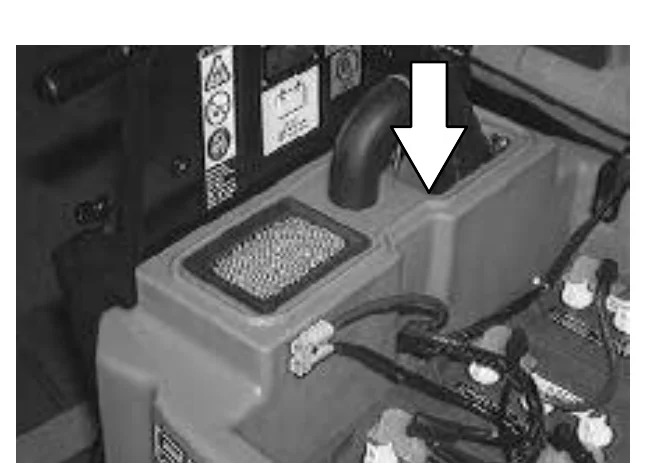
NOTE: DO NOT use steam to clean the tank. Excessive heat can damage the tanks and components.
Recovery tank on the machine with a white arrow pointing down at the hose inlet on top of the tank
Source: Tennant 5680 (S/N 000000-029999) Operator Manual 330450 Rev. 08 (09-2006), page 56, used with permission. SES ref PF-DHML-PPKE‌‌​⁠‍⁠⁠‍​​⁠​⁠⁠​‌‌​‌⁠​​​​​⁠‍​​​​‌​⁠​​‌‌​‍​‍‌‌​‌‍⁠‍⁠⁠⁠⁠‌​‍‌‌​‍
5680 (S/N 000000-029999) 330450 (Rev. 08 (09-2006))Page 56 of 76
MAINTENANCE

Rinse and wipe off the sensors daily on machines with float sensors installed inside the recovery tank.‌‌​⁠‍⁠⁠‍​​⁠​⁠⁠​‌‌​‌⁠​​​​​⁠‍‌​​​‌​⁠​​‌⁠‌⁠⁠⁠​⁠​⁠​‌⁠⁠‍⁠​‌⁠⁠‍‌⁠‍

Photo looking into the open recovery tank with a white arrow pointing left at the float sensor inside the tank

A vacuum fan filter is located in the recovery tank. Remove and clean this filter daily. Clean by shaking dust or rinsing pleats with low pressure water.
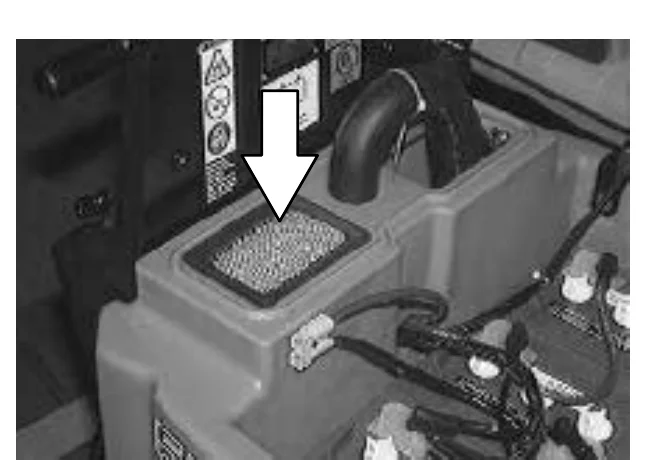
NOTE: Be sure the vacuum filter is dry before reinstalling it in the machine.
Photo of the recovery tank area with a white arrow pointing down at the pleated vacuum fan filter seated in the tank opening

SOLUTION TANK

In short The solution tank holds the cleaning solution and needs no regular maintenance. If deposits form, rinse it with warm water, and check and clean the solution line filter if the flow drops.‌‌​⁠‍⁠⁠‍​​⁠​⁠⁠​‌‌​‌⁠​​​​​⁠‍‌​​​‌​⁠​​‌⁠‌⁠⁠⁠​⁠​⁠​‌⁠⁠‍⁠​‌⁠⁠‍‌⁠‍

The solution tank stores the cleaning solution.

The solution tank does not require regular maintenance. If deposits form on the bottom of the tank, rinse the tank with a strong blast of warm water. The tank can be flushed through the fill opening and top access hole.

The solution tank contains one standard solution line filter. If the filter becomes dirty, the solution flow will be reduced. Check and clean these filters if necessary.
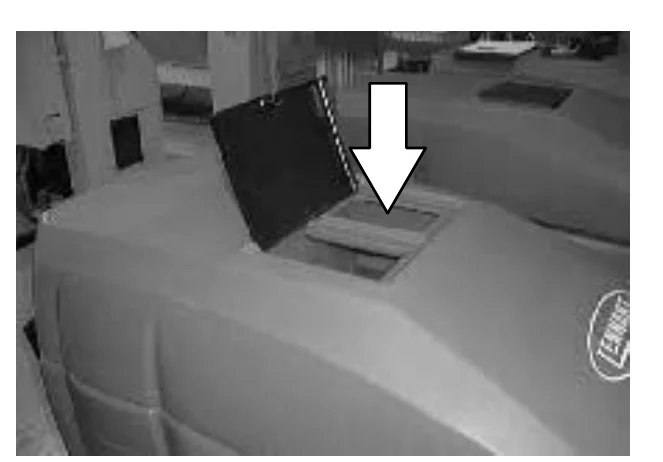
NOTE: DO NOT use steam to clean the tank. Excessive heat can damage the tanks and components.
Photo of the top of the machine with the solution tank fill cover open and a white arrow pointing down at the fill opening
Source: Tennant 5680 (S/N 000000-029999) Operator Manual 330450 Rev. 08 (09-2006), page 57, used with permission. SES ref PF-Z562-6T5M‌‌​⁠‍⁠⁠‍​​⁠​⁠⁠​‌‌​‌⁠​​​​​⁠‍‌​​​‌​⁠​​‌⁠‌⁠⁠⁠​⁠​⁠​‌⁠⁠‍⁠​‌⁠⁠‍‌⁠‍
5680 (S/N 000000-029999) 330450 (Rev. 08 (09-2006))Page 57 of 76
MAINTENANCE

MAINTENANCE

FaST SYSTEM (OPTION)

In short This section covers upkeep of the optional FaST system. Clean the filter screen every 50 hours of machine operation, soak the supply hose connector if detergent buildup is visible, and clean the air pump filter with compressed air every 200 hours of FaST scrubbing.‌‌​⁠‍⁠⁠‍​​⁠​⁠⁠​‌‌​‌⁠​​​​​⁠‍‍​​​‌​⁠​​​​⁠⁠​‌‌⁠​‌‍​​​‌⁠⁠​‍‌⁠‌⁠​

FaST SYSTEM FILTER SCREEN

The FaST system filter screen is located under the solution tank and filters the water from the solution tank as it flows into the FaST system.‌‌​⁠‍⁠⁠‍​​⁠​⁠⁠​‌‌​‌⁠​​​​​⁠‍‍​​​‌​⁠​​​​⁠⁠​‌‌⁠​‌‍​​​‌⁠⁠​‍‌⁠‌⁠​

Remove the filter screen bowl and clean the filter screen after every 50 hours of machine operation. Empty the solution tank before removing the filter.
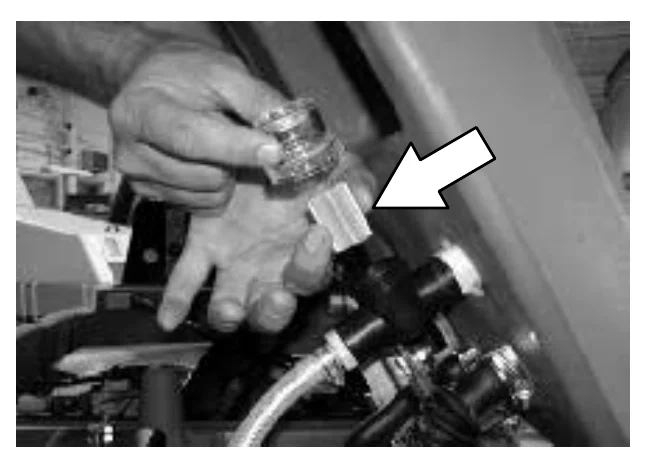
Photo of a hand holding the FaST system filter screen bowl under the solution tank, with a large arrow pointing to the filter screen

FaST SUPPLY HOSE CONNECTOR

The FaST supply hose connector is located below the FaST PAK holder. Soak the connector in warm water if detergent buildup is visible. When a FaST PAK carton is not installed, store the supply hose connector on the storing plug to prevent the hose from clogging.
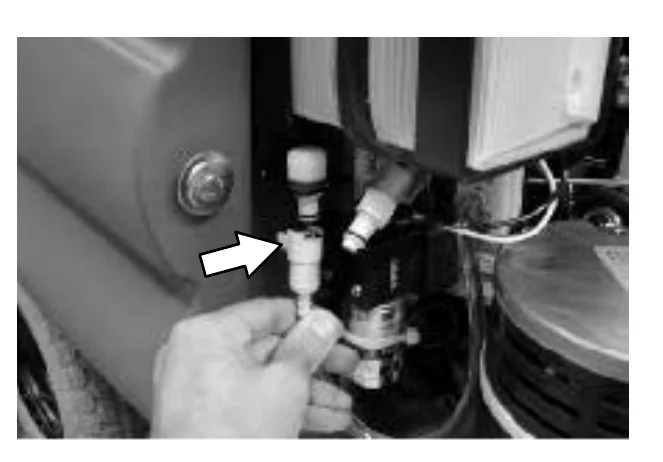
Photo of a hand holding the FaST supply hose connector below the FaST PAK holder, with an arrow pointing to the connector

FaST SYSTEM AIR PUMP FILTER

The FaST system air filter is located on top of the air pump.

Remove and clean out the air filter with compressed air after every 200 hours of FaST scrubbing.
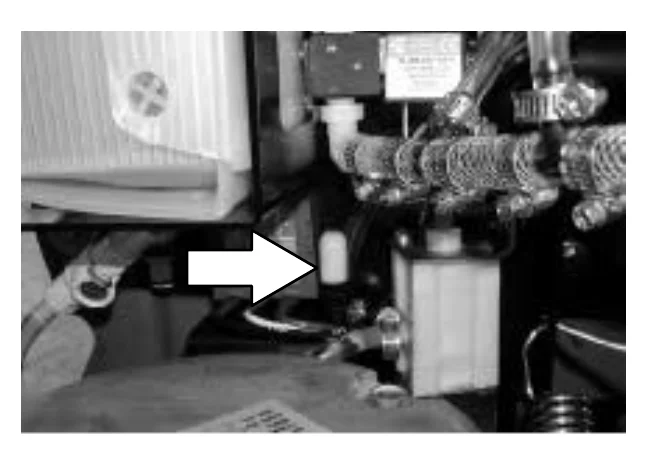
FOR SAFETY: When servicing machine, stop on level surface, wear eye protection when using pressurized air.
Photo of the FaST system air pump area with a large arrow pointing to the air filter on top of the air pump
Source: Tennant 5680 (S/N 000000-029999) Operator Manual 330450 Rev. 08 (09-2006), page 58, used with permission. SES ref PF-3NTP-O6VB‌‌​⁠‍⁠⁠‍​​⁠​⁠⁠​‌‌​‌⁠​​​​​⁠‍‍​​​‌​⁠​​​​⁠⁠​‌‌⁠​‌‍​​​‌⁠⁠​‍‌⁠‌⁠​
5680 (S/N 000000-029999) 330450 (Rev. 08 (09-2006))Page 58 of 76
MAINTENANCE

SQUEEGEE

In short The squeegee channels water into the vacuum fan suction, and its blades should be checked daily for damage and wear. The assembly can be removed from the squeegee pivot for transport or to change squeegee width, starting by raising the squeegee and turning the machine power off.‌‌​⁠‍⁠⁠‍​​⁠​⁠⁠​‌‌​‌⁠​​​​​⁠‍⁠​​​‌​⁠​​‍​‌​‍​‌​⁠‍⁠⁠‍‍⁠​⁠​‍‌⁠⁠‌⁠

The squeegee assembly channels water into the vacuum fan suction. The front blade channels the water, and the rear blade wipes the floor.‌‌​⁠‍⁠⁠‍​​⁠​⁠⁠​‌‌​‌⁠​​​​​⁠‍⁠​​​‌​⁠​​‍​‌​‍​‌​⁠‍⁠⁠‍‍⁠​⁠​‍‌⁠⁠‌⁠

Check the squeegee blades for damage and wear daily. Rotate or replace either of the squeegee blades if the leading edge is torn or worn half-way through the thickness of the blade.

The squeegee can be adjusted for leveling and deflection. The deflection and leveling of the squeegee blades should be checked daily, or when scrubbing a different type of floor.

The squeegee assembly can be removed from the squeegee pivot to prevent damage during transport of the machine, or when changing to a different squeegee width. The squeegees are available in three widths to be used with the three different model scrub heads; model 700 (700 mm (28 in)), model 800 (800 mm (32 in)), and model 900 (900 mm (36 in)).

REMOVING THE SQUEEGEE ASSEMBLY

  1. Raise the squeegee.
  2. Turn the machine power off.
    FOR SAFETY: Before leaving or servicing machine, stop on level surface, and turn off machine.
  3. Remove the squeegee suction hose from the squeegee.
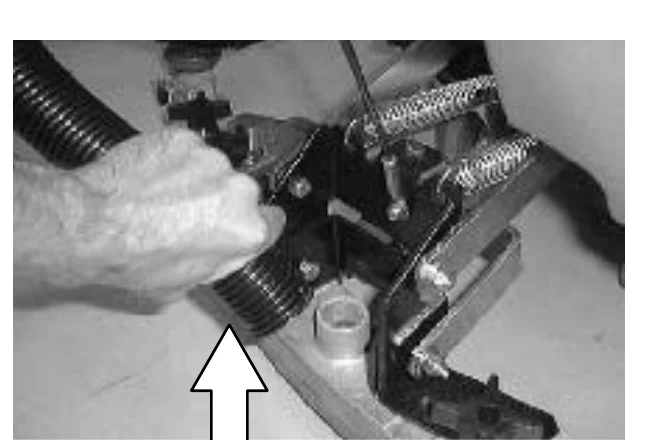
Photo of a hand pulling the squeegee suction hose off the squeegee, with a large arrow pointing up at the hose connection
Source: Tennant 5680 (S/N 000000-029999) Operator Manual 330450 Rev. 08 (09-2006), page 59, used with permission. SES ref PF-IJ2L-CMH2‌‌​⁠‍⁠⁠‍​​⁠​⁠⁠​‌‌​‌⁠​​​​​⁠‍⁠​​​‌​⁠​​‍​‌​‍​‌​⁠‍⁠⁠‍‍⁠​⁠​‍‌⁠⁠‌⁠
5680 (S/N 000000-029999) 330450 (Rev. 08 (09-2006))Page 59 of 76
MAINTENANCE
  1. Loosen the two mounting knobs.
  2. Pull the squeegee off the machine.
Underside view of the squeegee frame with two large arrows pointing down at the two mounting knobs on the squeegee pivot

INSTALLING THE SQUEEGEE ASSEMBLY

In short This procedure puts the squeegee back on the machine. Raise the squeegee, slide its frame onto the pivot, tighten the mounting knobs and push the suction hose on.‌‌​⁠‍⁠⁠‍​​⁠​⁠⁠​‌‌​‌⁠​​​​​⁠⁠​​​​‌​⁠​​‍⁠‍​‌⁠​‌⁠‍⁠‍⁠‍‍⁠⁠​⁠⁠⁠​‍‌
  1. Make sure the squeegee is raised.
  2. Place the squeegee under the squeegee pivot.
  3. Slide the squeegee frame onto the squeegee pivot.
  4. Tighten the mounting knobs.
  5. Push the squeegee suction hose on the squeegee.
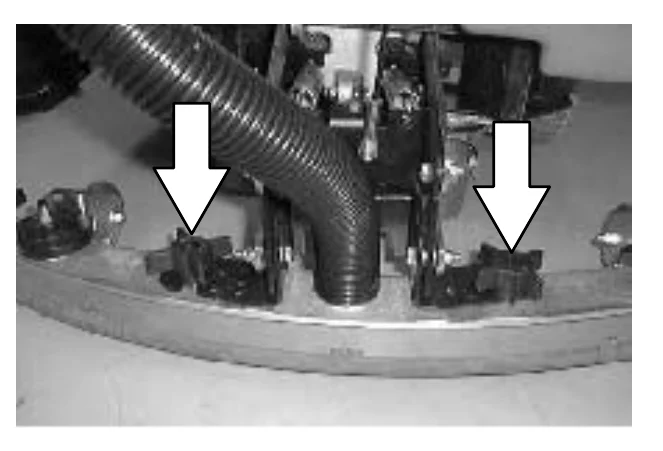
Squeegee frame with the suction hose attached at the center and two large arrows pointing down at the two mounting knobs

LEVELING THE SQUEEGEE

In short Leveling the squeegee gives the blade even contact with the floor along its full length. Do it on an even, level floor: lower the squeegee, drive forward, switch power off and check the blade deflection.

Leveling of the squeegee assures even contact the length of the squeegee blade with the surface being scrubbed. Make sure this adjustment is done on an even, level floor.‌‌​⁠‍⁠⁠‍​​⁠​⁠⁠​‌‌​‌⁠​​​​​⁠⁠​​​​‌​⁠​​‍⁠‍​‌⁠​‌⁠‍⁠‍⁠‍‍⁠⁠​⁠⁠⁠​‍‌

  1. Turn the machine power on.
  2. Lower the squeegee.
  3. Drive the machine forward, then turn the machine power off.
  4. Look at the deflection of the squeegee blade, over the full length of the squeegee blade.
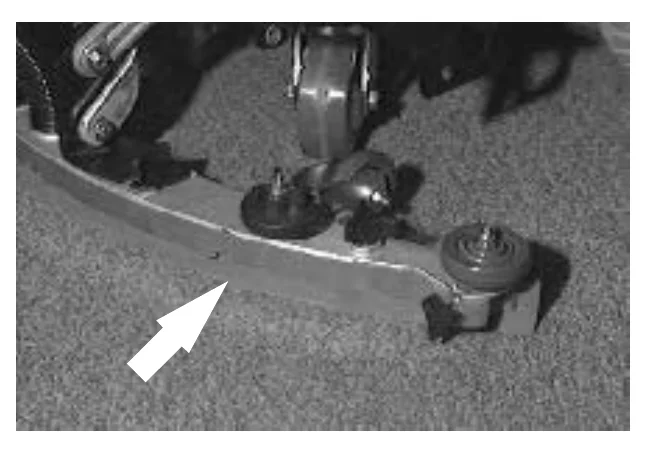
Squeegee blade on a carpeted floor with a large arrow pointing at the blade to show where to look at its deflection
Source: Tennant 5680 (S/N 000000-029999) Operator Manual 330450 Rev. 08 (09-2006), page 60, used with permission. SES ref PF-GMPJ-ETG2‌‌​⁠‍⁠⁠‍​​⁠​⁠⁠​‌‌​‌⁠​​​​​⁠⁠​​​​‌​⁠​​‍⁠‍​‌⁠​‌⁠‍⁠‍⁠‍‍⁠⁠​⁠⁠⁠​‍‌
5680 (S/N 000000-029999) 330450 (Rev. 08 (09-2006))Page 60 of 76
MAINTENANCE
  1. If the deflection is not the same over the full length of the blade, turn the squeegee leveling bolt counter-clockwise to increase the deflection at the ends of the squeegee.

    Turn the squeegee leveling bolt clockwise to decrease the deflection at the ends of the squeegee blade.
  2. Drive the machine forward again with the squeegee down to check the squeegee blade deflection.
  3. Readjust the squeegee blade deflection if necessary.
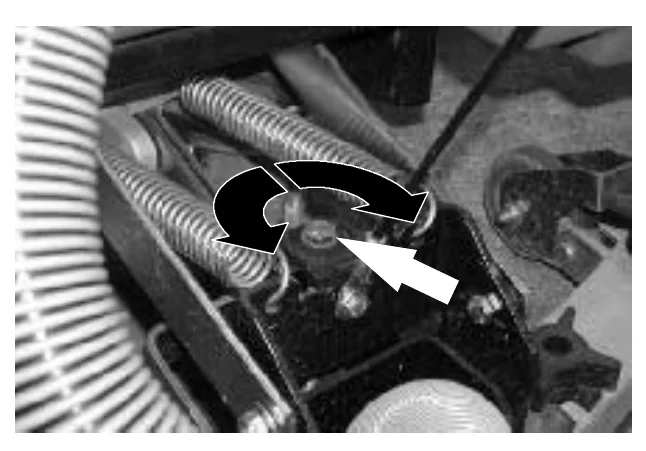
Photo of the squeegee mounting bracket with springs and a hose, showing a curved double arrow around the squeegee leveling bolt and a white arrow pointing at the bolt

ADJUSTING SQUEEGEE BLADE DEFLECTION

In short Deflection is the curl of the squeegee blade when the machine drives forward with the squeegee lowered. Drive forward, check that the deflection is 12 mm (0.50 in) on smooth floors or 15 mm (0.62 in) on rough floors, and turn the deflection cams to adjust it.‌‌​⁠‍⁠⁠‍​​⁠​⁠⁠​‌‌​‌⁠​​​​​⁠⁠‌​​​‌​⁠​​‍​‌‌⁠‌​​‌‌‌‌‌​‍​⁠‍‍⁠⁠​​⁠

Deflection is the amount of curl the squeegee blade has when the machine moves forward with the squeegee lowered to the floor. The best deflection is when the squeegee wipes the floor just dry with a minimum amount of deflection.‌‌​⁠‍⁠⁠‍​​⁠​⁠⁠​‌‌​‌⁠​​​​​⁠⁠‌​​​‌​⁠​​‍​‌‌⁠‌​​‌‌‌‌‌​‍​⁠‍‍⁠⁠​​⁠

  1. Turn the machine power on.
  2. Lower the squeegee.
  3. Drive the machine forward, and look at the deflection of the squeegee blade. The correct amount of deflection is 12 mm (0.50 in) for scrubbing smooth floors and 15 mm (0.62 in) for rough floors.
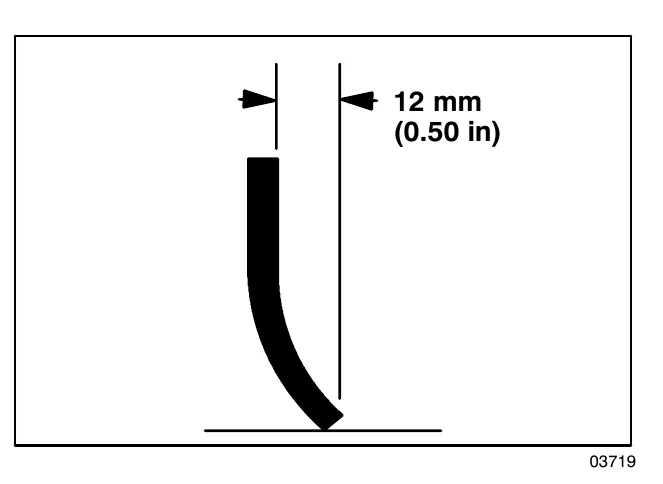
Side view drawing of a curled squeegee blade on the floor, with a dimension marking the deflection as 12 mm (0.50 in)
03719
  1. Turn the machine power off.
  2. To adjust the amount of deflection, turn the squeegee deflection cams counter-clockwise to decrease the blade deflection.

    Turn the squeegee deflection cams clockwise to increase blade deflection.
  3. Drive the machine forward again to check the squeegee blade deflection.
  4. Readjust the squeegee blade deflection if necessary.
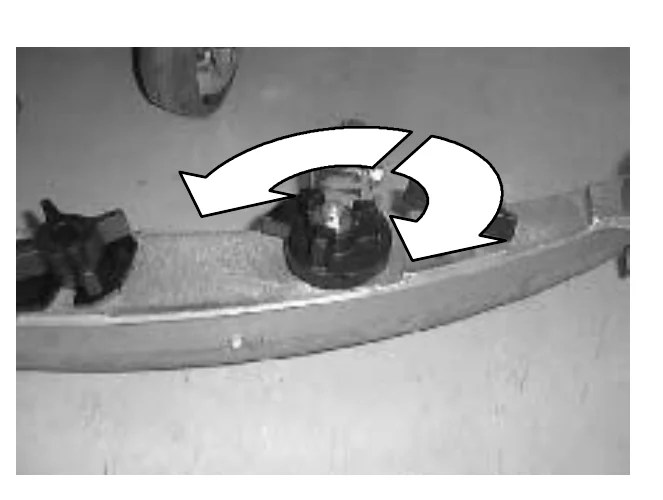
Photo of the squeegee frame with a curved double arrow around a squeegee deflection cam, showing the clockwise and counter-clockwise turning directions
Source: Tennant 5680 (S/N 000000-029999) Operator Manual 330450 Rev. 08 (09-2006), page 61, used with permission. SES ref PF-JV2P-AYSZ‌‌​⁠‍⁠⁠‍​​⁠​⁠⁠​‌‌​‌⁠​​​​​⁠⁠‌​​​‌​⁠​​‍​‌‌⁠‌​​‌‌‌‌‌​‍​⁠‍‍⁠⁠​​⁠
5680 (S/N 000000-029999) 330450 (Rev. 08 (09-2006))Page 61 of 76
MAINTENANCE

MAINTENANCE

SQUEEGEE BLADES

In short The squeegee has a front and a back blade, and each blade has four wiping edges that can be used in turn by rotating the blade. Worn or damaged blades should be replaced. To start on the rear blade, raise the squeegee, turn the machine power off and loosen the two retention knobs.‌‌​⁠‍⁠⁠‍​​⁠​⁠⁠​‌‌​‌⁠​​​​​⁠⁠‍​​​‌​⁠​​​‍‌⁠‌​⁠​⁠⁠‌‌⁠‍⁠‌⁠​​⁠​​​⁠

The squeegee has two squeegee blades, the front and back. Each blade has four wiping edges. To use them all, start with one wiping edge. To use the next wiping edge, rotate the blade end-for-end. To use the next wiping edge, rotate the top edges down, bottom edges up. To use the last edge, rotate the blade end-for-end.‌‌​⁠‍⁠⁠‍​​⁠​⁠⁠​‌‌​‌⁠​​​​​⁠⁠‍​​​‌​⁠​​​‍‌⁠‌​⁠​⁠⁠‌‌⁠‍⁠‌⁠​​⁠​​​⁠

Replace any worn or damaged squeegee blades.

REPLACING OR ROTATING THE REAR SQUEEGEE BLADE

  1. Make sure the squeegee is raised off the floor.
  2. Turn the machine power off.
    FOR SAFETY: Before leaving or servicing machine, stop on level surface, and turn off machine.
  3. Loosen the two retention knobs, one at each end on the squeegee.
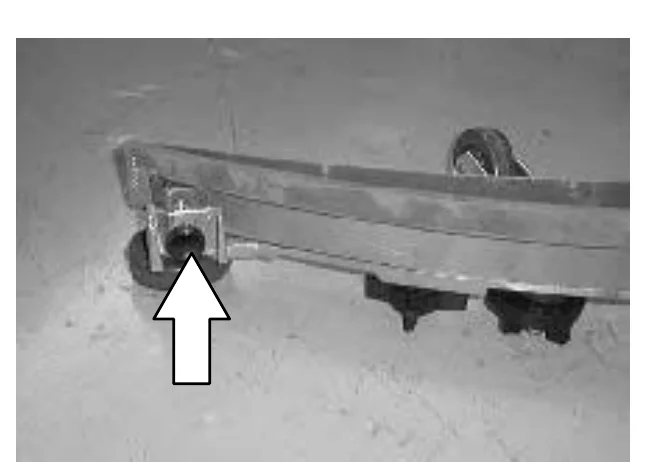
Photo of one end of the squeegee on the floor, with a white arrow pointing to the retention knob at the end of the squeegee
Source: Tennant 5680 (S/N 000000-029999) Operator Manual 330450 Rev. 08 (09-2006), page 62, used with permission. SES ref PF-4DOA-UYUL‌‌​⁠‍⁠⁠‍​​⁠​⁠⁠​‌‌​‌⁠​​​​​⁠⁠‍​​​‌​⁠​​​‍‌⁠‌​⁠​⁠⁠‌‌⁠‍⁠‌⁠​​⁠​​​⁠
5680 (S/N 000000-029999) 330450 (Rev. 08 (09-2006))Page 62 of 76
MAINTENANCE
  1. Pull off the rear retaining band.
A hand pulls the rear retaining band off the end of the squeegee assembly, which is resting on the floor next to a retention knob and caster wheel
  1. Pull off the rear squeegee blade.
  2. Insert the rotated or new squeegee blade and then insert the retainer band.
  3. Tighten the two retention knobs until the ends of the front and rear squeegee blades touch. Do not overtighten.
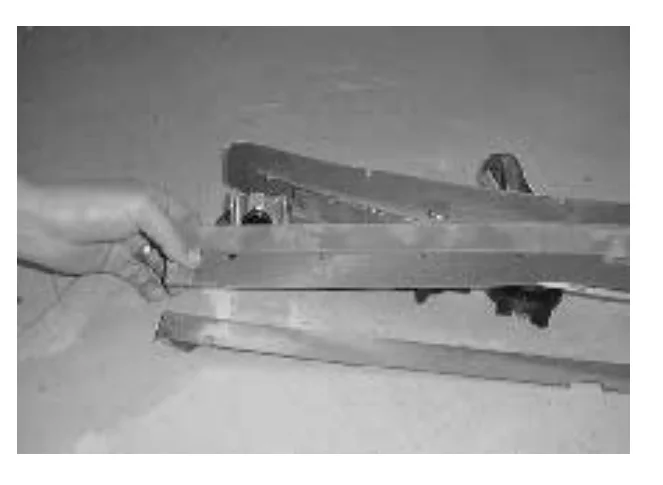
A hand holds the rear squeegee blade and retainer band while they are removed from or inserted into the squeegee frame, with the retention knobs and caster visible

REPLACING OR ROTATING THE FRONT SQUEEGEE BLADE

In short This procedure covers replacing or rotating the front squeegee blade. Raise the squeegee off the floor, turn the machine power off, then remove the squeegee and the rear squeegee blade and retainer.‌‌​⁠‍⁠⁠‍​​⁠​⁠⁠​‌‌​‌⁠​​​​​⁠⁠⁠​​​‌​⁠​​​‌​‌‍⁠‍‍​‍⁠‌​​‍⁠⁠‌⁠⁠‍​​⁠
  1. Make sure the squeegee is raised off the floor.
  2. Turn the machine power off.
FOR SAFETY: Before leaving or servicing machine, stop on level surface, and turn off machine.
  1. Remove the squeegee from the machine. See REMOVING THE SQUEEGEE ASSEMBLY.
  2. Remove the rear squeegee blade and retainer. See REPLACING OR ROTATING THE REAR SQUEEGEE BLADE.
Source: Tennant 5680 (S/N 000000-029999) Operator Manual 330450 Rev. 08 (09-2006), page 63, used with permission. SES ref PF-CPL5-EZDI‌‌​⁠‍⁠⁠‍​​⁠​⁠⁠​‌‌​‌⁠​​​​​⁠⁠⁠​​​‌​⁠​​​‌​‌‍⁠‍‍​‍⁠‌​​‍⁠⁠‌⁠⁠‍​​⁠
5680 (S/N 000000-029999) 330450 (Rev. 08 (09-2006))Page 63 of 76
MAINTENANCE
  1. Loosen the two remaining knobs on top of the squeegee assembly.
  2. Pull the retainer plate back and pull out the front squeegee blade of the squeegee frame.
  3. Insert the rotated or new squeegee blade in the squeegee frame, lining up the slots in the blade with the tabs on the retainer plate.
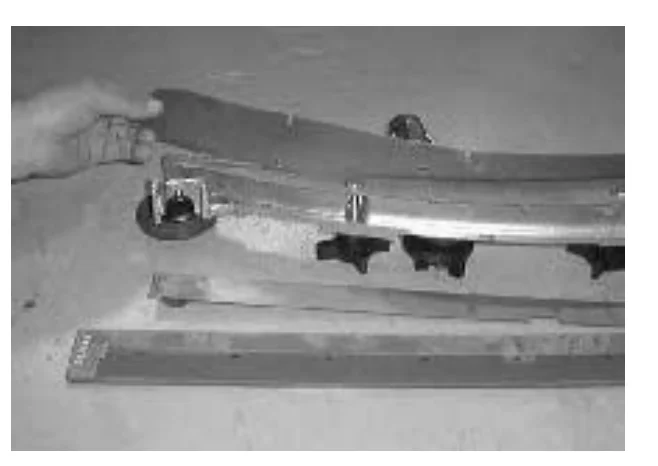
Photo of a hand holding the curved squeegee frame while the squeegee blade is lined up with the retainer plate tabs; the knobs on top of the frame and a spare blade lie below it
  1. Push the retainer plate forward. Tighten the two outside knobs on top of the squeegee assembly.
  2. Insert the rear squeegee blade and retainer. Tighten the two rear blade retention knobs until the ends of the front and rear squeegee blades touch. Do not overtighten.
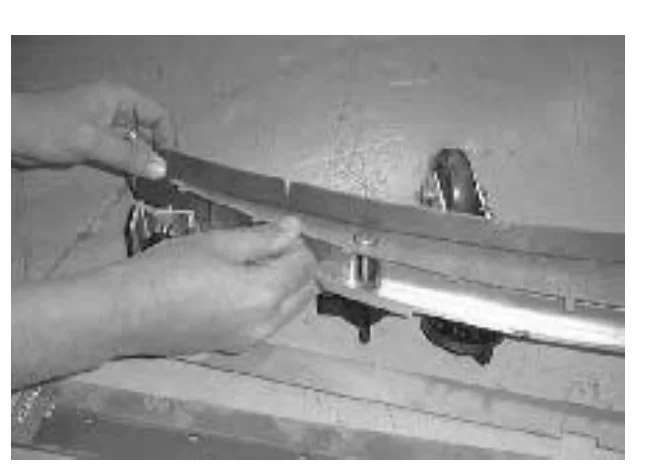
Photo of two hands fitting the rear squeegee blade and retainer onto the squeegee frame, with the retention knobs on top of the frame
  1. Install the squeegee assembly on the squeegee pivot. See INSTALLING THE SQUEEGEE ASSEMBLY.
  2. Adjust the squeegee blade leveling and deflection as stated in LEVELING THE SQUEEGEE and ADJUSTING SQUEEGEE BLADE DEFLECTION.
Source: Tennant 5680 (S/N 000000-029999) Operator Manual 330450 Rev. 08 (09-2006), page 64, used with permission. SES ref PF-HQLC-DVWZ‌‌​⁠‍⁠⁠‍​​⁠​⁠⁠​‌‌​‌⁠​​​​‌​​​​​​‌​⁠​​​​‍‍​‌‌‍​‍‍‌​⁠‌‌‌‍⁠​⁠‍​​
5680 (S/N 000000-029999) 330450 (Rev. 08 (09-2006))Page 64 of 76
MAINTENANCE

BELTS AND CHAINS

In short This section covers the brush drive belt tension, the static drag chain and the front tires. Check belt tension and wear every 100 hours, keep the chain touching the floor, and tighten the front wheel lug nuts to the stated torque.‌‌​⁠‍⁠⁠‍​​⁠​⁠⁠​‌‌​‌⁠​​​​‌​​‌​​​‌​⁠​​​‍​​⁠‍‌‌‌‍⁠​⁠‌⁠‍‌⁠‍‌‍⁠​‍

BRUSH DRIVE BELT

The two brush drive belts are located on the cylindrical brush scrub head. The belts drive the cylindrical brushes. Proper new belt tension is a 3 mm (0.1 in) deflection from a force of 1.37 to 1.48 kg (3.0 to 3.26 lb) at the belt midpoint.‌‌​⁠‍⁠⁠‍​​⁠​⁠⁠​‌‌​‌⁠​​​​‌​​‌​​​‌​⁠​​​‍​​⁠‍‌‌‌‍⁠​⁠‌⁠‍‌⁠‍‌‍⁠​‍

Photo of the cylindrical brush scrub head side with a white arrow pointing to the belt cover housing the brush drive belt

When reusing an old belt, measure and record the belt tension before removal, so that the belt can be reinstalled at the same tension.

If the old belt tension was not recorded, the recommended force per old belts is 1.03 to 1.14 kg (2.28 to 2.52 lb) with a deflection of 3 mm (0.1 in).

Check the belt tension and wear every 100 hours of operation.

STATIC DRAG CHAIN

A static drag chain prevents the buildup of static electricity in the machine. The chain is attached to the transaxle.

Make sure the chain is always touching the floor.
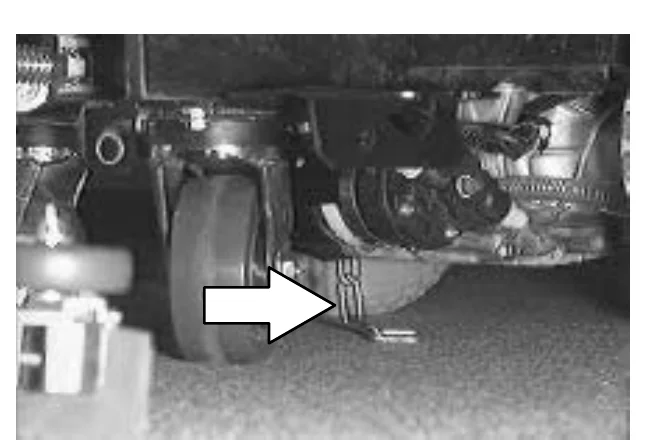
Photo of the underside of the machine near the transaxle, with a white arrow pointing to the static drag chain touching the floor

TIRES

The standard front tires are foam filled.

The front wheel lug nuts should be tightened to 102 to 115 Nm (75 to 85 ft lb).
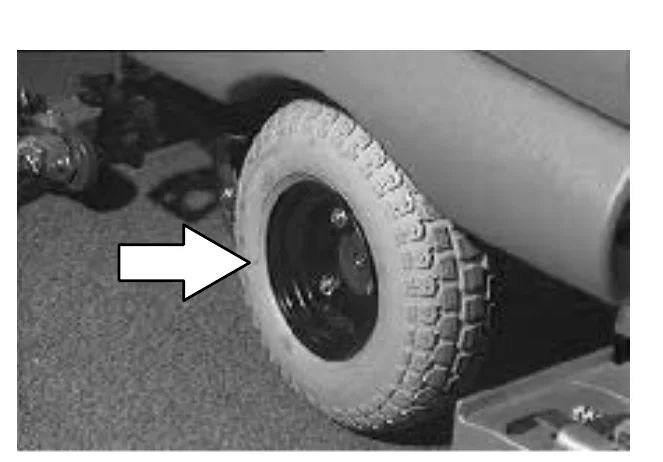
Photo of a front wheel with a white arrow pointing to the wheel lug nuts
Source: Tennant 5680 (S/N 000000-029999) Operator Manual 330450 Rev. 08 (09-2006), page 65, used with permission. SES ref PF-5JMJ-KAS5‌‌​⁠‍⁠⁠‍​​⁠​⁠⁠​‌‌​‌⁠​​​​‌​​‌​​​‌​⁠​​​‍​​⁠‍‌‌‌‍⁠​⁠‌⁠‍‌⁠‍‌‍⁠​‍
5680 (S/N 000000-029999) 330450 (Rev. 08 (09-2006))Page 65 of 76
MAINTENANCE

PUSHING AND TRANSPORTING THE MACHINE

In short This section explains how to push a disabled machine and how to load it for transport. Unplug the drive motor from the electrical harness before pushing, and use a truck or trailer that supports the machine's weight.‌‌​⁠‍⁠⁠‍​​⁠​⁠⁠​‌‌​‌⁠​​​​‌​​‍​​​‌​⁠​​⁠​⁠‍‍‍​⁠​⁠‌‌‌​‌‍⁠​‍⁠​‍‍‌

PUSHING THE MACHINE

If the machine becomes disabled, it can be pushed if necessary.‌‌​⁠‍⁠⁠‍​​⁠​⁠⁠​‌‌​‌⁠​​​​‌​​‍​​​‌​⁠​​⁠​⁠‍‍‍​⁠​⁠‌‌‌​‌‍⁠​‍⁠​‍‍‌

Unplug the drive motor from the electrical harness before attempting to push a disabled machine. The machine will become easier to maneuver when it is unplugged.

ATTENTION! Do not push the machine for a long distance and without unplugging the drive motor or damage may occur to the propelling system.

Only push a disabled machine for a very short distance and do not exceed 3.2 kp/h (2 mph). It is NOT intended to be pushed for a long distance or at a high speed.
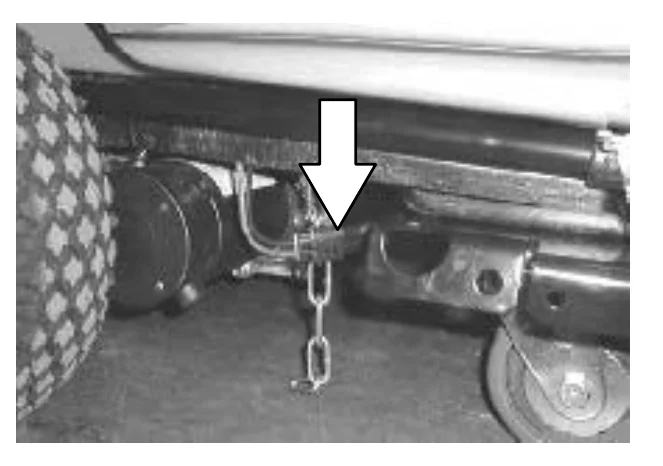
Photo of the rear underside of the machine showing the drive motor and its electrical connection, with a large arrow pointing down at the connector to unplug

TRANSPORTING THE MACHINE

  1. Position the rear of the machine at the loading edge of the truck or trailer.
FOR SAFETY: Use truck or trailer that will support the weight of the machine.
NOTE: Empty the recovery and solution tanks before transporting the machine.
  1. If the loading surface is not horizontal or is higher than 380 mm (15 in) from the ground, use a winch to load machine.
    If the loading surface is horizontal AND is 380 mm (15 in) or less from the ground, the machine may be pushed onto the truck or trailer.
Photo of a truck or trailer loading edge at the rear of a building, with arrows pointing at the loading surface height from the ground
Source: Tennant 5680 (S/N 000000-029999) Operator Manual 330450 Rev. 08 (09-2006), page 66, used with permission. SES ref PF-GR45-6KCW‌‌​⁠‍⁠⁠‍​​⁠​⁠⁠​‌‌​‌⁠​​​​‌​​‍​​​‌​⁠​​⁠​⁠‍‍‍​⁠​⁠‌‌‌​‌‍⁠​‍⁠​‍‍‌
5680 (S/N 000000-029999) 330450 (Rev. 08 (09-2006))Page 66 of 76
MAINTENANCE

MAINTENANCE

  1. To winch the machine onto the truck or trailer, attach the winching chains to the rear tie down locations on either side of the machine frame by the rear casters.
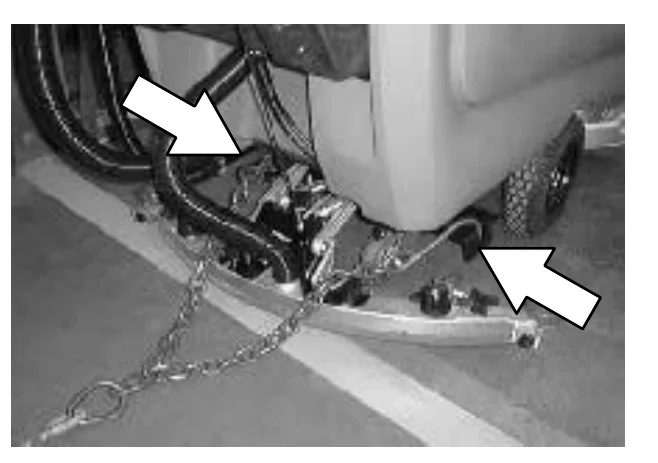
Photo of the rear of the machine with a winching chain attached at a tie down location by the rear caster; two arrows point to the rear tie down locations on the machine frame
  1. Unplug the drive motor from the electrical harness before attempting to winch the machine. The machine will become easier to maneuver when it is unplugged.
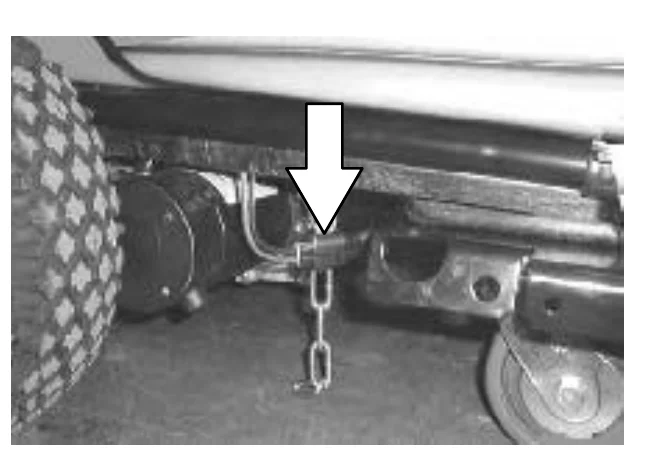
FOR SAFETY: When loading machine onto truck or trailer, use winch. Do not push the machine onto the truck or trailer unless the loading surface is horizontal AND is 380 mm (15 in) or less from the ground.
Photo of a winching chain attached to a tie down location on the machine frame near the rear caster, with an arrow pointing down at the attachment point
  1. Position the machine onto the truck or trailer as far as possible. If the machine starts to veer off the centerline of the truck or trailer, stop and straighten the machine.
Source: Tennant 5680 (S/N 000000-029999) Operator Manual 330450 Rev. 08 (09-2006), page 67, used with permission. SES ref PF-KINF-YDWM‌‌​⁠‍⁠⁠‍​​⁠​⁠⁠​‌‌​‌⁠​​​​‌​​⁠​​​‌​⁠​​‍‍‍​⁠‌​​⁠⁠‌⁠‌‍​​‌⁠​‍‍⁠⁠‍
5680 (S/N 000000-029999) 330450 (Rev. 08 (09-2006))Page 67 of 76
MAINTENANCE
  1. Lower the scrub head with the brushes or pad drivers installed, lower the squeegee when transporting the machine. Block the machine tires and tie down the machine to the truck or trailer before transporting.
NOTE: Do not use the steering handles to secure the machine for transport.

Secure a strap over the top of the machine to prevent the machine from tipping.‌‌​⁠‍⁠⁠‍​​⁠​⁠⁠​‌‌​‌⁠​​​​‌​‌​​​​‌​⁠​​‌​⁠⁠‌​⁠⁠⁠‍​‍‌‍‍⁠‌⁠‍‌⁠⁠⁠⁠

Machine seen from the side with a tie-down strap fastened over the top of the tank cover; a white arrow points to the strap

The rear tie-down locations are on either side of the machine frame by the rear casters.
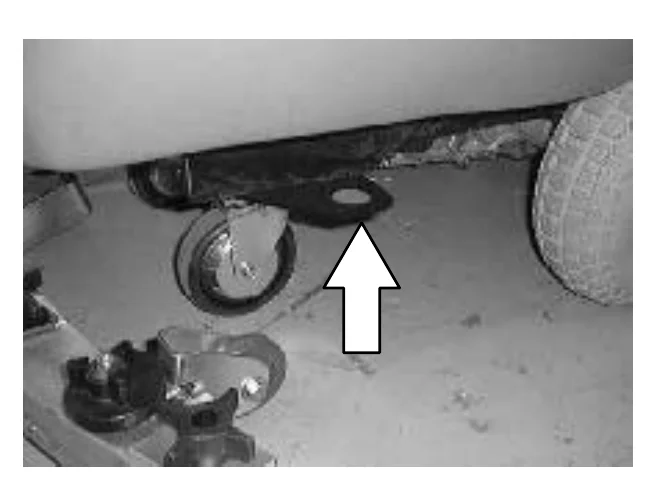
Underside of the machine frame near a rear caster, with a white arrow pointing up to the rear tie-down location
  1. If the loading surface is not horizontal or is higher than 380 mm (15 in) from the ground, use a winch to unload machine.

    If the loading surface is horizontal AND is 380 mm (15 in) or less from the ground, the machine may be pushed off the truck or trailer.
FOR SAFETY: When unloading machine off truck or trailer, use winch. Do not push the machine off the truck or trailer unless the loading surface is horizontal AND 380 mm (15 in) or less from the ground.
Source: Tennant 5680 (S/N 000000-029999) Operator Manual 330450 Rev. 08 (09-2006), page 68, used with permission. SES ref PF-USA2-I5GF‌‌​⁠‍⁠⁠‍​​⁠​⁠⁠​‌‌​‌⁠​​​​‌​‌​​​​‌​⁠​​‌​⁠⁠‌​⁠⁠⁠‍​‍‌‍‍⁠‌⁠‍‌⁠⁠⁠⁠
5680 (S/N 000000-029999) 330450 (Rev. 08 (09-2006))Page 68 of 76
MAINTENANCE

MACHINE JACKING

In short Explains how to jack up the machine safely for service under the recovery tank: empty both tanks, park on a flat level surface, and block the tires. It also lists the steps for storing the machine for long periods and protecting it from freezing.‌‌​⁠‍⁠⁠‍​​⁠​⁠⁠​‌‌​‌⁠​​​​‌​‌‌​​​‌​⁠​​‌​⁠‍‍⁠⁠‌‌‍‌‌‌​‍⁠⁠‍‌​‌​​​

Check that both the solution and recovery tanks are empty before attempting to jack up the machine.‌‌​⁠‍⁠⁠‍​​⁠​⁠⁠​‌‌​‌⁠​​​​‌​‌‌​​​‌​⁠​​‌​⁠‍‍⁠⁠‌‌‍‌‌‌​‍⁠⁠‍‌​‌​​​

You can jack up the machine for service anywhere under the recovery tank. Use a jack that will support the weight of the machine. Use a piece of wood to distribute the machine weight load.

Always stop the machine on a flat level surface and block the machine tires before jacking up the machine.
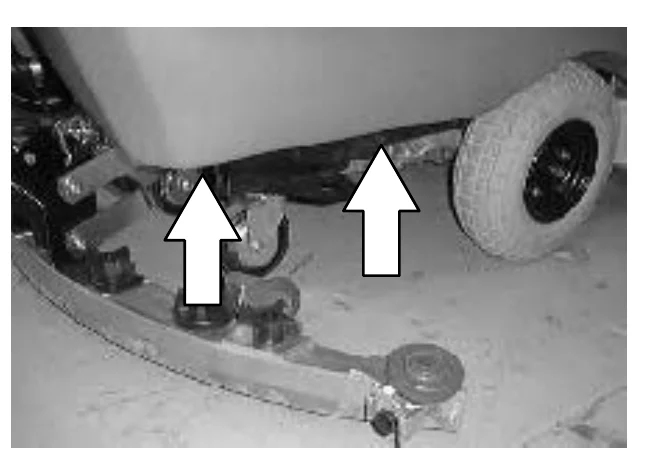
FOR SAFETY: When servicing machine, block machine tires before jacking machine up.
FOR SAFETY: When servicing machine, jack machine up at designated locations only. Block machine up with jack stands.
Photo of the lower front of the machine on a floor, with two white arrows pointing up at the jacking locations under the recovery tank, near the squeegee and the rear wheel

STORAGE INFORMATION

In short Lists what to do when putting the machine away for an extended time: drain and clean the tanks, park it somewhere cool and dry, and remove or periodically charge the batteries.

Batteries and chargers: make sure your charger is compatible with your batteries, and set its charging algorithm to your battery pack before you use it.

The following steps should be taken when storing the machine for extended periods of time.

  1. Drain and clean the solution and recovery tanks.
  2. Park the machine in a cool, dry area.
  3. Remove the batteries, or charge them after every three months.

FREEZE PROTECTION

  1. Be sure the solution tank is empty.
  2. Pour 3.8 L (1 gal) of pre-mixed automotive-type windshield washer solution into the solution tank.
  3. Turn the machine power on.
  4. Start the solution flow.
  5. The washer solution does not need to be drained from the solution tank.
Source: Tennant 5680 (S/N 000000-029999) Operator Manual 330450 Rev. 08 (09-2006), page 69, used with permission. SES ref PF-5SJS-5R7H‌‌​⁠‍⁠⁠‍​​⁠​⁠⁠​‌‌​‌⁠​​​​‌​‌‌​​​‌​⁠​​‌​⁠‍‍⁠⁠‌‌‍‌‌‌​‍⁠⁠‍‌​‌​​​
5680 (S/N 000000-029999) 330450 (Rev. 08 (09-2006))Page 69 of 76
SPECIFICATIONS

SPECIFICATIONS

GENERAL MACHINE DIMENSIONS/CAPACITIES

In short This section lists the machine's overall dimensions, brush sizes, squeegee and scrubbing path widths, and tank and lubricant capacities for each scrub head size. It also gives the GVWR.‌‌​⁠‍⁠⁠‍​​⁠​⁠⁠​‌‌​‌⁠​​​​‌​‌‍​​​‌​⁠​​​‌‌​‌‌‌‌‍​‌‍⁠‌‍‌​‍⁠‍‍⁠⁠‍
ItemDimension/capacity
Length with cylindrical scrub head1600 mm (63 in)
Length with 700 mm (28 in) disk scrub head1625 mm (64 in)
Length with 800 mm (32 in) disk scrub head1660 mm (65.25 in)
Length with 900 mm (36 in) disk scrub head1690 mm (66.5 in)
Width (less squeegee and scrub head)720 mm (28.25 in)
Height1090 mm (43 in)
Disk brush diameter for 700 mm (28 in) scrub head355 mm (14 in)
Disk brush diameter for 800 mm (32 in) scrub head405 mm (16 in)
Disk brush diameter for 900 mm (36 in) scrub head455 mm (18 in)
Cylindrical brush diameter150 mm (6 in)
Cylindrical brush length for 700 mm (28 in) scrub head695 mm (27.37 in)
Cylindrical brush length for 800 mm (32 in) scrub head795 mm (31.37 in)
Cylindrical brush length for 900 mm (36 in) scrub head900 mm (35.37 in)
Squeegee width for 700 mm (28 in) scrub head950 mm (37.5 in)
Squeegee width for 800 mm (32 in) scrub head1065 mm (42 in)
Squeegee width for 900 mm (36 in) scrub head1155 mm (45.5 in)
Scrubbing path width for 700 mm (28 in) scrub head700 mm (28 in)
Scrubbing path width for 800 mm (32 in) scrub head800 mm (32 in)
Scrubbing path width for 900 mm (36 in) scrub head900 mm (36 in)
Solution tank capacity (recommended usage)114 L (30 gal)
Solution tank capacity (maximum)133 L (35 gal)
Recovery tank capacity to full sensor114 L (30 gal)
Recovery tank capacity to top of tank152 L (40 gal)
Transaxle 90 weight gear lubricant capacity1.42 L (1.5 qt)
GVWR690 kg (1520 lb)
Source: Tennant 5680 (S/N 000000-029999) Operator Manual 330450 Rev. 08 (09-2006), page 70, used with permission. SES ref PF-3P7R-ITS3‌‌​⁠‍⁠⁠‍​​⁠​⁠⁠​‌‌​‌⁠​​​​‌​‌‍​​​‌​⁠​​​‌‌​‌‌‌‌‍​‌‍⁠‌‍‌​‍⁠‍‍⁠⁠‍
5680 (S/N 000000-029999) 330450 (Rev. 08 (09-2006))Page 70 of 76
SPECIFICATIONS

SPECIFICATIONS

FaST SYSTEM (OPTION)

ItemMeasure
Solution pump36 Volt DC, 5A, 5.7 LPM (1.5 GPM) open flow, 45 psi bypass setting
Solution flow rate0.83 LPM (0.22 GPM)
Detergent pump36 Volt DC
Concentrate flow rate0.9 CC/Minute (0.03 Ounces/Minute)
Concentrate to water dilution ratio1:1000
Air pump24 Volt DC, 0.6 Maximum Amp draw
Air pump flow rate8.7 LPM (0.3 CFM) open flow

GENERAL MACHINE PERFORMANCE

ItemMeasure
Aisle turnaround width with 700 mm (28 in) scrub head1685 mm (66.25 in)
Aisle turnaround width with 800 mm (32 in) scrub head1700 mm (67 in)
Aisle turnaround width with 900 mm (36 in) scrub head1715 mm (67.5 in)
Maximum rated climb and descent angle with empty tanks8°
Maximum rated climb and descent angle with full tanks6°
Source: Tennant 5680 (S/N 000000-029999) Operator Manual 330450 Rev. 08 (09-2006), page 71, used with permission. SES ref PF-DW7G-ZK7J‌‌​⁠‍⁠⁠‍​​⁠​⁠⁠​‌‌​‌⁠​​​​‌​‌⁠​​​‌​⁠​​‍⁠​⁠‌​‌​​‌‌‌‌⁠⁠​‍‌​⁠​‌⁠⁠
5680 (S/N 000000-029999) 330450 (Rev. 08 (09-2006))Page 71 of 76
SPECIFICATIONS

SPECIFICATIONS

In short This section lists the machine's power specifications: the batteries, electric motors and smart chargers, plus the tire locations, types and sizes.‌‌​⁠‍⁠⁠‍​​⁠​⁠⁠​‌‌​‌⁠​​​​‌​‍​​​​‌​⁠​​‍​‍‌‌‍​​⁠‍⁠‍⁠‍​⁠‍‍‍​‍⁠⁠‌

Batteries and chargers: make sure your charger is compatible with your batteries, and set its charging algorithm to your battery pack before you use it.

POWER TYPE

TypeQuantityVoltsAh RatingWeight
Batteries66235 @ 20 hr rate30 kg (67 lb)
66335 @ 20 hr rate47 kg (104 lb)
TypeUseVDCKw (hp)
Electric MotorsScrub brush (disk)360.56 (.75)
Vacuum fan360.63 (0.85)
Propelling360.37 (0.50)
Scrub brush (cylindrical)360.56 (0.75)
TypeVDCampHzPhaseVAC
Chargers (Smart)3620601115
3630601115

TIRES

LocationTypeSize
Front (2)Foam filled, non-marking4.10/3.5 - 6
Rear, casters (2)Solid, non-marking5 x 1.38 in
Source: Tennant 5680 (S/N 000000-029999) Operator Manual 330450 Rev. 08 (09-2006), page 72, used with permission. SES ref PF-EEZ5-QVHJ‌‌​⁠‍⁠⁠‍​​⁠​⁠⁠​‌‌​‌⁠​​​​‌​‍​​​​‌​⁠​​‍​‍‌‌‍​​⁠‍⁠‍⁠‍​⁠‍‍‍​‍⁠⁠‌
5680 (S/N 000000-029999) 330450 (Rev. 08 (09-2006))Page 72 of 76
SPECIFICATIONS

SPECIFICATIONS

MACHINE DIMENSIONS

In short This page shows the overall machine dimensions in drawings of the top, side and rear views. It gives the width, length, height and the width of the squeegee-end view in millimeters and inches.‌‌​⁠‍⁠⁠‍​​⁠​⁠⁠​‌‌​‌⁠​​​​‌​‍‌​​​‌​⁠​​⁠‌⁠‌⁠‍‌‌​⁠‌⁠⁠‌​​​​‌⁠‌​‌​
Top view of the machine with dimension arrows: width of 950 mm (37.5 in), 1065 mm (42 in) or 1155 mm (45.5 in) on the right, and length of 1625 mm (64 in), 1660 mm (65.25 in) or 1690 mm (66.5 in) along the bottom
Side view and rear view of the 5680 machine with dimension arrows: height of 1090 mm (43 in) on the side view and width of 720 mm (28.25 in) on the rear view
353416
Source: Tennant 5680 (S/N 000000-029999) Operator Manual 330450 Rev. 08 (09-2006), page 73, used with permission. SES ref PF-ZKWF-2IDX‌‌​⁠‍⁠⁠‍​​⁠​⁠⁠​‌‌​‌⁠​​​​‌​‍‌​​​‌​⁠​​⁠‌⁠‌⁠‍‌‌​⁠‌⁠⁠‌​​​​‌⁠‌​‌​
5680 (S/N 000000-029999) 330450 (Rev. 08 (09-2006))Page 73 of 76
INDEX

INDEX

A

Adjusting brush pattern, Cylindrical, 52–54
Adjusting squeegee deflection, 59
Aisle turn, 69‌‌​⁠‍⁠⁠‍​​⁠​⁠⁠​‌‌​‌⁠​​​​‌​‍‍​​​‌​⁠​​‍​​​‌​⁠⁠⁠​⁠⁠‍⁠‍‍‌​⁠‌‌​⁠​

B

Batteries, 38–40

  • Charger specifications, 70
  • Charging, 40–42
  • Discharge indicator, 11
  • Maintenance, 38
  • Specifications, 70

Battery discharge indicator, 11

Belts, 63

  • Brush drive belt, 63

Brushes

  • Cylindrical, 51
    • Adjusting pattern, 52–54
  • Disk, 47
  • Scrubbing, 22

C

Cams, Squeegee down pressure, 14
Capacities, 68

Chains, 63

  • Static drag, 63

Circuit breakers, 12

Controls, 7

  • Battery discharge indicator, 11
  • Circuit breakers, 12
  • FaST switch (option), 11
  • Height adjustment knob, 9
  • Hourmeter, 11
  • On-off key switch, 9
  • Scrub head strap, 10
  • Scrub switch, 10
  • Solution flow lever, 12
  • Squeegee down pressure cams, 14
  • Squeegee lever, 10
  • Steering handles, 8
  • Symbols, 6

Cylindrical brushes

  • Adjusting scrub head skirt, 42
  • Replacing scrub head skirts, 42

Cylindrical scrub head, Debris trough, 31

D

Debris trough, 31
Dimensions, 68
Double scrubbing, 26
Draining and cleaning the tanks, 28–32

E

Electric motors, 41, 70

Electrical

  • Batteries, 38–40
  • Charging batteries, 40–42
  • Circuit breakers, 12

F

FaST, System, 56
FaST pak agent (option), Installing, 18–20
FaST pak agent installation, 18–20
FaST Supply Hose Connector, 56
FaST switch (option), 11
FaST System, 56
FaST system (option), 16
FaST System Air Pump Filter, 56
FaST System Filter Screen, 56
Filling the tanks, 20–22

Filter

  • FaST System Air Pump Filter, 56
  • FaST System Filter Screen, 56

Freeze protection, 67
Front wheel, Tires, 63
Front wheels, Lug nuts, 63

G

Grease fittings, Rear casters, 38

H

Hoses

  • Recovery tank drain, 13
  • Solution tank, 13

Hourmeter, 11
How the machine works, 15

Source: Tennant 5680 (S/N 000000-029999) Operator Manual 330450 Rev. 08 (09-2006), page 74, used with permission. SES ref PF-BBI5-VQIW‌‌​⁠‍⁠⁠‍​​⁠​⁠⁠​‌‌​‌⁠​​​​‌​‍‍​​​‌​⁠​​‍​​​‌​⁠⁠⁠​⁠⁠‍⁠‍‍‌​⁠‌‌​⁠​
5680 (S/N 000000-029999) 330450 (Rev. 08 (09-2006))Page 74 of 76
INDEX

INDEX

In short This index page lists topics from I to S with the page numbers where each is covered in the manual.‌‌​⁠‍⁠⁠‍​​⁠​⁠⁠​‌‌​‌⁠​​​​‌​‍⁠​​​‌​⁠​​​​⁠‌‌‌⁠‍​‌​‌‍‌‍⁠‍⁠‌⁠​​⁠‍

I

Installing the squeegee, 58‌‌​⁠‍⁠⁠‍​​⁠​⁠⁠​‌‌​‌⁠​​​​‌​‍⁠​​​‌​⁠​​​​⁠‌‌‌⁠‍​‌​‌‍‌‍⁠‍⁠‌⁠​​⁠‍

J

Jack points, 67

Jacking, 67

L

Knob, Steering height adjustment, 9

Leveling the scrub head, 46

Leveling the squeegee, 58

Levers

  • Solution flow, 12
  • Squeegee, 10

Lubrication, 38

  • Rear casters, 38
  • Transaxle, 38

Lug nuts, Front wheel, 63

M

Machine, Jacking, 67

Machine components, 5

Machine dimensions, 71

Machine tie down location, 66

Maintenance, 36–60

  • Intervals, 36
  • Recommended, 4

Maintenance chart, 36

Motors, Electric, 41, 70

N

Normal scrubbing, 22

O

On-off key switch, 9

Operation, 4–41

Operation on inclines, 32

Operator Responsibility, 4

Options

  • FaST pak agent installation , 18–20
  • FaST switch, 11
  • FaST System, 56
  • FaST System specifications, 69

P

Post-operation checklist, 33

Pre-operation checklist, 17

Pushing and transporting machine, 64

Pushing machine, 64

Pushing the machine, 64

R

Rated incline and descent, 69

Recovery tank, 54

  • Draining and cleaning, 28–32
  • Hose, 13
  • Optical sensors, Cleaning, 55
  • Sensors, Cleaning, 30

Recovery tank drain hose, 13

Recovery tank optical sensor, 55

Recovery tank sensor, 30

Removing or replacing scrub head, 43–45

Removing the squeegee, 57

Replacing cylindrical brushes, 51

Replacing front squeegee blades, 61

Replacing rear squeegee blades, 60

Replacing scrub pads, 49

Replacing the disk brushes or pads, 47

Rotating front squeegee blades, 61

Rotating rear squeegee blades, 60

S

Safety

  • Labels, 3
  • Precautions, 2
  • Stop arm, 14
  • Support arm, 13

Screen, FaST System Filter Screen, 56

Scrub, Switch, 10

Scrub brushes, 47

  • Cylindrical, 51
    • Adjusting pattern, 52–54
    • Replacing, 51
  • Disk, 47

Scrub brushes and pads, 47

Scrub brushes or pads, Disk, Replacing, 47

Source: Tennant 5680 (S/N 000000-029999) Operator Manual 330450 Rev. 08 (09-2006), page 75, used with permission. SES ref PF-Y3L5-MO5F‌‌​⁠‍⁠⁠‍​​⁠​⁠⁠​‌‌​‌⁠​​​​‌​‍⁠​​​‌​⁠​​​​⁠‌‌‌⁠‍​‌​‌‍‌‍⁠‍⁠‌⁠​​⁠‍
5680 (S/N 000000-029999) 330450 (Rev. 08 (09-2006))Page 75 of 76
INDEX

INDEX

  • Scrub head, 42–48
    • Brush drive belt, 63
    • Cylindrical brushes, 42
      • Adjusting skirts, 42
      • Replacing skirts, 42
    • Disk brushes, 42
    • Leveling, 46
    • Removing or replacing, 43–45
    • Strap, 10
  • Scrub head strap, 10
  • Scrub pads, 47, 49
  • Scrub switch, 10
  • Scrubbing
    • Brushes and pads, 47
    • Double, 26
    • Normal, 22
    • Stop, 27
  • Scrubbing brushes, 22
  • Scrubbing pads, 22
  • Sensors
    • Optical, Recovery tank, 55
    • Recovery tank, 30
  • Skirts
    • Cylindrical brushes, 42
    • Disk brushes, 42
  • Solution
    • Filling the tanks, 20–22
    • Flow lever, 12
    • System, 54
    • Tank hose, 13
  • Solution flow lever, 12
  • Solution System, 54
  • Solution Tank, 55
  • Solution tank
    • Draining and cleaning, 28–32
    • Filling, 20–22
    • Hose, 13
    • Stop arm, 14
    • Support arm, 13
  • Solution tank hose, 13
  • Specifications, 68–70
    • Chargers, 70
    • Electric motors, 70
    • FaST System, 69
    • Machine capacities, 68
    • Machine dimensions, 68
    • Machine performance, 69
    • Power type, 70
    • Tires, 70
  • Squeegee, 57–60
    • Blades, 60
      • Replacing or rotating front, 61
      • Replacing or rotating rear, 60
    • Deflection, Adjusting, 59
    • Down pressure cams, 14
    • Leveling, 58
    • Lever, 10
  • Squeegee assembly
    • Installing, 58
    • Removing, 57
  • Squeegee blades, 60
  • Squeegee down pressure cams, 14
  • Squeegee lever, 10
  • Staring the machine, 20
  • Static drag chain, 63
  • Steering handles, 8
    • Height adjustment, 9
  • Stop arm, 14
  • Stop scrubbing, 27
  • Stop the machine, 32
  • Storage information, 67
    • Freeze protection, 67
  • Straps, Scrub head, 10
  • Support arm, 13
  • Switches
    • FaST, 11
    • On-off key, 9
    • Scrub , 10

T

  • Tanks
    • Recovery, 54
    • Solution, 55
  • Tie down location, 66
  • Tires, 63–64
    • Specifications, 70
  • Transaxle, 38
  • Transporting machine, 64
  • Transporting the machine, 64
  • Troubleshooting, 34
Source: Tennant 5680 (S/N 000000-029999) Operator Manual 330450 Rev. 08 (09-2006), page 76, used with permission. SES ref PF-HGC5-TVQV‌‌​⁠‍⁠⁠‍​​⁠​⁠⁠​‌‌​‌⁠​​​​‌​⁠​​​​‌​⁠​​⁠‌⁠⁠‍‍‌⁠‌⁠‌⁠​⁠​​⁠⁠‌​‌‍‍⁠
5680 (S/N 000000-029999) 330450 (Rev. 08 (09-2006))Page 76 of 76

Tennant and Nobles are trademarks of Tennant Company. Southeastern Equipment & Supply is an independent dealer.


Not Sure Which Machine Fits Your Floors?

Talk to a real SES tech about new, demo or certified reconditioned options, parts and service.

© 2026 Southeastern Equipment and Supply, Inc. All Rights Reserved.

Visa Discover AMEX Mastercard